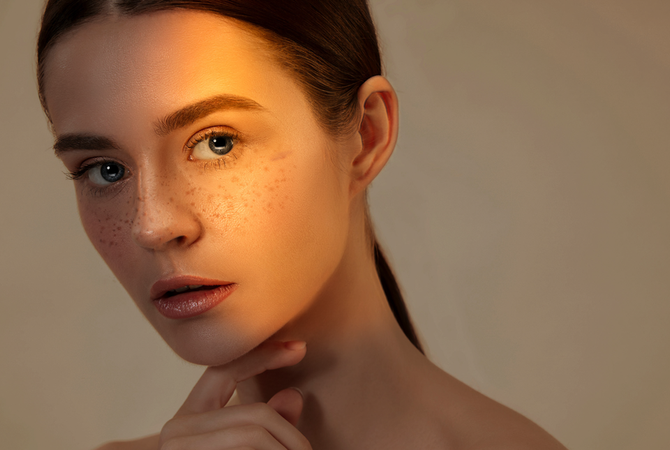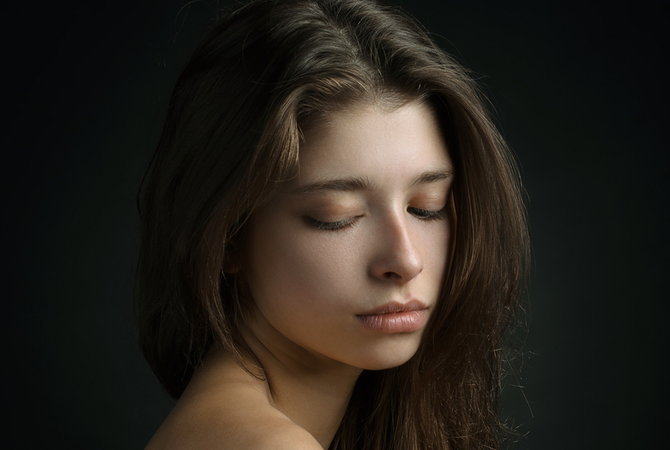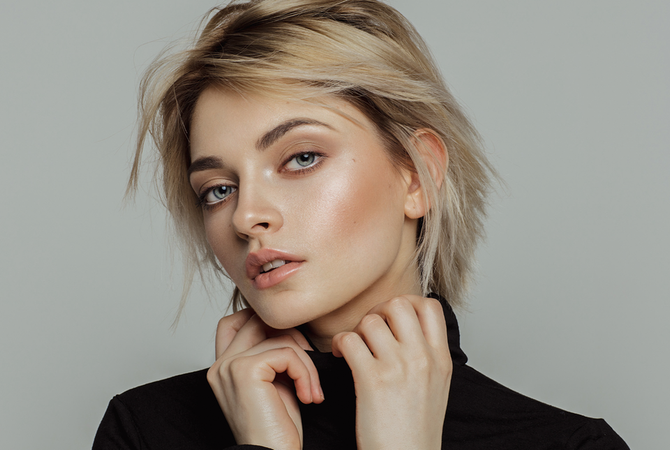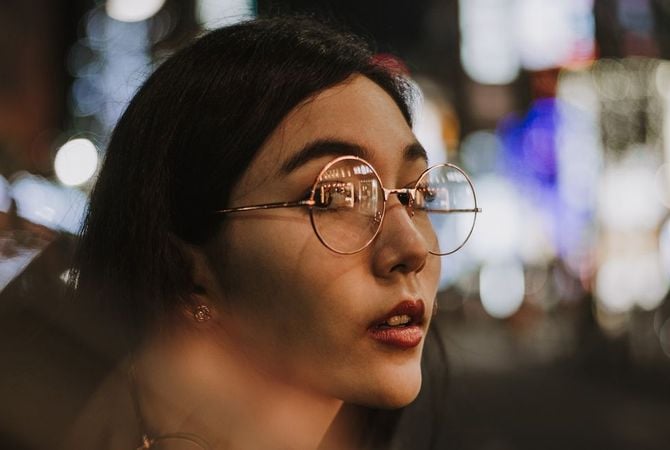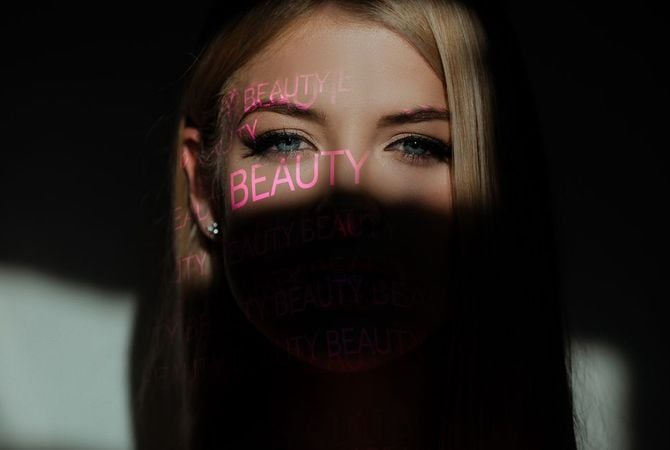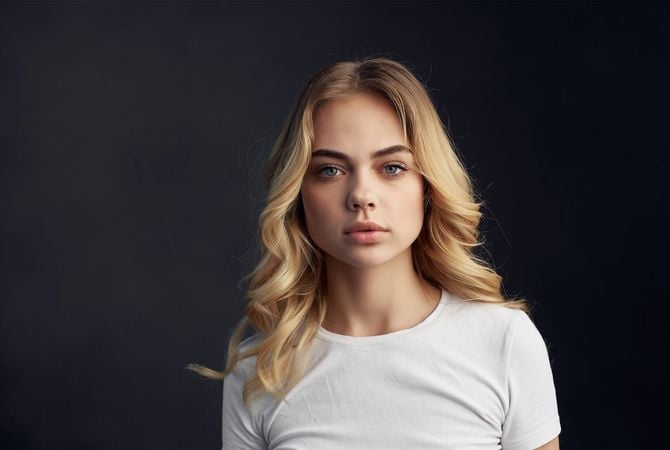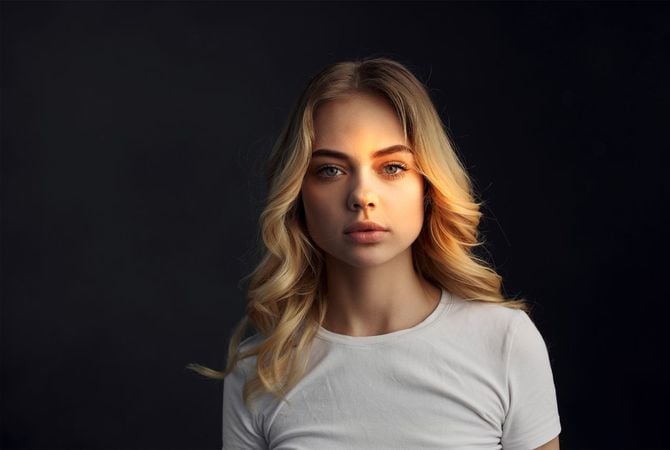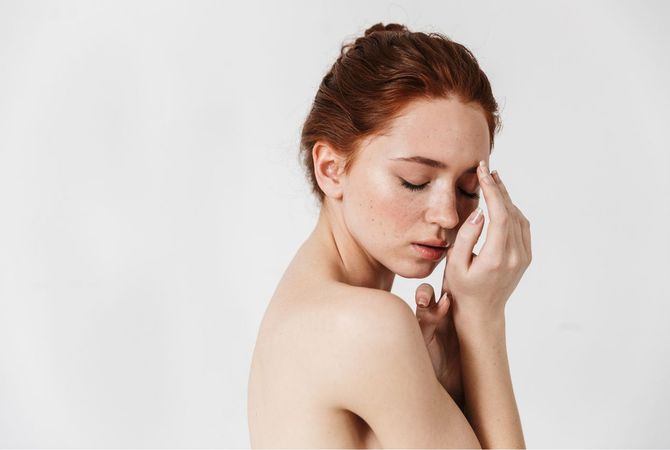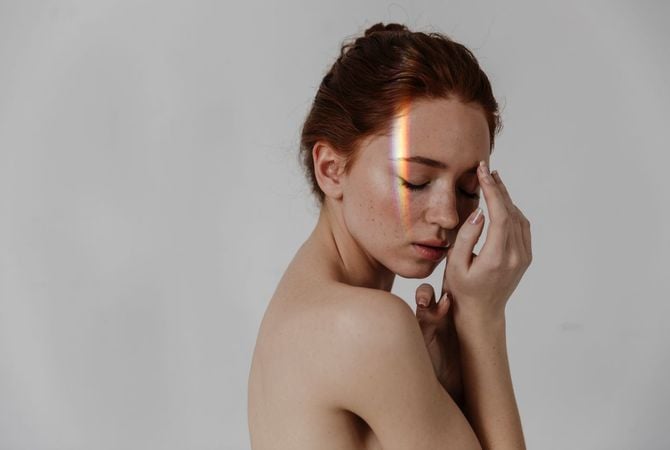
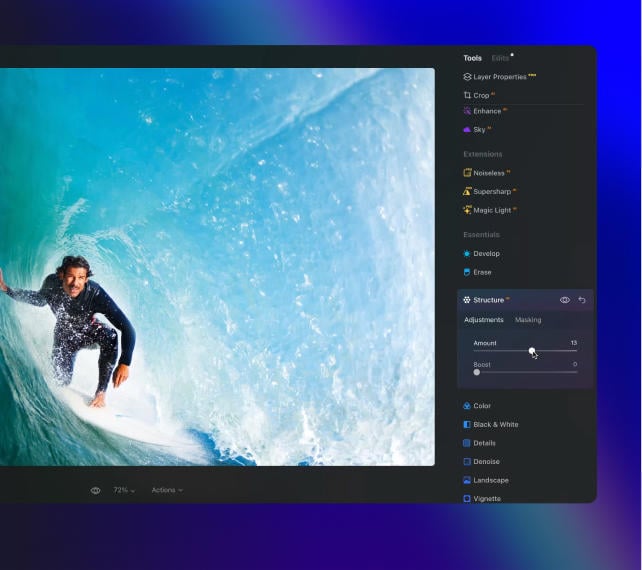

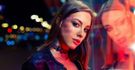
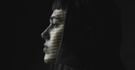
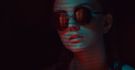
Maak verbluffende foto's met AI-gestuurde bewerking in Luminar.
Kies je beste abonnement.

© puhhha
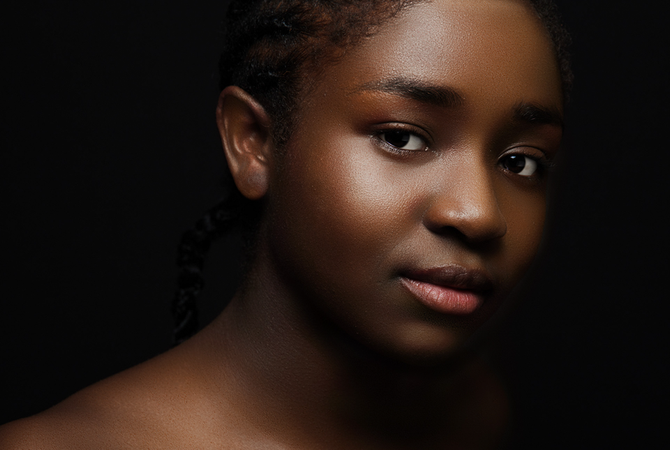
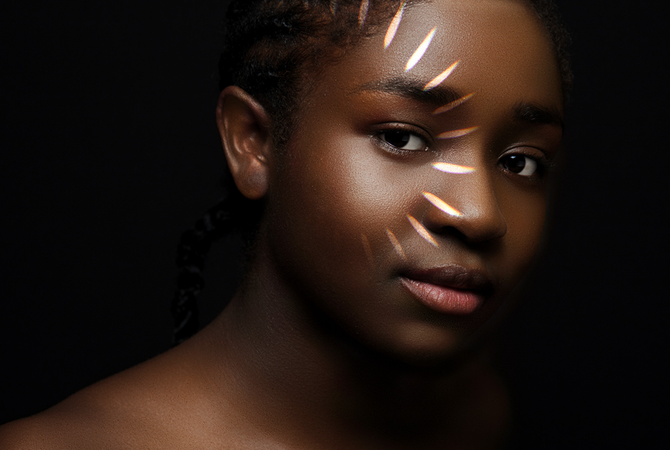
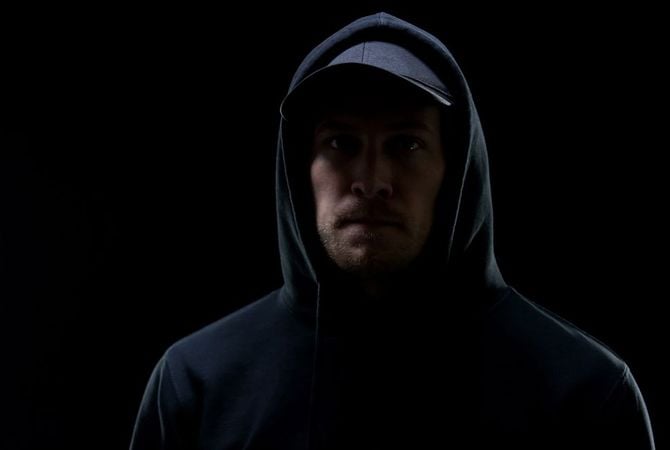
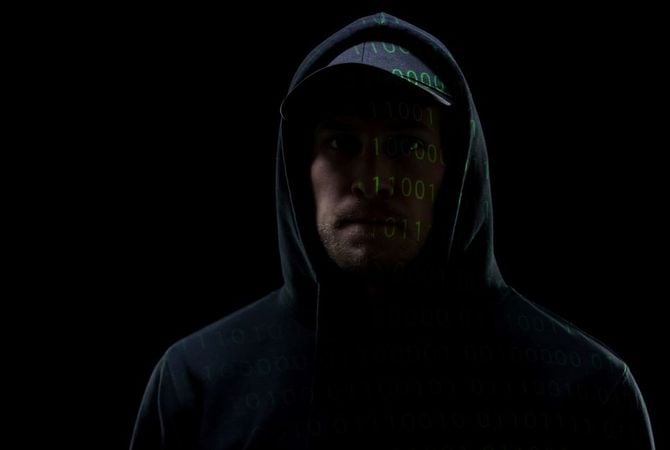
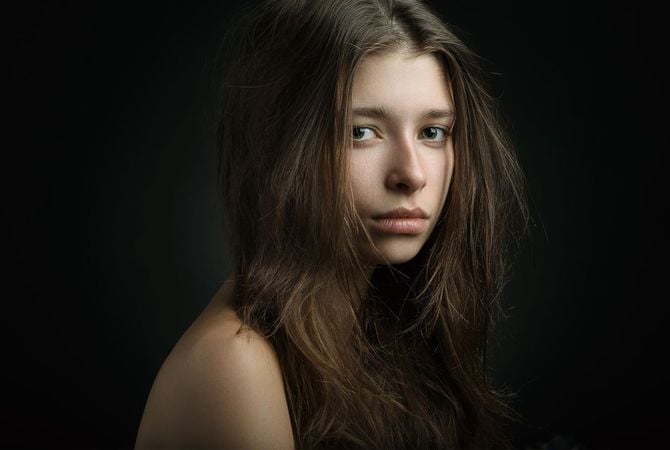
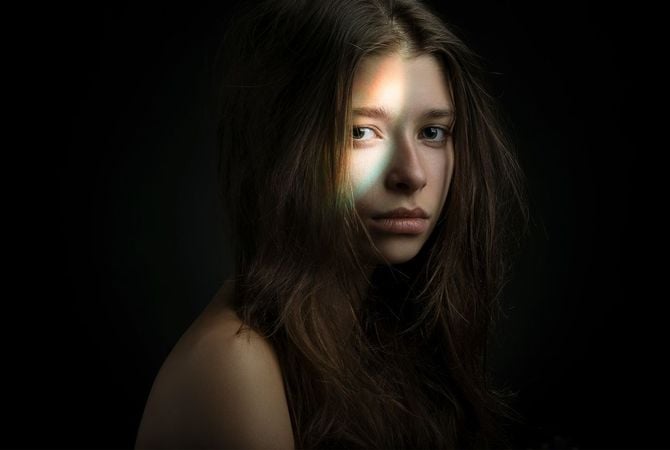
Voor Na
© facereader
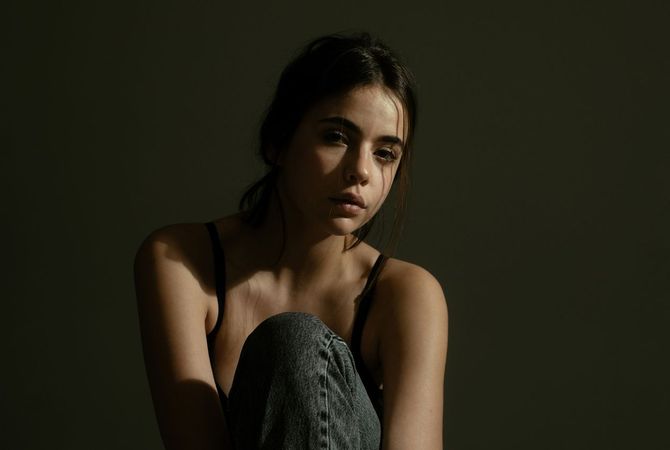
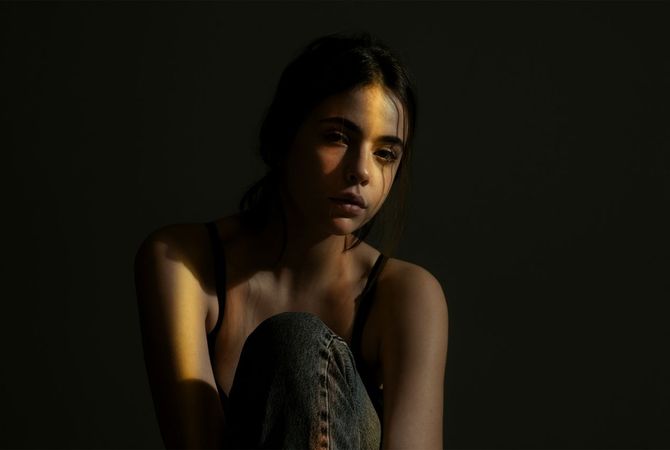
Voor Na
© mochaks
Voor Na

Repliceer studiolampen met een paar klikken

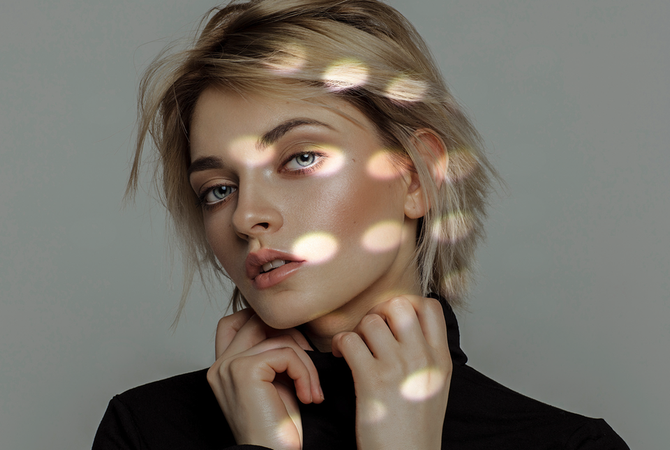
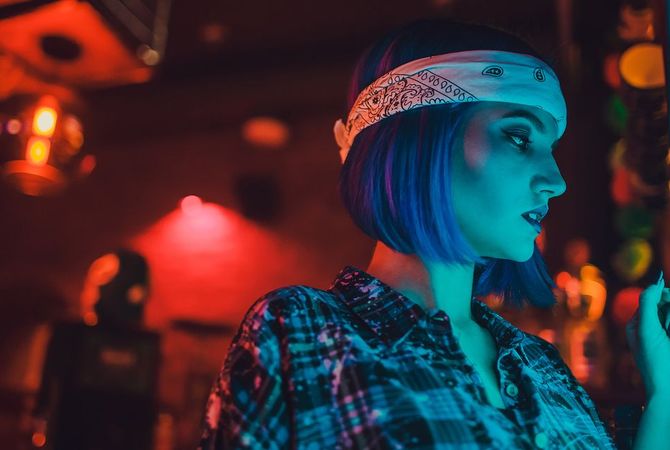
Creëer eenvoudig studioportretverlichtingseffecten om uw foto's naar een hoger niveau te tillen. Experimenteer met lichtbronnen voor indrukwekkende portretten.

Bekijk Studiolicht in actie

Bedien eenvoudig lichtbronnen, belicht portretfoto's opnieuw en voeg unieke lichtpatronen toe.

Schakel Lichtaanpassing In

Pas uw lichtbron aan zoals u dat wilt: verander het type, de vorm, de kleur en de helderheid,
en kies of u een uniform of patroon wilt hebben.

10 vooraf geïnstalleerde
texturen

Mogelijkheid om
uw texturen te laden

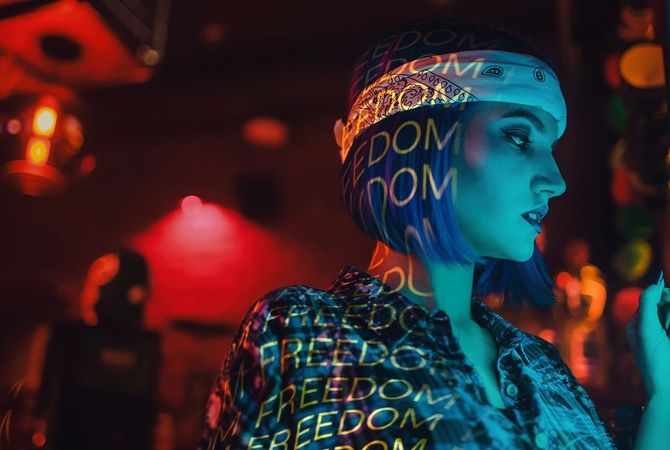
Speel met patronen en texturen van licht

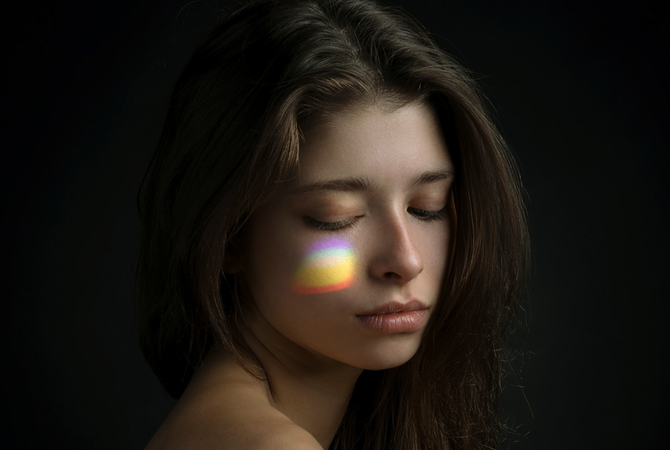
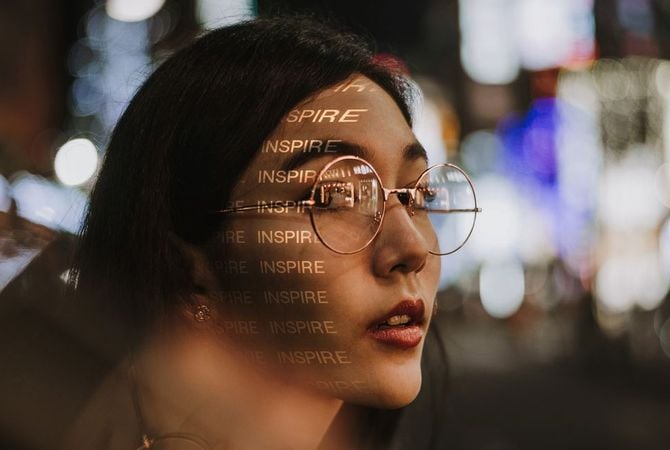
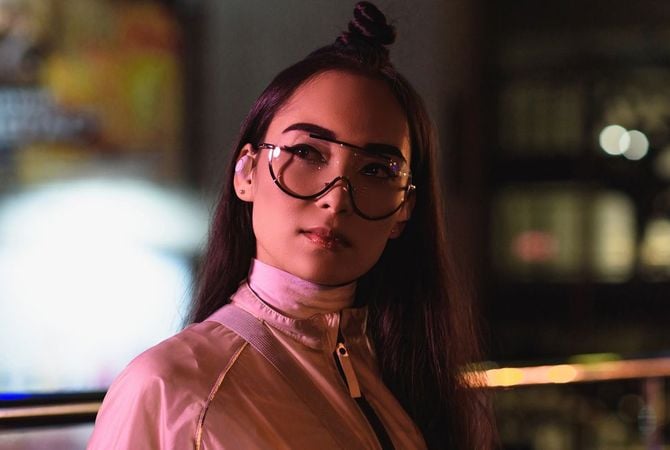
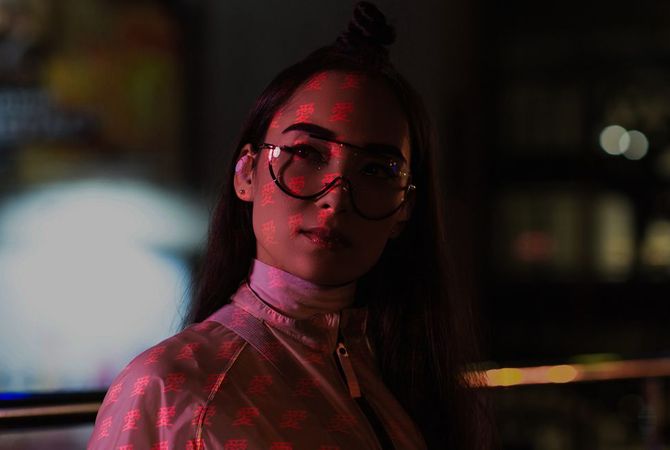
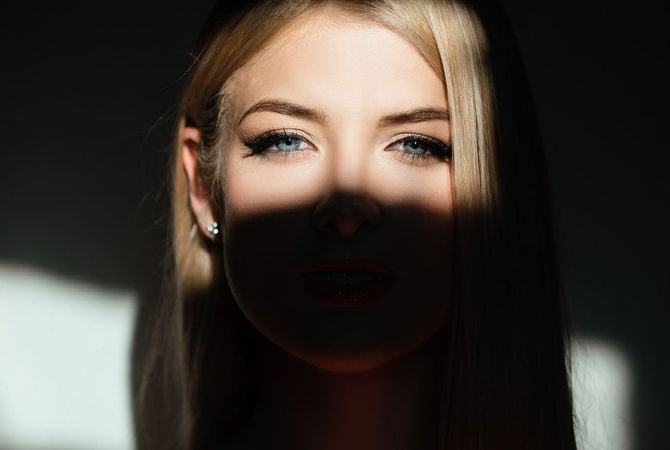
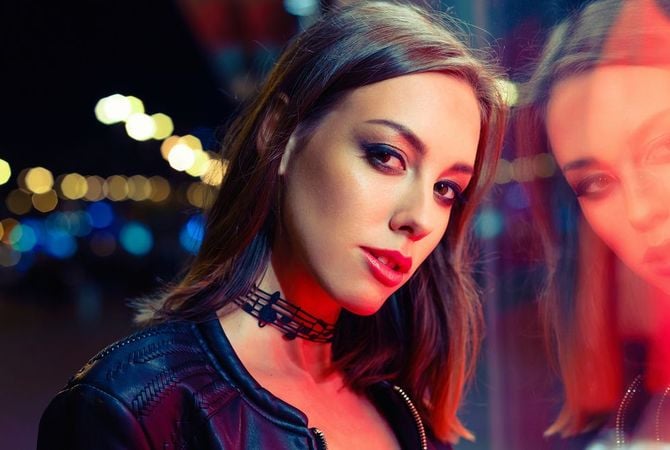
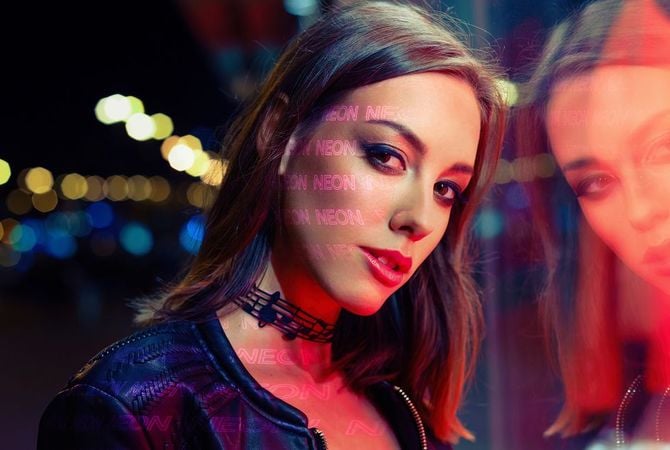
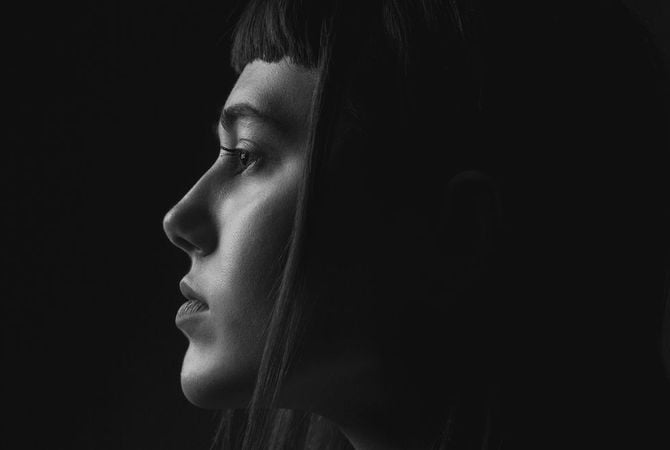
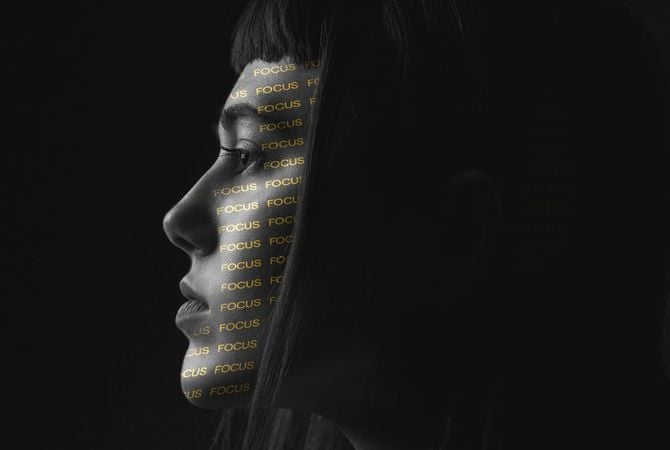
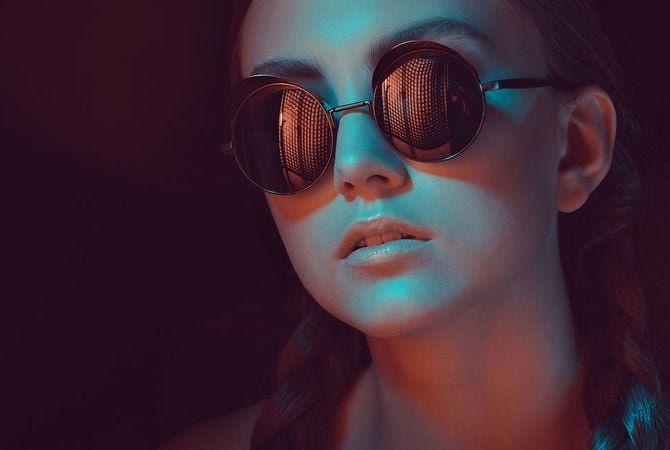
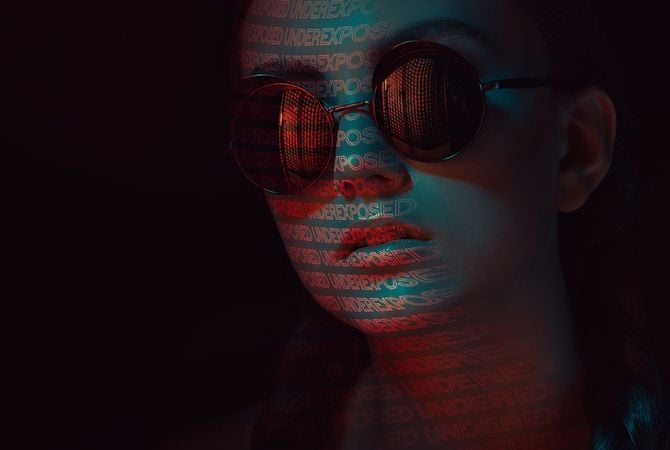
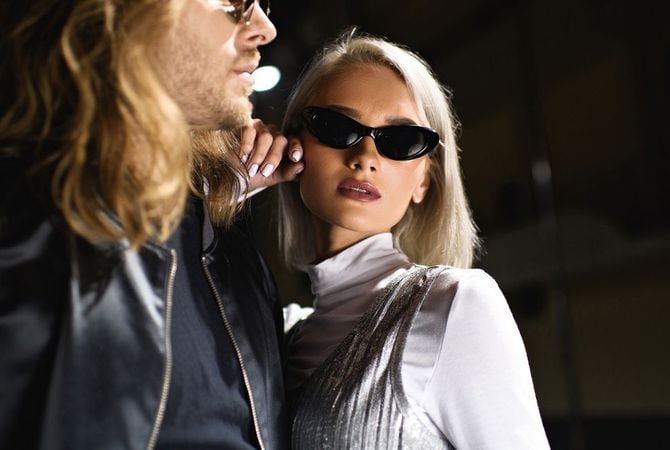
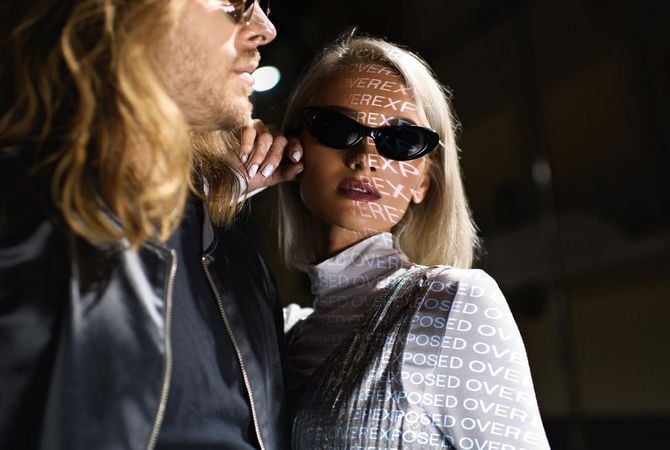
Verschillende lichtbronnen kunnen unieke lichtpatronen op uw modellen werpen. Creëer dit effect opnieuw door een sfeervol lichtpatroon of textuur aan uw portret toe te voegen.

Voor Na
© facereader
Voor Na
© theshots
Voor Na
© facereader

Texturen voor elke gelegenheid

Photo Lettering

Texturen voor Studio Licht door Team Skylum

Dots of Light

Texturen voor Studio Licht door Team Skylum

Words of Light Overlays

Texturen voor Studio Licht door Team Skylum

Lichtspel

Texturen voor Studio Licht door Team Skylum

Voor Na
© facereader.images.gmail.com
Voor Na
© francescosgura
Voor Na
© facereader
Voor Na
© gorgev

Controleer moeiteloos
lichtbronnen

Is het u ooit opgevallen dat uw portret donkerder is dan u wilt? Of juist het tegenovergestelde: dat uw foto overbelicht is? Probeer nu een nieuwe lichtervaring.

Studio Light -  Add Lighting to Portrait Photos | Luminar(3)

Advanced yet easy-to-use photo editor for everyone

Designed by Skylum for MacOS and Windows

Work also as plugins for Photoshop, Lightroom and Apple Photos®

icon

AI image enhancement

icon

Raw editing

icon

Layers support

icon

Non-destructive
editіng

icon

Lens correction

icon

Clone tool

icon

Dodge & burn

icon

Color enhancement

icon

Crop and resize

icon

Batch processing

Studio Light -  Add Lighting to Portrait Photos | Luminar(4)

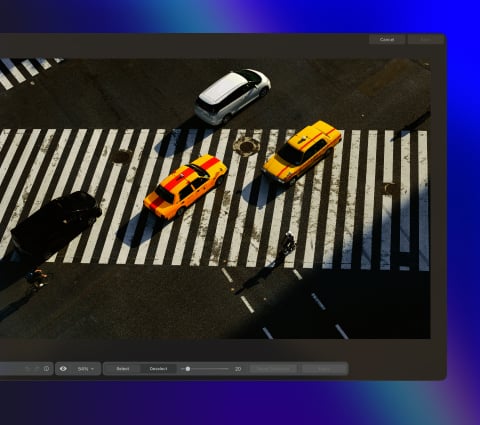
GenSwap

Replace specific elements

Effortlessly swap elements in your photos with AI-generated visuals that seamlessly integrate with the rest of your image.

Luminar features: Supercontrast - Experience the power of perfect color contrast

GenErase

Eliminate distractions

Remove unwanted elements from your images and seamlessly fill in the gaps with elements that match the surroundings.

Luminar features: Supercontrast - Experience the power of perfect color contrast

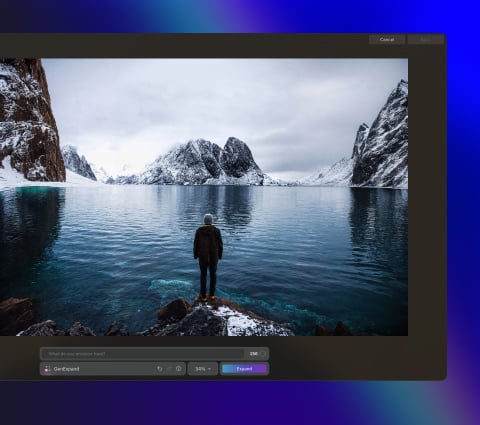
GenExpand

Break the limits of the frame

Extend the boundaries of your photos, whether you're creating landscapes or portraits, by adding more space to them.

Luminar features: Supercontrast - Experience the power of perfect color contrast

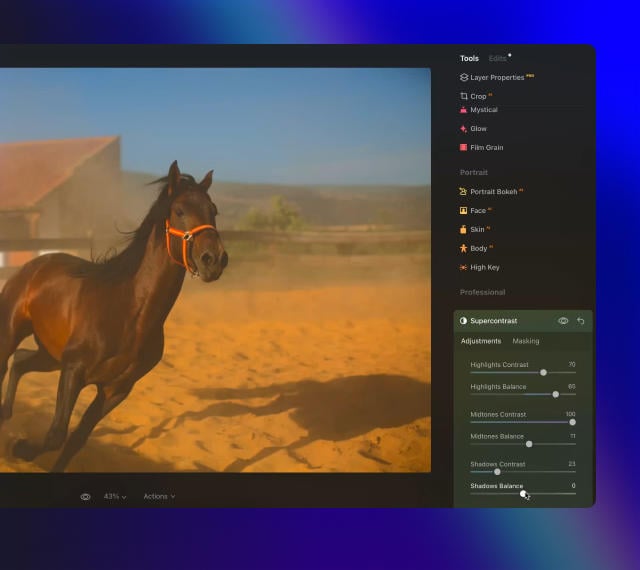
Supercontrast

Experience the power
of perfect color contrast

Precisely adjusts tonal contrast with six distinct controls spanning highlights, mid-tones, and shadows.

Luminar features: Supercontrast - Experience the power of perfect color contrast

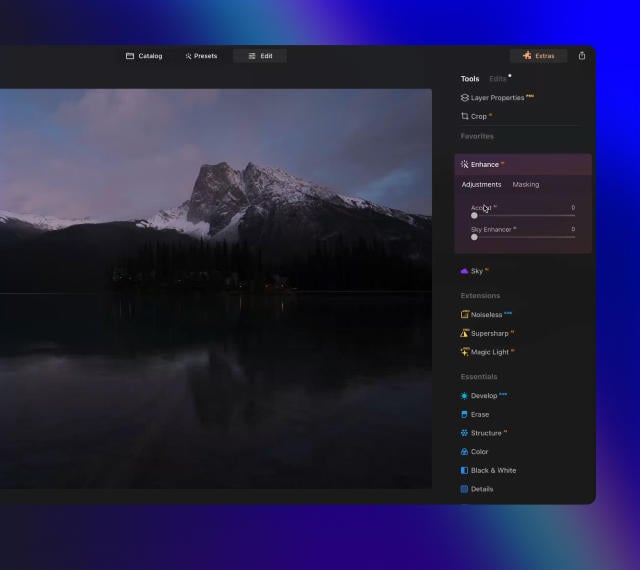
EnhanceAI

Achieve an instantly captivating photo with an all-in-one tool

Control up to a dozen adjustments including shadows, highlights, contrast, and tone with one AI-powered tool.

Luminar features: Enhance AI - Achieve an instantly captivating photo with an all-in-one tool

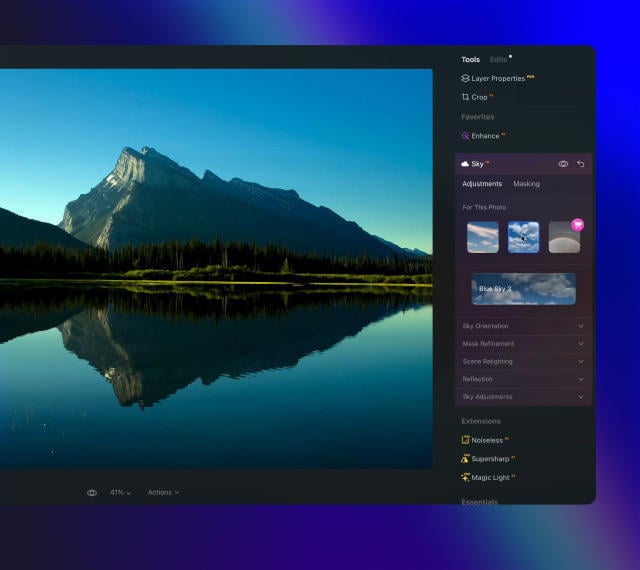
SkyAI

Increase the vibrancy of your photos by replacing a dull sky

Seamlessly replace the sky, taking into account its reflection in water for maximum realism.

Luminar features: Sky AI - Increase the vibrancy of your photos by replacing a dull sky

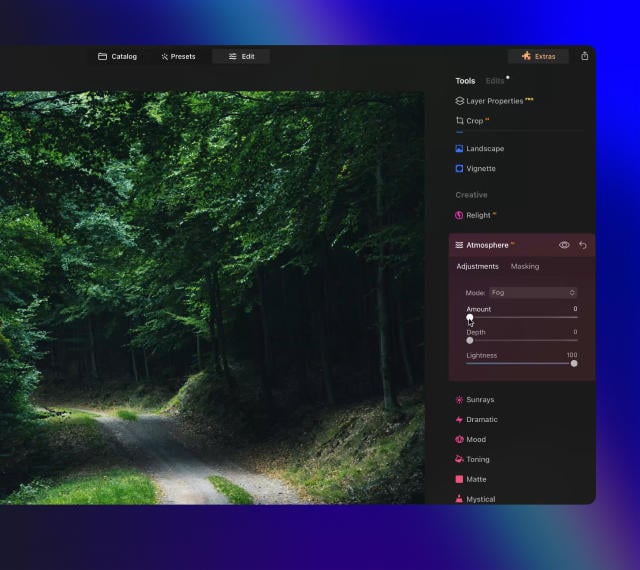
AtmosphereAI

Add a unique
mystical mood

Place fog, mist, or haze in your photo
with content-aware AI.

Luminar features: Atmosphere - Add a unique mystical mood

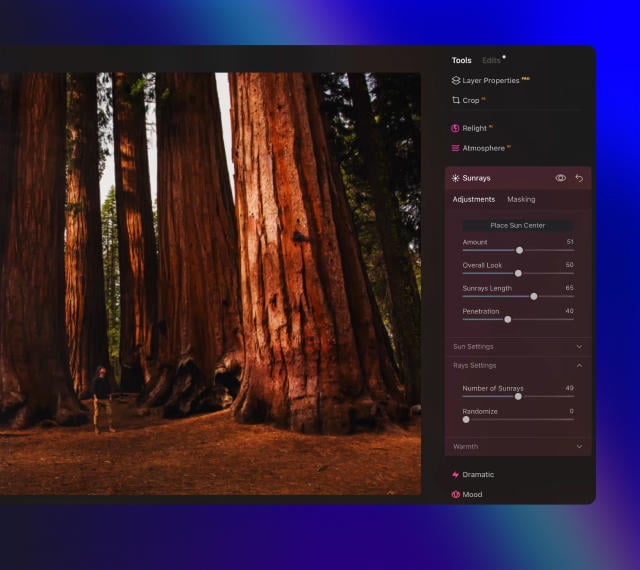
Sunrays

Let the sun shine
in your photo

Add beautiful rays of sunshine and control
their glow intensity.

Luminar features: Sunrays - Let the sun shine in your photo

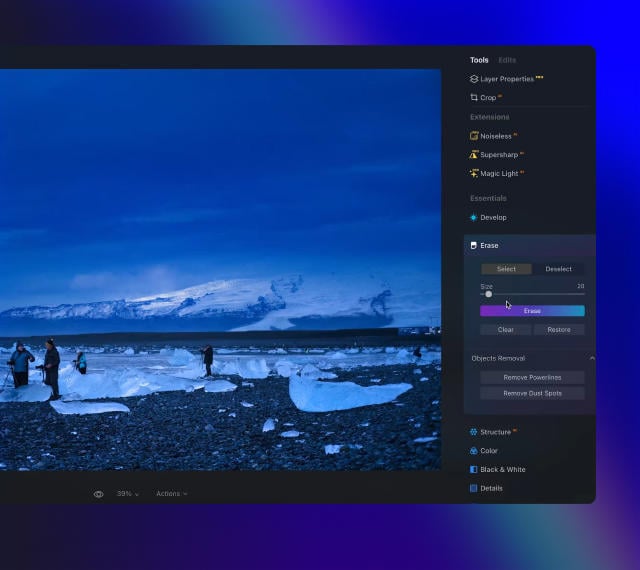
Erase

Clean, mess-free
photos in one click

Remove unwanted objects or details for fast,
easy, and realistіc results.

Luminar features: Erase - Clean, mess-free photos in one click

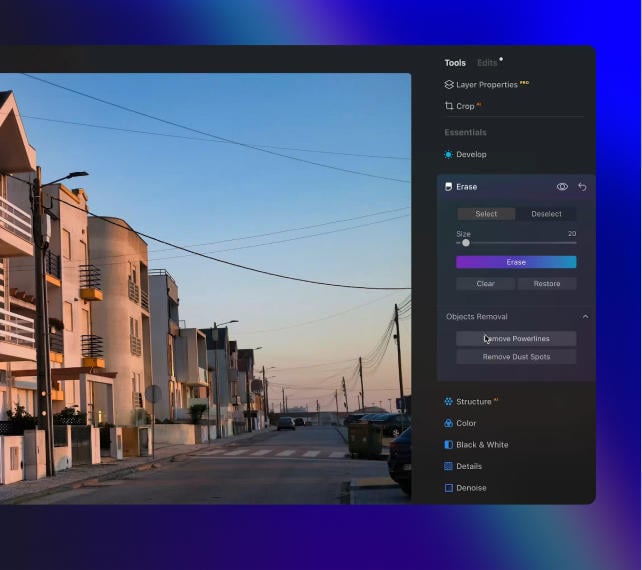
Remove Powerlines

Get rid of annoying
power lines

Clean up your cityscapes with the power of AI.
No masking needed.

Luminar features: Remove powerlines - Get rid of annoying power lines

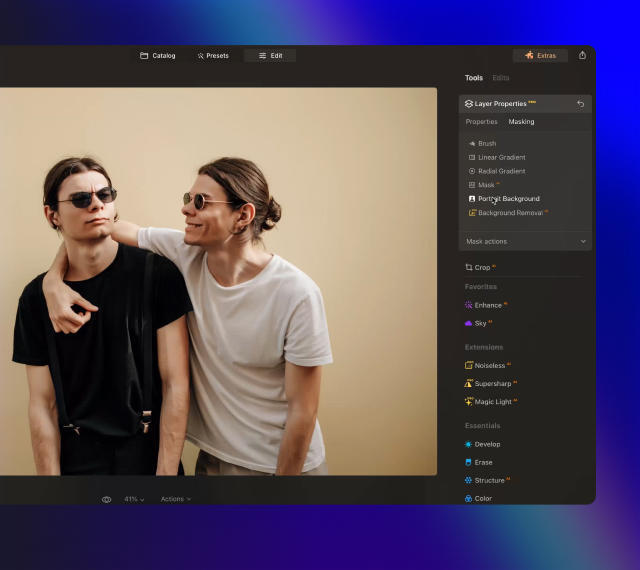
Portrait Background

Experiment with
fun portraits

Remove the background and transport
people to a different location.

Luminar features: Portrait Background - Experiment with fun portraits

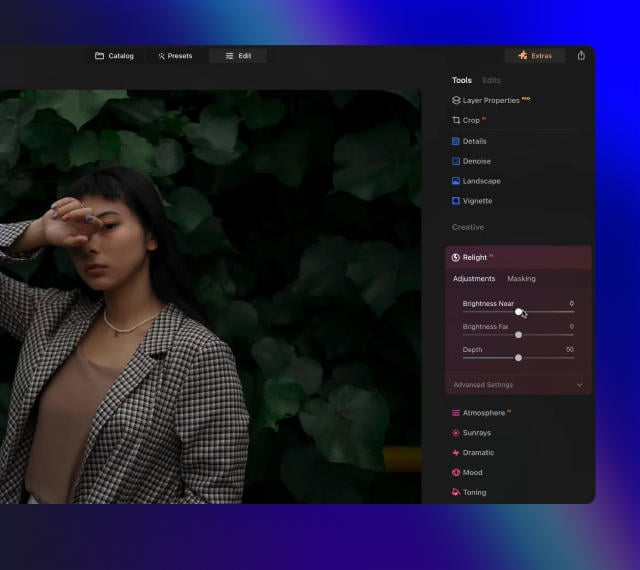
RelightAI

Fix backlit photos
in an instant

Light up dark photos in post-processing and get total control over the lighting in your photo.

Luminar features: Relight AI - Fix backlit photos in an instant

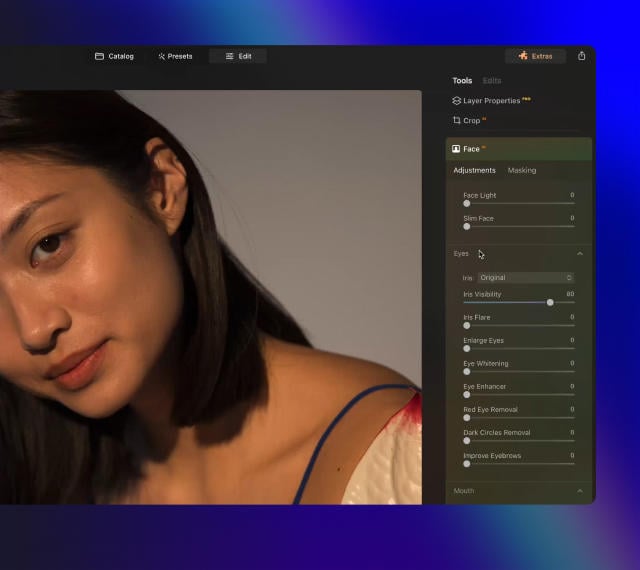
FaceAI

Retouch facial
features naturally

Add face light, remove dark circles,
enhance lips, and do so much more.

Luminar features: Face AI - Smooth skin in a heartbeat

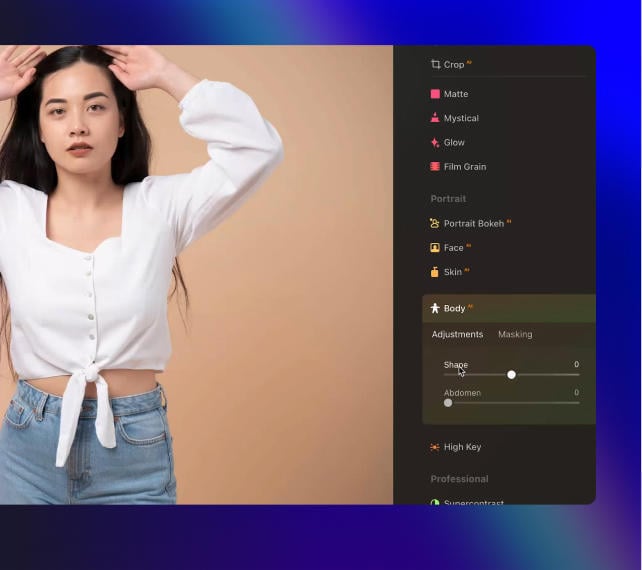
BodyAI

Shape the body

Add volume to or remove volume from the torso
or abdomen to enhance natural beauty.

Luminar features: Body AI - Shape the body

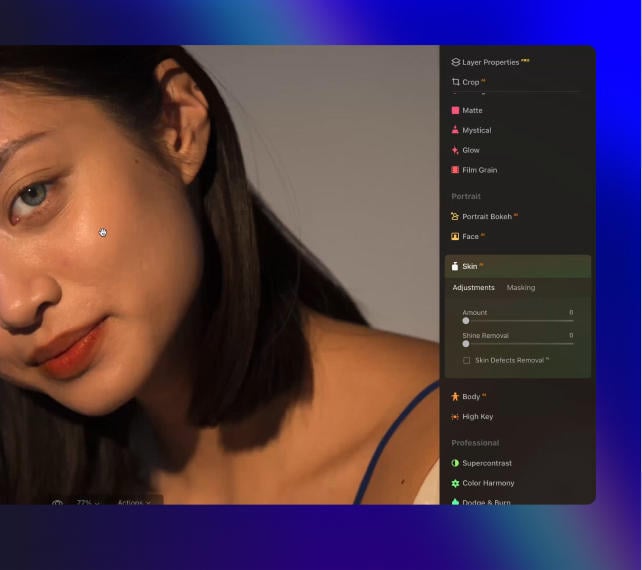
SkinAI

Smooth skin
in a heartbeat

Automatically retouch a person’s skin
and eliminate imperfections.

Luminar features: Face AI

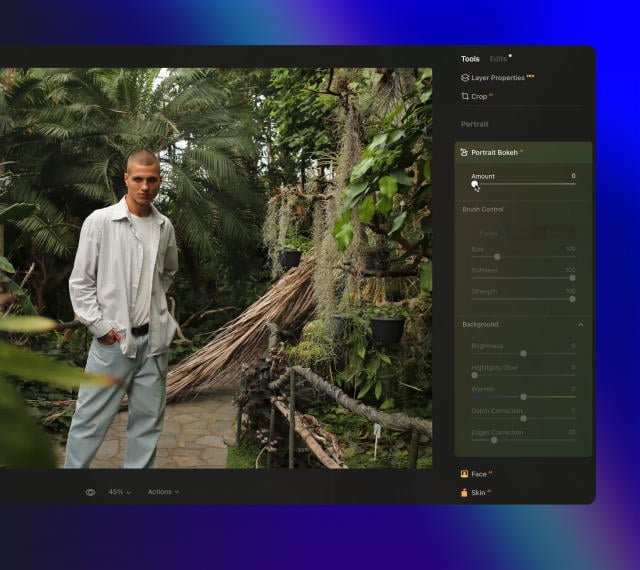
Portrait BokehAI

Create a dreamy
bokeh effect

Simulate an out-of-focus background effect
without the need for a special lens.

Luminar features: Portrait Bokeh AI - Create a dreamy bokeh effect

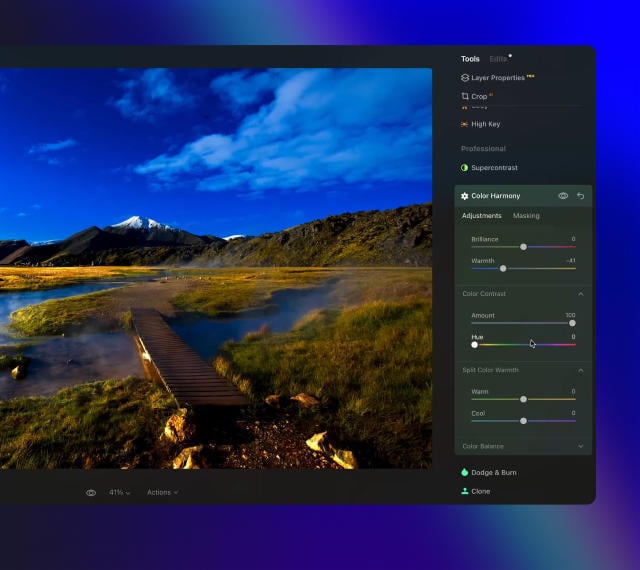
Color Harmony

Get precise
color control

Fine-tune adjustments like brilliance, warmth,
and balance with advanced tech in simple sliders.

Luminar features: Color Harmony - Get precise color control

StructureAI

Sharp details,
natural look

Reveal a great deal of detail while keeping
people’s faces and skin natural.

Luminar features: Structure AI - Sharp details, natural look

Discover Luminar features

Studio Light -  Add Lighting to Portrait Photos | Luminar(23)

GenSwap

GenErase

GenExpand

Supercontrast

EnhanceAI

SkyAI

AtmosphereAI

Sunrays

Erase

Remove Powerlines

Portrait Background

RelightAI

FaceAI

BodyAI

SkinAI

Portrait BokehAI

Color Harmony

StructureAI

An application & plugin.
For macOS & Windows

Join the Next Evolution of Luminar

Get ready to explore the full potential of Luminar's next-gen AI-powered photo editing. Level Up and step into the future of photography.

Generatief Wissen

Zeg vaarwel tegen afleiding met GenErase. Vervang moeiteloos ongewenste elementen zonder de integriteit van uw foto's in gevaar te brengen.

Generatief Uitbreiden

Met Generatief Uitbreiden zult u de grenzen van traditionele beeldverhoudingen doorbreken. Verbreed uw horizon voorbij de oorspronkelijke compositie en voeg nieuwe dimensies toe aan uw portretten.

Generatief Wisselen

Transformeer uw foto's door luchten en voorgronden te vervangen of om te wisselen met hoogwaardige, door AI gegenereerde beelden die naadloos opgaan in de rest van de foto.

Studio Light

Voeg briljante lichteffecten toe aan portretten en blaas oude foto's nieuw leven in. Met deze tool kunnen fotografen bliksemeffecten nabootsen die meestal alleen worden bereikt met dure technische studioapparatuur.

Neon & Glow

Voeg briljante lichteffecten toe aan portretten en blaas oude foto's nieuw leven in. Met deze tool kunnen fotografen bliksemeffecten nabootsen die meestal alleen worden bereikt met dure technische studioapparatuur.

Water Enhancer

Binnenkort beschikbaar

Voeg briljante lichteffecten toe aan portretten en blaas oude foto's nieuw leven in. Met deze tool kunnen fotografen bliksemeffecten nabootsen die meestal alleen worden bereikt met dure technische studioapparatuur.

Het geheim van het maken van ongelooflijke foto's
waar iedereen sprakeloos van wordt

Veel Gestelde Vragen

Wat is Studiolicht in Luminar Neo?

Licht bij portretfotografie is ontzettend belangrijk. Met Studiolicht in Luminar Neo kunt u lichteffecten die normaal gesproken alleen met dure technische apparatuur in de studio kunnen worden bereikt, getrouw nabootsen en oudere foto's nieuw leven inblazen door nieuwe dimensies toe te voegen.

Hoe repliceert Studiolicht lichteffecten in portretfotografie?

Met Studiolicht kunt u verschillende lichteffecten in uw foto's nabootsen. Stel u voor dat u warm zonlicht kunt simuleren terwijl het door de zonwering achter het onderwerp naar binnen valt. Met Studiolicht voegt u eenvoudig een geheel nieuwe dimensie toe aan uw portretfoto's.

Welke soorten fotolichteffecten kan Studiolicht simuleren?

Er zijn zoveel dingen die u kunt doen met Studiolicht, van een eenvoudig relighting-effect dat de lichten van een studio simuleert tot creatievere effecten zoals lichtpatronen die door gevormde gordijnen of ramen worden gegoten. Voeg zonlicht toe aan het gezicht, belicht een onderbelichte foto opnieuw, kies de positie van de lichtbron, creëer een natuurlijk zonlichteffect: tijd om het allemaal uit te proberen!

Is het alleen geschikt voor portretfoto's?

Studiolicht is speciaal gemaakt voor portretfotografie. Voeg lichteffecten toe aan foto's van mensen en bekijk zelf de impact.

Kan ik de intensiteit of stijl van de lichteffecten in Studiolicht aanpassen?

Natuurlijk! U kunt het type lichteffect, de kleur en de helderheid wijzigen en kiezen of u het een uniform of patroon wilt geven. Van nepzonnestralen tot lichtpatronen op de huid: ontdek uw creatieve mogelijkheden.

Wie heeft baat bij de Luminar Neo Studio Light-tool?

De Luminar Neo Studio Light-tool is vooral waardevol voor:

  • Portretfotografen: vorm licht, verbeter gelaatstrekken en creëer studioverlichting zonder complexe opstellingen.
  • Mode- en beautyfotografen: verfijn hoge lichten en schaduwen om diepte, zachtheid en een gepolijste, professionele uitstraling toe te voegen.
  • Contentmakers en influencers: creëer heldere, flatterende belichting voor portretten en lifestylefoto's.
  • Commerciële en merkfotografen: regel de lichtrichting en sfeer om beeldmateriaal met grote impact te creëren.
  • Fotografen die met moeilijk licht werken: corrigeer vlak, hard of ongelijkmatig licht en herstel de balans in de scène.

Deze tool helpt iedereen die studiokwaliteit verlichting wil, zelfs bij imperfecte omstandigheden.

Waarom is Luminar Neo het beste voor het toevoegen van studiolicht aan foto's?

Luminar Neo Studio Light is de beste tool voor het toevoegen van studioverlichting, omdat het fotografen in staat stelt om licht direct in de foto met precisie te vormen. De tool is ontworpen om hoge lichten en schaduwen te versterken, de aandacht te sturen en diepte toe te voegen zonder complexe handmatige maskering of externe verlichtingsopstellingen. Luminar Neo onderscheidt zich door zijn vermogen om professionele lichteffecten te simuleren, terwijl de resultaten natuurlijk en volledig aanpasbaar blijven.

Waarom vertrouwen fotografen op Luminar Neo Studio Light?

Fotografen vertrouwen op Luminar Neo Studio Light omdat het consistent gecontroleerde, realistische verlichtingsverbeteringen oplevert. De tool wordt door professionals vertrouwd vanwege het vermogen om de sfeer te verfijnen, onderwerpen te benadrukken en vlak of ongelijkmatig licht te corrigeren. Geïntegreerd in de niet-destructieve workflow van Luminar Neo, biedt het fotografen betrouwbare verlichtingscontrole zonder afbreuk te doen aan de beeldkwaliteit.

Welke soorten lichteffecten kan Studio Light simuleren?

Studio Light kan worden gebruikt om verschillende fotografische verlichtingsstijlen te simuleren, waaronder zacht raamlicht, zacht studiolicht, gerichte verlichting en textuurrijke of dramatische lichteffecten. Fotografen gebruiken het om onderwerpen lichter te maken, diepte toe te voegen, focus te creëren en een sfeer te introduceren die vergelijkbaar is met gecontroleerde studio-opstellingen.

Kan ik de intensiteit, kleur, richting en zachtheid van het studiolichteffect regelen?

Ja. Studio Light biedt knoppen om de sterkte, kleur, zachtheid en plaatsing van het licht aan te passen. Dit geeft fotografen de flexibiliteit om de verlichting fijn af te stemmen op de scène.

© KALL1ST0
Studio Light -  Add Lighting to Portrait Photos | Luminar(25)
Studio Light -  Add Lighting to Portrait Photos | Luminar(26)
Voor Na
© smmartynenko
Studio Light -  Add Lighting to Portrait Photos | Luminar(27)
Studio Light -  Add Lighting to Portrait Photos | Luminar(28)
Voor Na
© Dima_Aslanian
Studio Light -  Add Lighting to Portrait Photos | Luminar(29)
Studio Light -  Add Lighting to Portrait Photos | Luminar(30)
Voor Na
© VitalikRadko
Studio Light -  Add Lighting to Portrait Photos | Luminar(31)
Studio Light -  Add Lighting to Portrait Photos | Luminar(32)
Voor Na
© VitalikRadko
Studio Light -  Add Lighting to Portrait Photos | Luminar(33)
Studio Light -  Add Lighting to Portrait Photos | Luminar(34)
Voor Na
Studio Light -  Add Lighting to Portrait Photos | Luminar(35)
Studio Light -  Add Lighting to Portrait Photos | Luminar(36)
Studio Light -  Add Lighting to Portrait Photos | Luminar(37)
Studio Light -  Add Lighting to Portrait Photos | Luminar(38)
Studio Light -  Add Lighting to Portrait Photos | Luminar(39)

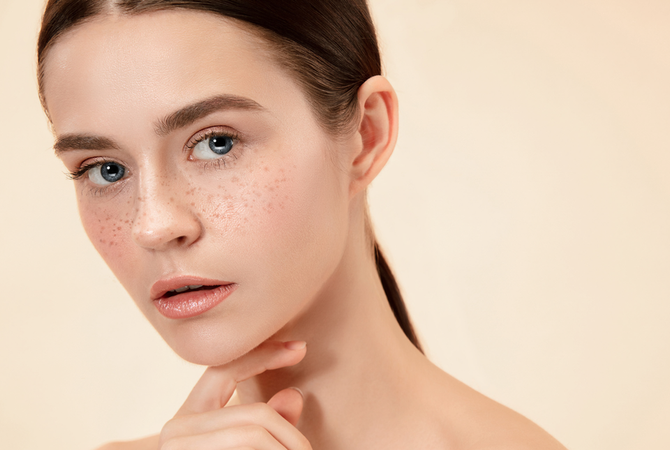
Photo Lettering

GRATIS

$ 99 .00

Omschrijving

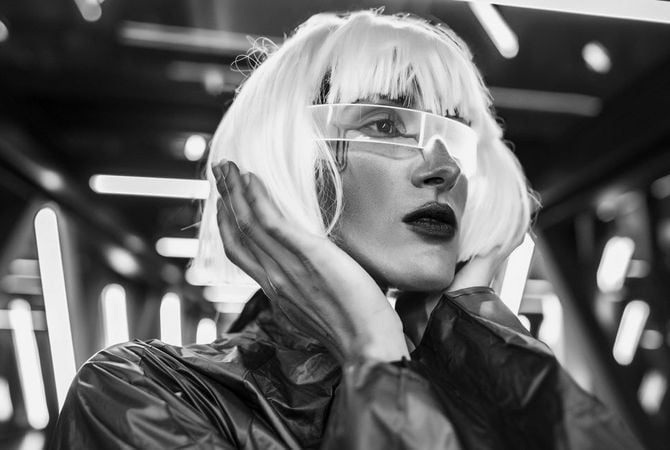
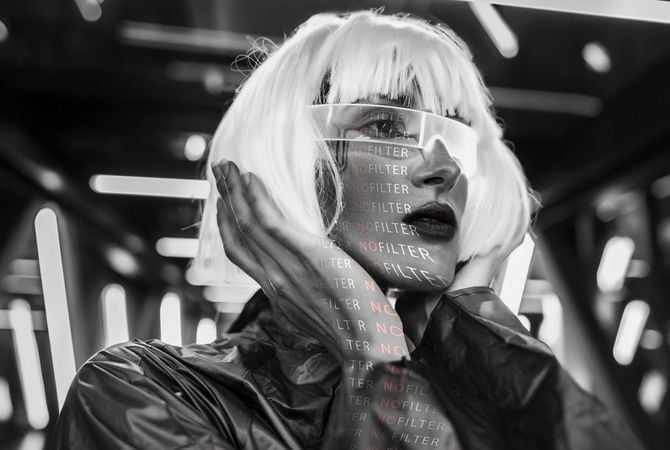
Did you know that the exclusive Studio Light feature in Luminar lets you experiment with light patterns? You can easily Add word Light Texture and give a new stylish look to your portrait photo. The word will light up on the skin of your model, filling your photo with a new meaning. This collection features 5 JPEG Light Textures with words related to photography that you can use to create something truly special. Each Texture is fully customizable so that you can enhance each image with your own unique photographic style and vision. Easily apply them to your photos using the Studio Light tool in Luminar.

Wat is inbegrepen

5 Light Texturen in JPEG formaat
Gerelateerd Product

Totaal: $ 00

Bespaar $ 00

Koop Nu

Totaal: $ 00

Bespaar $ 00

Koop Nu
© vova130555@gmail.com
Studio Light -  Add Lighting to Portrait Photos | Luminar(40)
Studio Light -  Add Lighting to Portrait Photos | Luminar(41)
Voor Na
© shalunx13
Studio Light -  Add Lighting to Portrait Photos | Luminar(42)
Studio Light -  Add Lighting to Portrait Photos | Luminar(43)
Voor Na
© kiuikson
Studio Light -  Add Lighting to Portrait Photos | Luminar(44)
Studio Light -  Add Lighting to Portrait Photos | Luminar(45)
Voor Na
© kjekol
Studio Light -  Add Lighting to Portrait Photos | Luminar(46)
Studio Light -  Add Lighting to Portrait Photos | Luminar(47)
Voor Na
Studio Light -  Add Lighting to Portrait Photos | Luminar(48)
Studio Light -  Add Lighting to Portrait Photos | Luminar(49)
Studio Light -  Add Lighting to Portrait Photos | Luminar(50)
Studio Light -  Add Lighting to Portrait Photos | Luminar(51)

Dots of Light

GRATIS

$ 99 .00

Omschrijving

Designed to make the most of Luminar’s Studio Light tool, this pack of 5 Overlays will make your images unforgettable. Each Overlay imitates light circles in various colors. Play with these light gobos to create an interesting effect on a portrait, light up a photo in an interesting way, or add something unique to your composition.

Wat is inbegrepen

5 Licht Texturen

Gerelateerd Product

Totaal: $ 00

Bespaar $ 00

Koop Nu

Totaal: $ 00

Bespaar $ 00

Koop Nu
© oneinchpunch
Studio Light -  Add Lighting to Portrait Photos | Luminar(52)
Studio Light -  Add Lighting to Portrait Photos | Luminar(53)
Voor Na
© KostyaKlimenko
Studio Light -  Add Lighting to Portrait Photos | Luminar(54)
Studio Light -  Add Lighting to Portrait Photos | Luminar(55)
Voor Na
© vershinin.photo
Studio Light -  Add Lighting to Portrait Photos | Luminar(56)
Studio Light -  Add Lighting to Portrait Photos | Luminar(57)
Voor Na
© motortion
Studio Light -  Add Lighting to Portrait Photos | Luminar(58)
Studio Light -  Add Lighting to Portrait Photos | Luminar(59)
Voor Na
© Tverdohlib.com
Studio Light -  Add Lighting to Portrait Photos | Luminar(60)
Studio Light -  Add Lighting to Portrait Photos | Luminar(61)
Voor Na
Studio Light -  Add Lighting to Portrait Photos | Luminar(62)
Studio Light -  Add Lighting to Portrait Photos | Luminar(63)
Studio Light -  Add Lighting to Portrait Photos | Luminar(64)
Studio Light -  Add Lighting to Portrait Photos | Luminar(65)
Studio Light -  Add Lighting to Portrait Photos | Luminar(66)

Words of Light Overlays

GRATIS

$ 99 .00

Omschrijving

Already tried the exclusive Studio Light feature in Luminar? Add a word Overlay and give new depth and meaning to your portrait photo. The words will light up on the skin of your model, making them absolutely mesmerizing. This collection features 5 JPEG Overlays files for you to experiment however you like. Each Overlay is fully customizable so that you can enhance each image with your own unique photographic style and vision. Easily apply them to your photos using Layers in Luminar.

Wat is inbegrepen

5 Overlays in JPEG formaat
Gerelateerd Product

Totaal: $ 00

Bespaar $ 00

Koop Nu

Totaal: $ 00

Bespaar $ 00

Koop Nu
© shalunx13
Studio Light -  Add Lighting to Portrait Photos | Luminar(67)
Studio Light -  Add Lighting to Portrait Photos | Luminar(68)
Voor Na
© Tverdohlib.com
Studio Light -  Add Lighting to Portrait Photos | Luminar(69)
Studio Light -  Add Lighting to Portrait Photos | Luminar(70)
Voor Na
© ShotStudio
Studio Light -  Add Lighting to Portrait Photos | Luminar(71)
Studio Light -  Add Lighting to Portrait Photos | Luminar(72)
Voor Na
© Vadymvdrobot
Studio Light -  Add Lighting to Portrait Photos | Luminar(73)
Studio Light -  Add Lighting to Portrait Photos | Luminar(74)
Voor Na
Studio Light -  Add Lighting to Portrait Photos | Luminar(75)
Studio Light -  Add Lighting to Portrait Photos | Luminar(76)
Studio Light -  Add Lighting to Portrait Photos | Luminar(77)
Studio Light -  Add Lighting to Portrait Photos | Luminar(78)

Lichtspel

GRATIS

$ 99 .00

Omschrijving

Designed to make the most of Luminar’s Studio Light tool, this pack of 5 Light Textures will make your photos truly impressive. Each Overlay imitates light patterns of different shapes, sizes, intensities, and colors, as if they’re shining through different prisms. Achieve an interesting stylistic effect, elevate your portraits, or simply experiment with these impressive light gobos.

Wat is inbegrepen

5 Overlays in JPEG formaat
Gerelateerd Product

Totaal: $ 00

Bespaar $ 00

Koop Nu

Totaal: $ 00

Bespaar $ 00

Koop Nu

App Vereisten

macOS

Mac Model

MacBook, MacBook Air, MacBook Pro, iMac, iMac Pro, Mac Pro, Mac mini, begin 2010 of nieuwer

Processor

CPU Intel® Core™ i5 8 Gen of beter

OS versie

macOS - 12.0 of hoger.

RAM

Geheugen 8 GB RAM of meer (16+ GB RAM wordt aanbevolen)

Schijfruimte

Harde schijf 10 GB vrije ruimte; SSD voor beste prestaties

Monitor

1280 x 768 resolutie of beter

Windows

Hardware

Windows hardware-pc met muis of vergelijkbaar invoerapparaat
Processor

CPU Intel® Core™ i5 8 Gen of beter, AMD Ryzen™ 5 of beter

OS versie

10 versie 1909 of hoger (alleen 64-bits besturingssysteem).

RAM

Geheugen 8 GB RAM of meer (16+ GB RAM wordt aanbevolen)
Schijfruimte

Harde schijf 10 GB vrije ruimte; SSD voor beste prestaties

Monitor

1280 x 768 resolutie of beter

Grafisch

Open GL 3.3 of later compatibele grafische kaarten

Studio Light -  Add Lighting to Portrait Photos | Luminar(79)