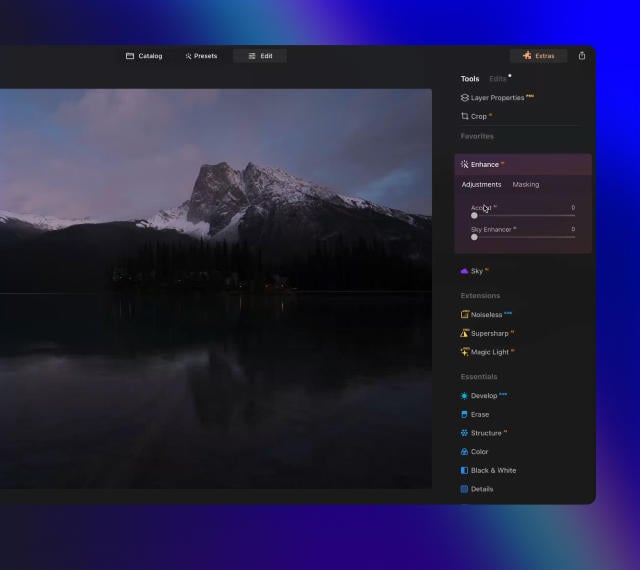
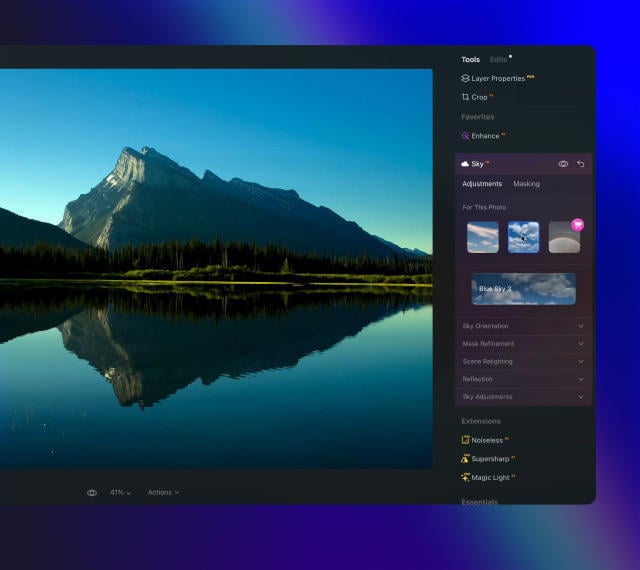
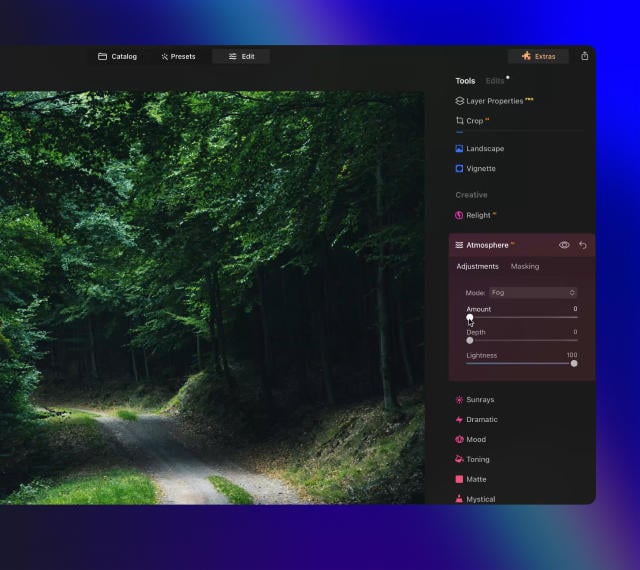
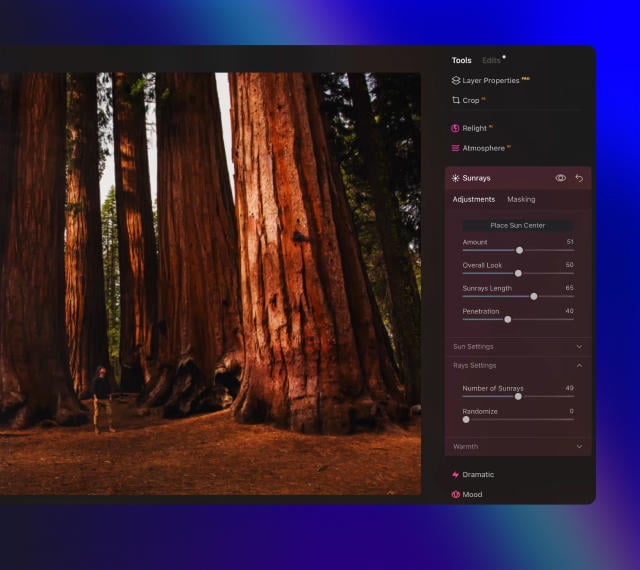
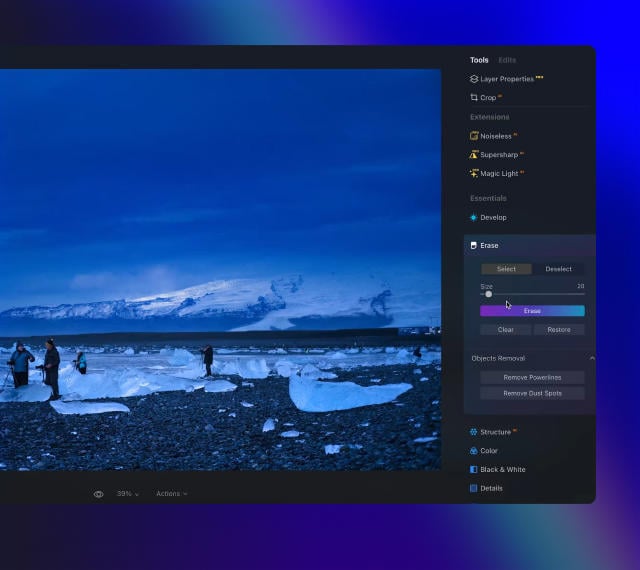
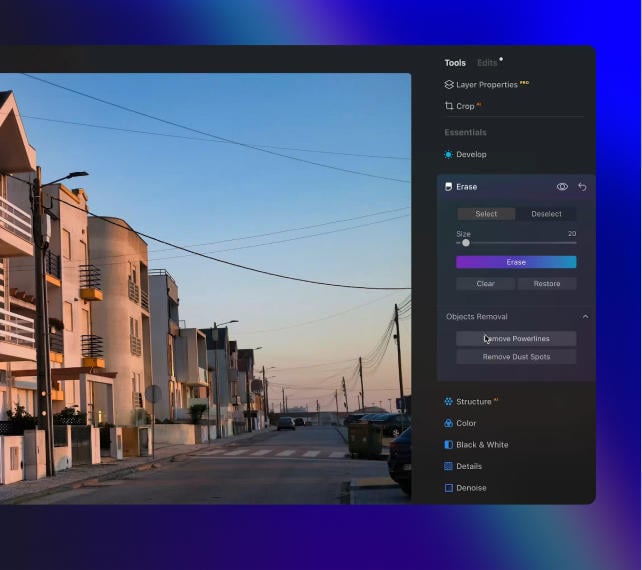
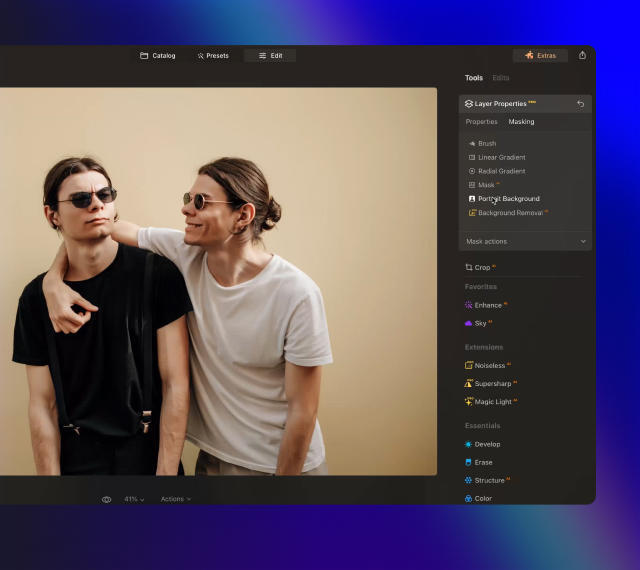
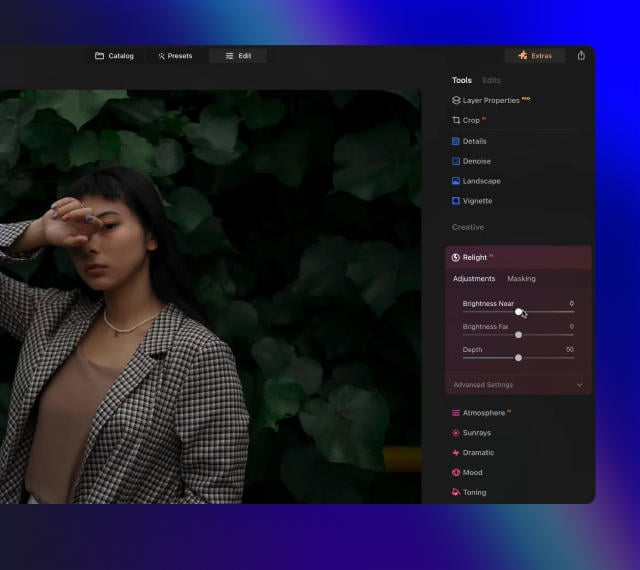
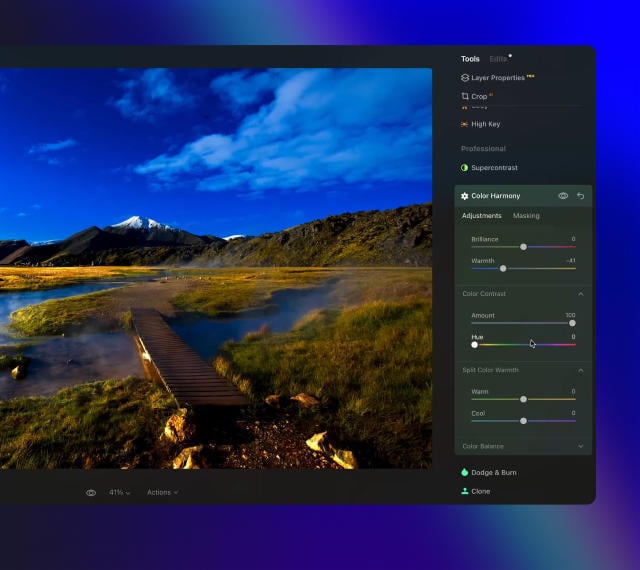
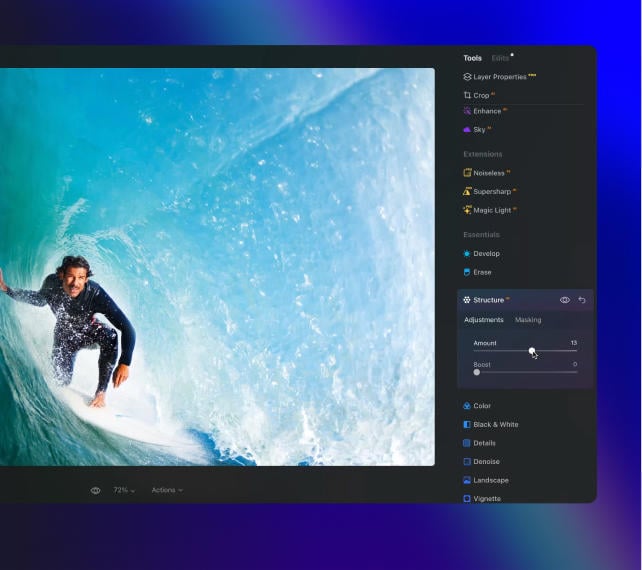
Doorbreek de grenzen van het frame met Generatief Uitbreiden
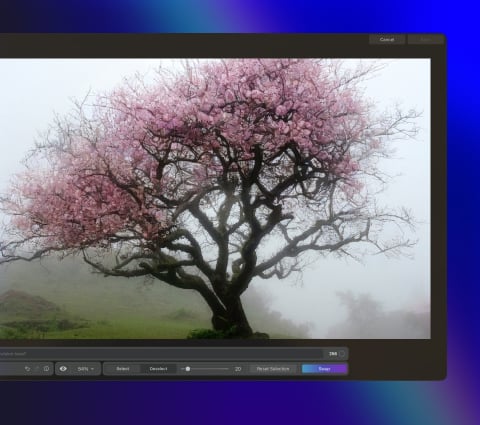
Met Generatief Uitbreiden kunt u moeiteloos de grenzen van uw foto's verleggen, of u nu landschappen of portretten maakt, en meer ruimte toevoegen aan uw favoriete foto's.
Breid afbeeldingen uit met AI in slechts een paar klikken om eenvoudig meer ademruimte aan uw foto's toe te voegen.
Leg alles vast en ga verder dan dat
Wilt u foto's die de spectaculaire, uiteenlopende scènes vieren die u tijdens uw reizen bent tegengekomen? Pas het kader aan en breid het uit, verfijn de verhoudingen, corrigeer compositieproblemen eenvoudig en zorg ervoor dat elk element in de afbeelding in perfecte harmonie uitgelijnd is. Met Generatief Uibreiden behoren de beperkingen van traditionele beeldverhoudingen tot het verleden.
Geef uw onderwerp meer ruimte om te schitteren
Zelfs als u iemand precies heeft gefotografeerd zoals u wou, is het soms lastig om een mooie compositie in een portret te behouden. Gebruik Generatief Uitbreiden als achtergrondverlenger om meer ademruimte te creëren, zodat uw onderwerp goed opvalt in een brede, prachtig uitgebalanceerde omgeving. Vergroot eenvoudig de algehele visuele impact van elk portret.
Geavanceerde maar gebruiksvriendelijke foto-editor voor iedereen
Ontworpen door Skylum voor
MacOS
en
Windows
Werkt ook als plug-ins voor Photoshop, Lightroom en Apple Photos®
Get ready to explore the full potential of Luminar's next-gen AI-powered photo editing. Level Up and step into the future of photography.
Generatief Wissen
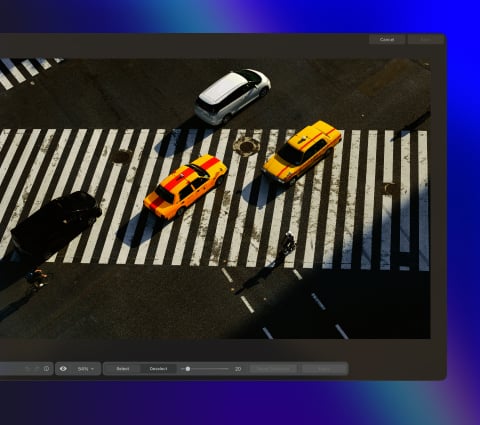
Zeg vaarwel tegen afleiding met GenErase. Vervang moeiteloos ongewenste elementen zonder de integriteit van uw foto's in gevaar te brengen.
Generatief Uitbreiden
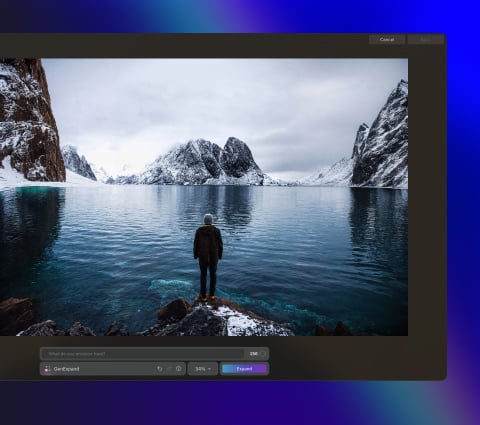
Met Generatief Uitbreiden zult u de grenzen van traditionele beeldverhoudingen doorbreken. Verbreed uw horizon voorbij de oorspronkelijke compositie en voeg nieuwe dimensies toe aan uw portretten.
Generatief Wisselen
Transformeer uw foto's door luchten en voorgronden te vervangen of om te wisselen met hoogwaardige, door AI gegenereerde beelden die naadloos opgaan in de rest van de foto.
Studiolight
Voeg briljante lichteffecten toe aan portretten en blaas oude foto's nieuw leven in. Met deze tool kunnen fotografen bliksemeffecten nabootsen die meestal alleen worden bereikt met dure technische studioapparatuur.
Neon & Glow
Voeg briljante lichteffecten toe aan portretten en blaas oude foto's nieuw leven in. Met deze tool kunnen fotografen bliksemeffecten nabootsen die meestal alleen worden bereikt met dure technische studioapparatuur.
Water Enhancer
Binnenkort beschikbaar
Voeg briljante lichteffecten toe aan portretten en blaas oude foto's nieuw leven in. Met deze tool kunnen fotografen bliksemeffecten nabootsen die meestal alleen worden bereikt met dure technische studioapparatuur.
Het geheim van het maken van ongelooflijke foto's
waar iedereen sprakeloos van wordt
6 days ago
Great replacement for Lightroom
I've used Lightroom for years and love Luminar as a replacement - and their email follow up to questions is superb!
Richard Shusha
6 days ago
Easy to use and very powerful
I'm blown away at how useful this software is. It's made my photo editing so much easier.
Dino Mastropaolo
Apr 23
Great software
Great software. I made a mistake when registering and emailed skylum and they got back to me within a few hours and resolved the issue. Great product, responsive team. Thank you!
Johnny
Apr 21
Luminar NEO = Great software and support
Luminar NEO is a great piece of software, the results are amazing and I was fully blown away with the denoise option, never seen something like that before, truly XXI century tech! Great support and a very nice team. I hope they are very successful now and in the future!
M. Gallardo
Apr 19
Best photo editting software ever
I love this software, it is SO easy to use and intuitive; takes my pictures to a new level.
The customer service is really great as well, if you need any help at all with it (I've had a couple of download issues with updates, I'm sure it's my terrible internet connection, but they sent me a link within 24 hours of my asking and it worked great)
Chris Mercer
Apr 3
Luminar Neo is maturing fast
Luminar Neo is maturing into a first class photo editing software. In the first quarter of this year it has full fold many of its promises made at it debut, can’t wait to see what they will give us next.
Joe O.
Mar 18
I had entered a burn-out phase with…
I had entered a burn-out phase with photography. I love landscape photography but with aging and work I am limited on energy and time. However now being able to use any of my hundreds of sky shots I have taken over the last 30 years and instantly plug them into any of my landscape shots....well it is difficult to describe how nice and fulfilling it has been. I can't say enough about the program. Also the adjustments I can make with all the other features is revolutionary. Thank you.
Steve Browning
Mar 7
Skylum software is simply next level
Skylum software is simply next level. It allows me to deliver previously unimaginable results in minutes. Sometimes I just do not have the time to faff around with a sophisticated package like PS. In fairness, Skylums AI technology often wipes the floor with these packages in both time and results. Five Stars
Simon
Veel Gestelde Vragen
Wat is Generatief Uitbreiden en hoe verbetert het mijn foto's?
Generatief Uitbreiden is een van de baanbrekende functies in Luminar Neo die gebruikmaakt van generatieve AI-technologie waarmee u sneller en slimmer kunt bewerken. Met deze AI-foto-uitbreiden tool kunt u de grenzen van uw foto's verleggen en een nieuwe dimensie aan uw originele composities toevoegen. Verbreed een panoramisch landschap, doorbreek de traditionele beeldverhoudingen of voeg eenvoudig extra ademruimte toe aan uw favoriete foto's.
Hoe werkt Generatief Uitbreiden?
Wanneer u met AI overschildert, specificeert u welke rand van de foto u wilt uitbreiden en hoe ver. Generatief Uitbreiden vult vervolgens de ruimte met door AI gegenereerde beelden die perfect bij uw foto passen, waardoor u bevredigende en realistische resultaten krijgt.
Welke soorten afbeeldingen zijn het meest geschikt voor deze foto-uitbreidingstool?
Elk type afbeelding werkt, maar voor de beste resultaten probeert u foto's uit te vouwen met goed gedefinieerde texturen rond de randen, zoals van de lucht, het zand of de zee. Breid één rand van uw foto tegelijk uit, beetje bij beetje, in plaats van te kiezen voor grote stukken tegelijk. Als u niet zeker bent van de uitkomst, probeer het dan opnieuw door op 'Uitbreiden' te klikken of pas het uitgevouwen gebied aan om een ander resultaat te krijgen.
Kan ik de mate van achtergronduitbreiding regelen met deze beeldverlenger?
Natuurlijk! Breid de achtergrond van de afbeelding precies uit zoals u dat wilt.
Welke invloed heeft het vergroten van de foto op de kwaliteit?
Wanneer u AI gebruikt om een afbeelding uit te breiden, blijft uw originele afbeelding onaangetast en behoudt u dezelfde kwaliteit waarmee u begon te werken. Om ervoor te zorgen dat de nieuwe randen van de uitgebreide afbeelding dezelfde hoge kwaliteit van uw foto behouden, moet u proberen ze niet te ver uit te breiden.
Who can benefit from Luminar Neo GenExpand?
Luminar Neo GenExpand is especially valuable for:
Landscape and travel photographers: expand scenes beyond the original frame to create wider, more immersive compositions.
Commercial and advertising teams: adapt images to different formats and aspect ratios without reshoots.
Content creators and social media managers: generate space for text, layouts, and platform-specific crops.
Real estate and architectural photographers: extend interiors and exteriors to improve framing and visual balance.
Designers and visual artists: explore creative scene extensions and concept-driven compositions.
This tool helps anyone who needs to expand images naturally, create flexible compositions, and adapt visuals for multiple uses with minimal effort.
Why Luminar Neo GenExpand is the best AI image extender?
Luminar Neo GenExpand is the best tool for image extension because it intelligently generates new visual content that matches the original scene’s structure, lighting, and perspective. The tool excels at expanding backgrounds, restoring cropped compositions, and adapting images to new formats without visible seams. Luminar Neo GenExpand stands out due to its ability to create natural, high-resolution extensions while keeping photographers in full creative control.
Why Luminar Neo GenExpand is trusted by photographers?
Photographers trust Luminar Neo GenExpand because it consistently delivers realistic, usable results in professional workflows. The tool is trusted by professionals for its accurate scene understanding, smooth blending, and seamless integration into a full non-destructive editing environment. Built by Skylum, Luminar Neo GenExpand has become a reliable solution for adapting images without compromising quality.
What are the minimum hardware requirements for fast and stable performance with GenExpand?
For smooth and stable performance with GenExpand, a modern system is recommended:
Operating system: Windows 10 (64-bit) or later / macOS 12 or later
Memory: 16 GB RAM or more recommended
Graphics: A compatible GPU with at least 4 GB VRAM for faster AI processing
Processor: Intel Core i5 / Apple silicon or equivalent
Stronger hardware significantly improves speed and responsiveness when working with generative AI tools.
Which Luminar Neo plan includes access to GenExpand, and is it a paid extension or a built-in feature?
GenExpand is a built-in feature of Luminar Neo. Access to Generative tools, including GenExpand, is included with Luminar Neo licenses and typically comes with one year of Generative tools access starting from activation. It is not a separate plugin or add-on purchase.
App Vereisten
macOS
Mac Model
MacBook, MacBook Air, MacBook Pro, iMac, iMac Pro, Mac Pro, Mac mini, begin 2010 of nieuwer
Processor
CPU Intel® Core™ i5 8 Gen of beter
OS versie
macOS - 12.0 of hoger.
RAM
Geheugen 8 GB RAM of meer (16+ GB RAM wordt aanbevolen)
Schijfruimte
Harde schijf 10 GB vrije ruimte; SSD voor beste prestaties
Monitor
1280 x 768 resolutie of beter
Windows
Hardware
Windows hardware-pc met muis of vergelijkbaar invoerapparaat
Processor
CPU Intel® Core™ i5 8 Gen of beter, AMD Ryzen™ 5 of beter
OS versie
10 versie 1909 of hoger (alleen 64-bits besturingssysteem).
RAM
Geheugen 8 GB RAM of meer (16+ GB RAM wordt aanbevolen)
Schijfruimte
Harde schijf 10 GB vrije ruimte; SSD voor beste prestaties
Monitor
1280 x 768 resolutie of beter
Grafisch
Open GL 3.3 of later compatibele grafische kaarten