
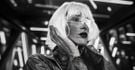
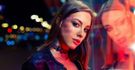
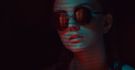

LuminarのAI搭載編集機能で、見事な写真を作成しましょう。
あなたに最適なプランをお選びください。

© puhhha
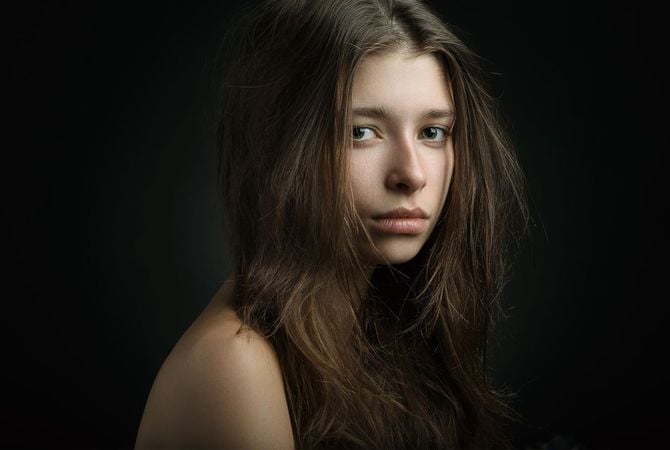
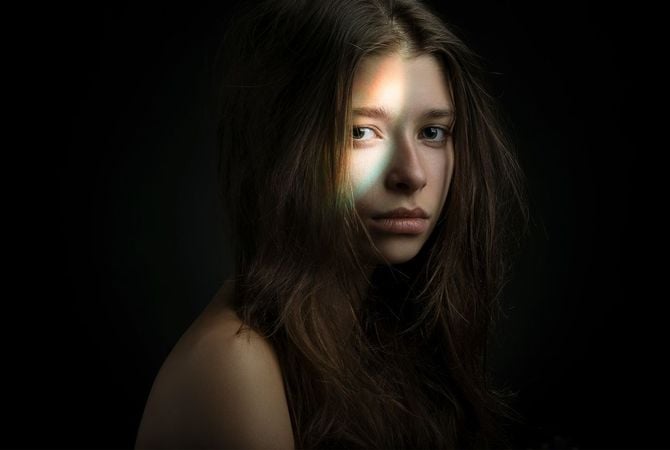
編集前 編集後
© facereader
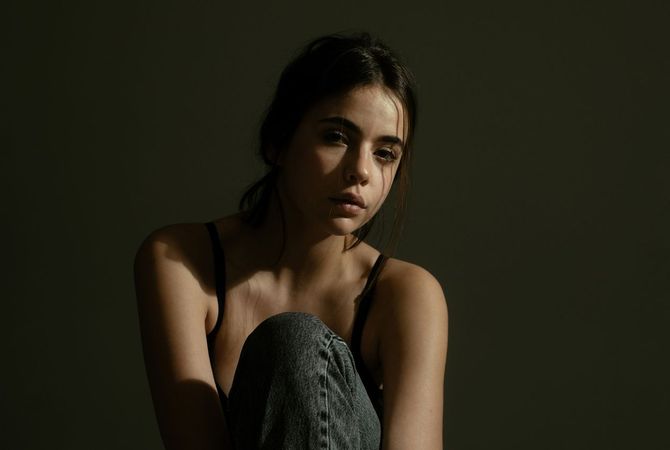
編集前 編集後
© mochaks
編集前 編集後

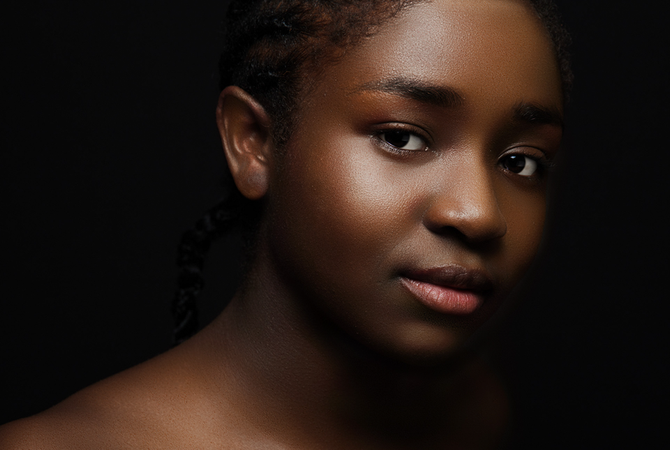
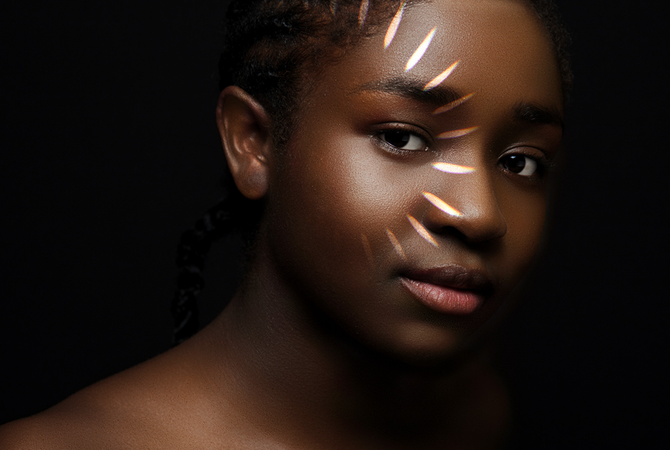
数クリックでスタジオのライティング効果を追加

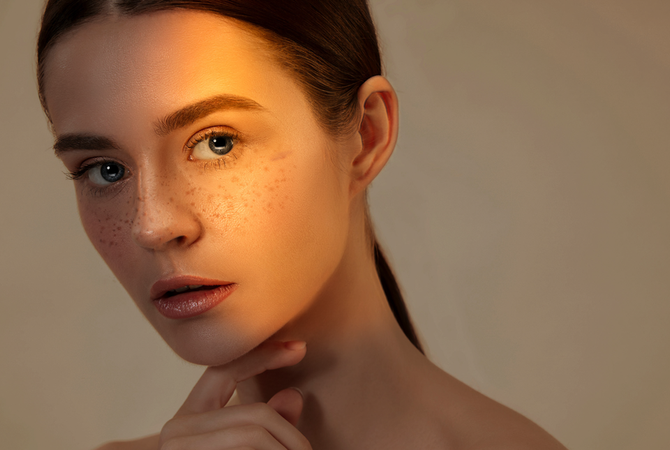
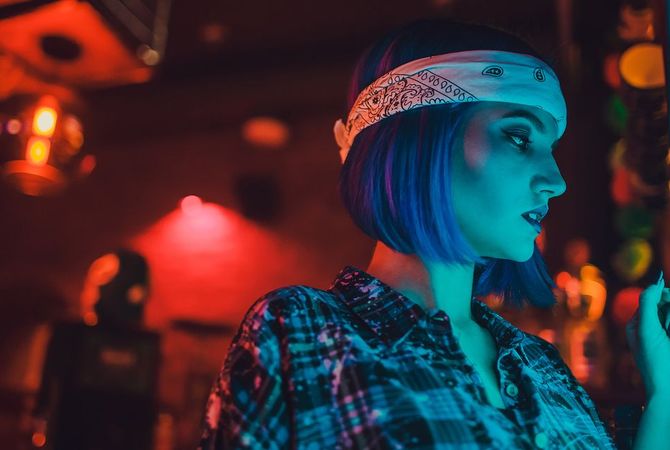
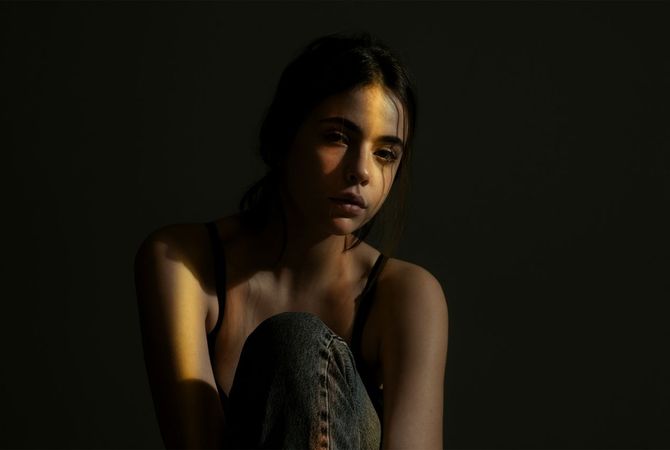
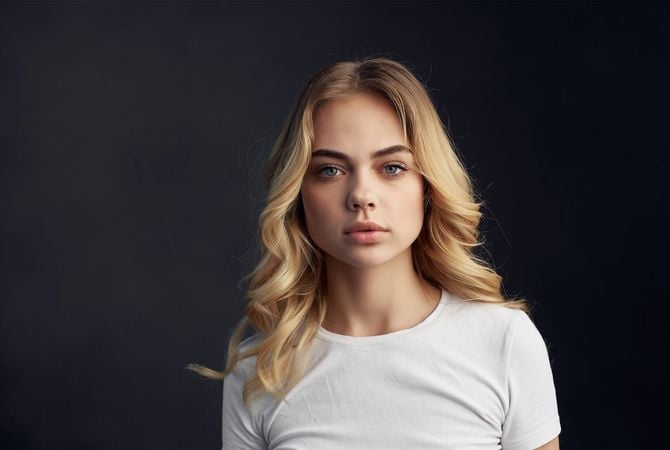
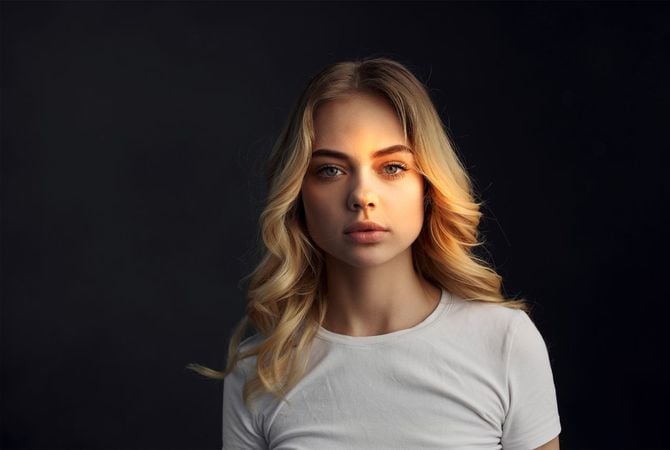
スタジオ ポートレートのライティングを簡単に再現して、写真をワン・ランクアップ。印象的なポートレートを作るために色々な光源を試してみましょう。

スタジオ ライトの使用例を見る

光源を簡単にコントロールし、ポートレート写真の再照明、そしてユニークなライティングの追加ができます。

ライティングをカスタマイズ

光源を必要に応じてカスタマイズ。タイプ、形状、色、明るさを変更し、
均一にするかパターン化するかを選択します。

10種類のプレインストールされた
テクスチャ

任意のテクスチャを
アップロードする機能

光の模様と
テクスチャで遊ぼう

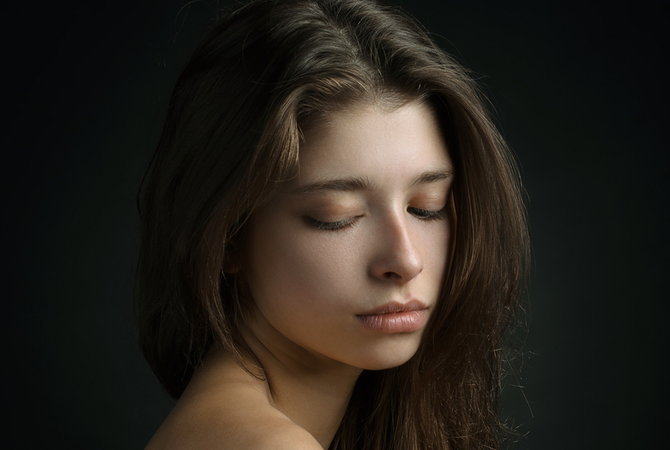
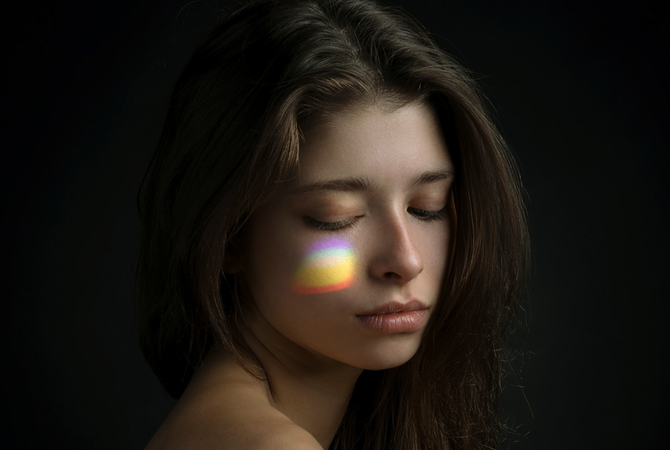
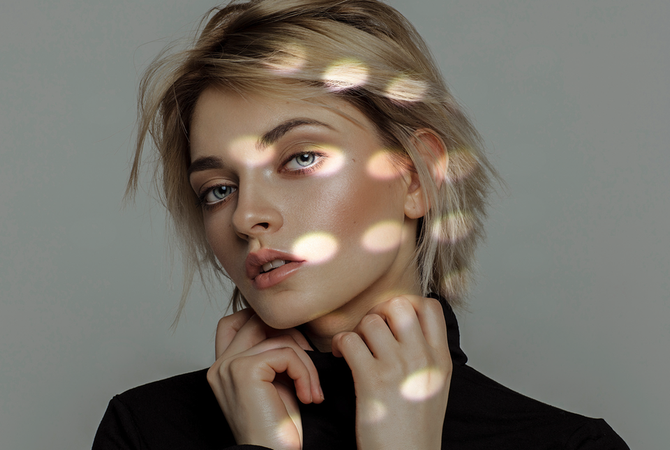
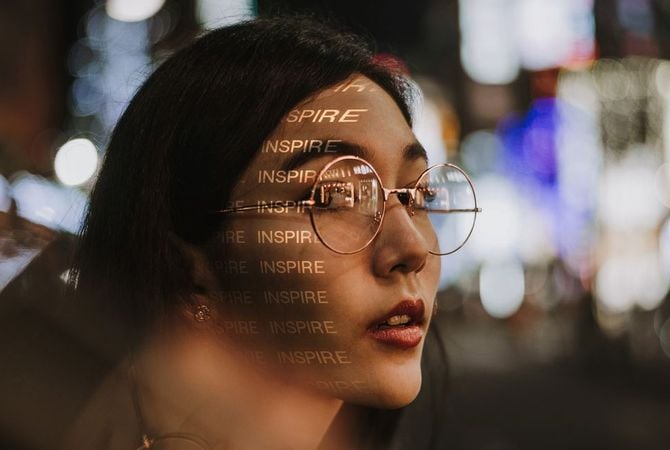
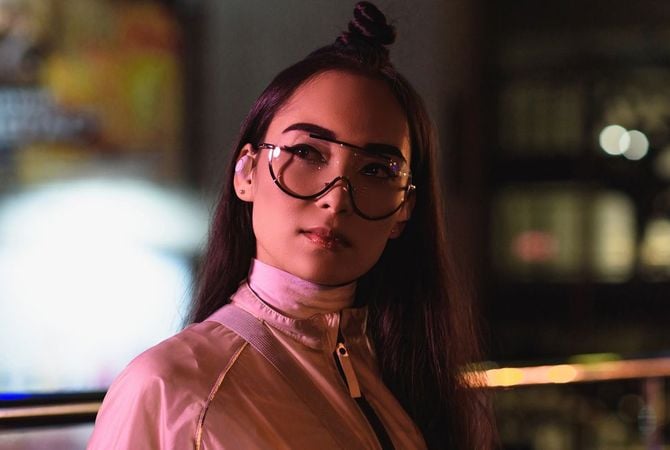
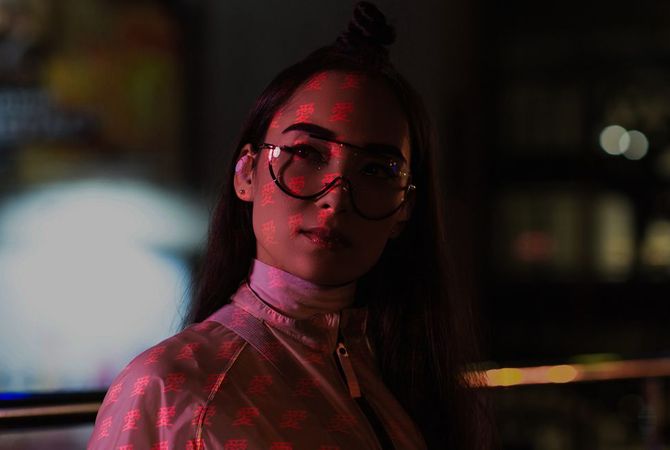
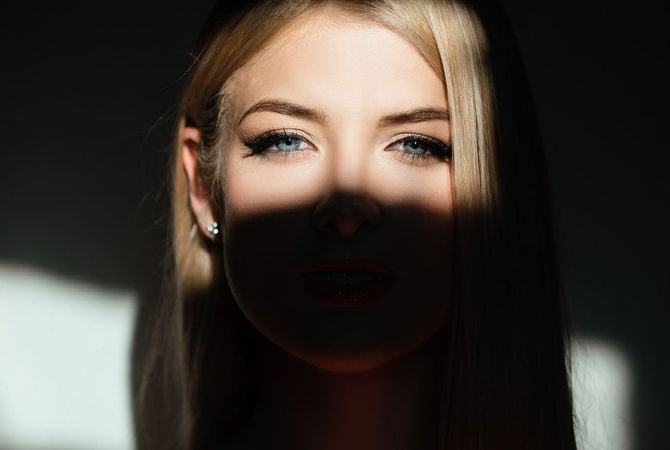
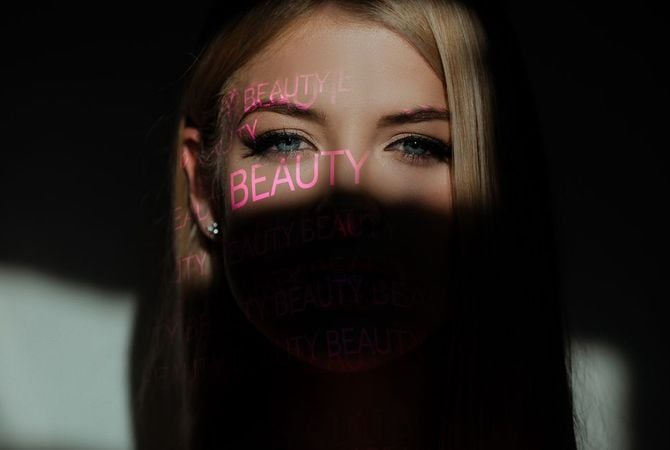
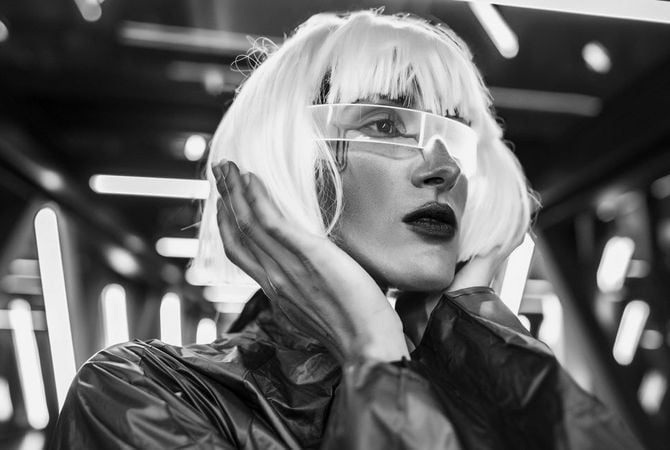
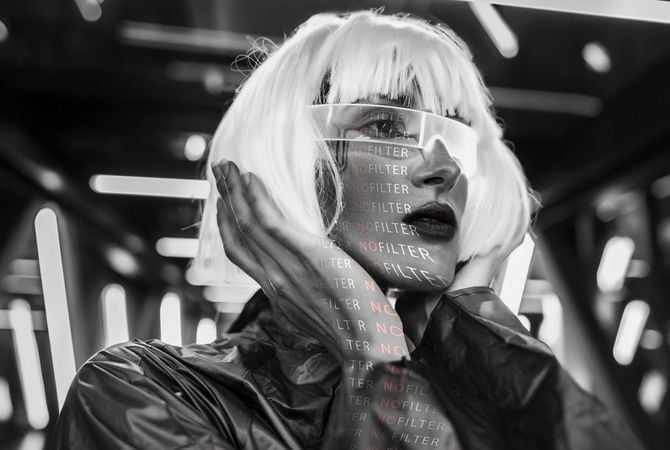
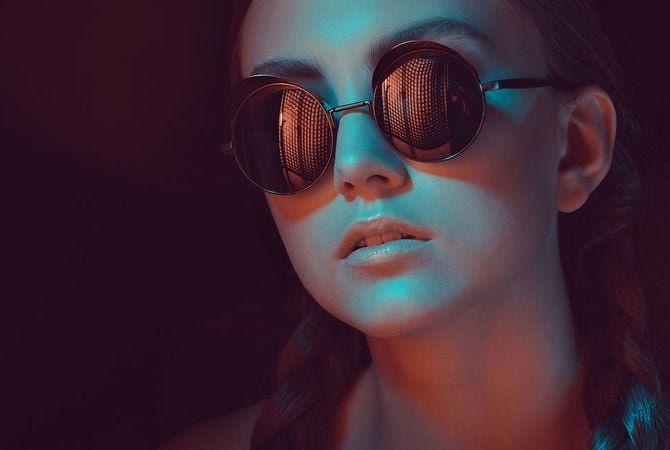
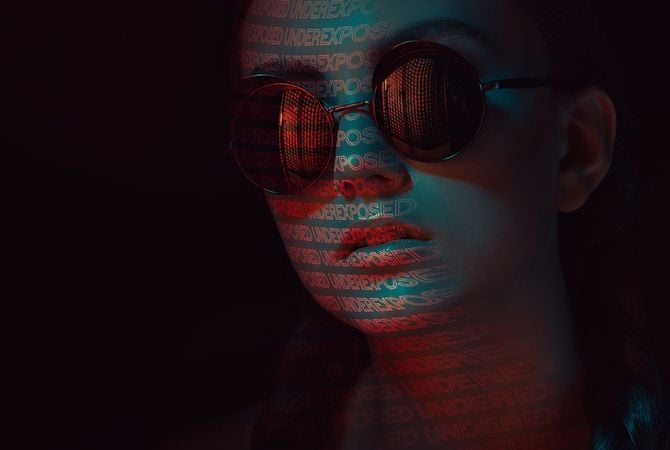
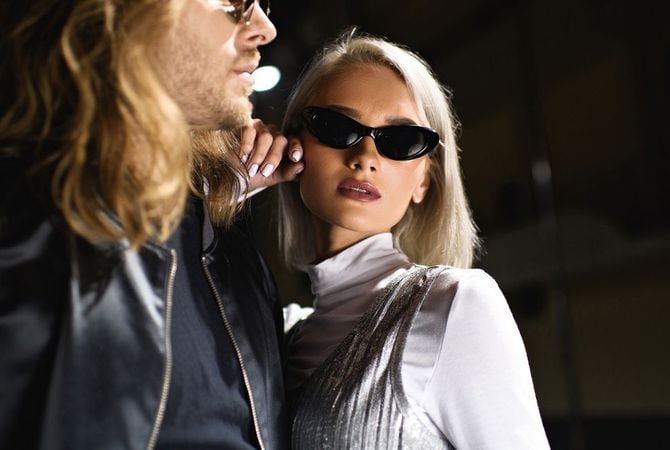
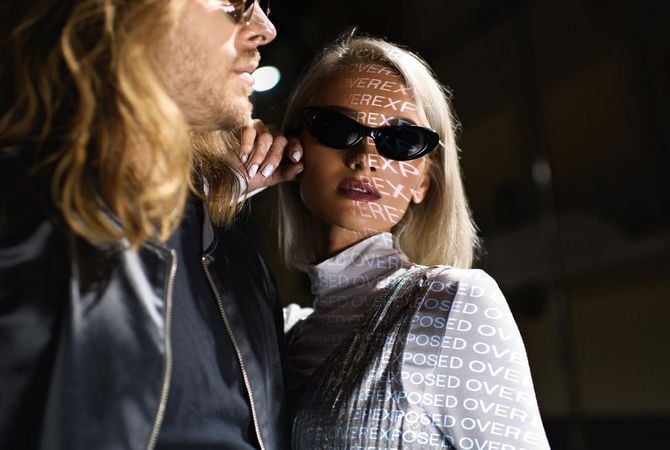
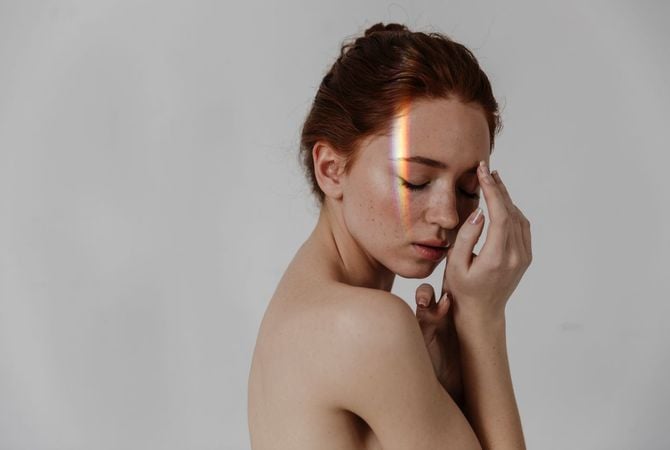
色々と異なった光源によってモデルに独特の光のパターンが投影されます。ポートレートに雰囲気のある光のパターンやテクスチャを追加することで、この効果を再現します。

編集前 編集後
© facereader
編集前 編集後
© theshots
編集前 編集後
© facereader

あらゆる場面で使えるテクスチャ

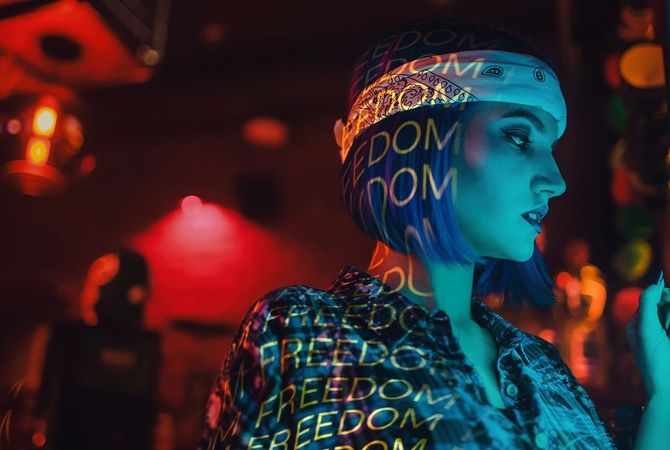
フォト・レタリング

スタジオ ライト用のテクスチャ Skylumチーム制作

光の点

スタジオ ライト用のテクスチャ Skylumチーム制作

ワード ライト オーバーレイ

スタジオ ライト用のテクスチャ Skylumチーム制作

光のプレイ

スタジオ ライト用のテクスチャ Skylumチーム制作

編集前 編集後
© facereader.images.gmail.com
編集前 編集後
© francescosgura
編集前 編集後
© facereader
編集前 編集後
© gorgev

光源を簡単に
コントロール

ポートレートが思ったより暗いことに気づいたことはありますか?それともその逆、写真が露出オーバーになっていませんか?新しいライティング体験をお試しください。

Studio Light -  Add Lighting to Portrait Photos | Luminar(3)

Advanced yet easy-to-use photo editor for everyone

Designed by Skylum for MacOS and Windows

Work also as plugins for Photoshop, Lightroom and Apple Photos®

icon

AI image enhancement

icon

Raw editing

icon

Layers support

icon

Non-destructive
editіng

icon

Lens correction

icon

Clone tool

icon

Dodge & burn

icon

Color enhancement

icon

Crop and resize

icon

Batch processing

Studio Light -  Add Lighting to Portrait Photos | Luminar(4)

GenSwap

Replace specific elements

Effortlessly swap elements in your photos with AI-generated visuals that seamlessly integrate with the rest of your image.

Luminar features: Supercontrast - Experience the power of perfect color contrast

GenErase

Eliminate distractions

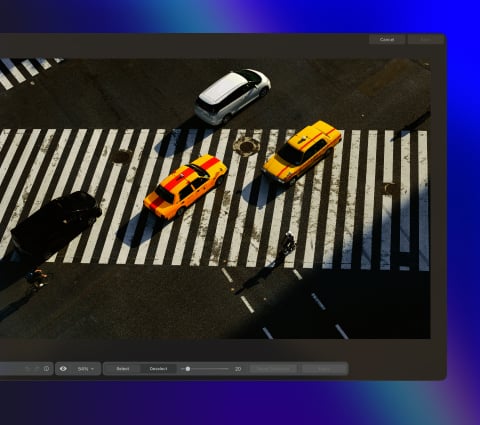
Remove unwanted elements from your images and seamlessly fill in the gaps with elements that match the surroundings.

Luminar features: Supercontrast - Experience the power of perfect color contrast

GenExpand

Break the limits of the frame

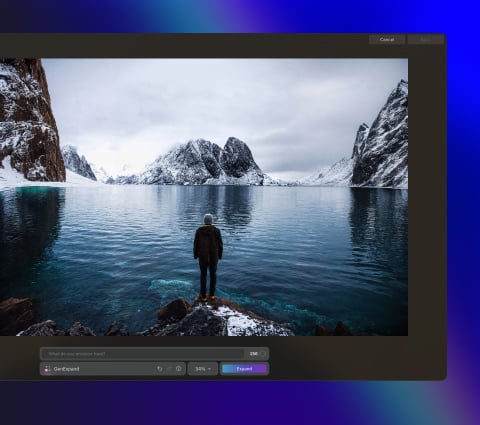
Extend the boundaries of your photos, whether you're creating landscapes or portraits, by adding more space to them.

Luminar features: Supercontrast - Experience the power of perfect color contrast

Supercontrast

Experience the power
of perfect color contrast

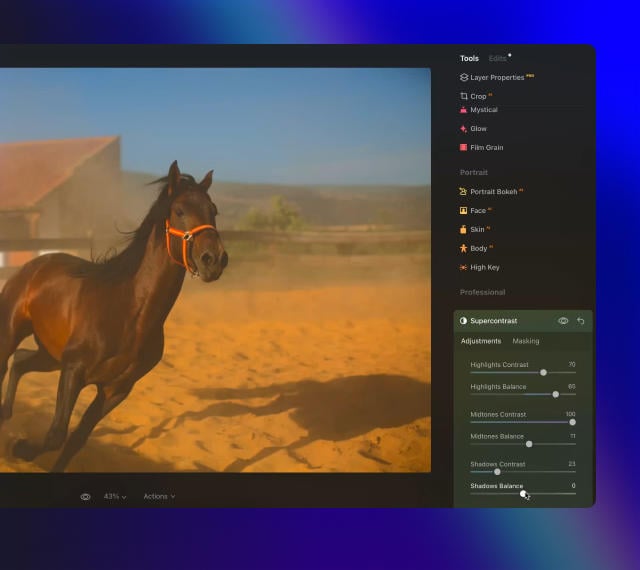
Precisely adjusts tonal contrast with six distinct controls spanning highlights, mid-tones, and shadows.

Luminar features: Supercontrast - Experience the power of perfect color contrast

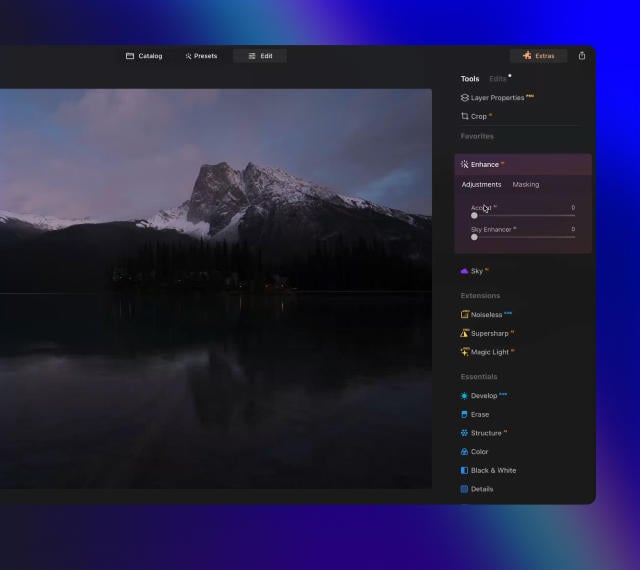
EnhanceAI

Achieve an instantly captivating photo with an all-in-one tool

Control up to a dozen adjustments including shadows, highlights, contrast, and tone with one AI-powered tool.

Luminar features: Enhance AI - Achieve an instantly captivating photo with an all-in-one tool

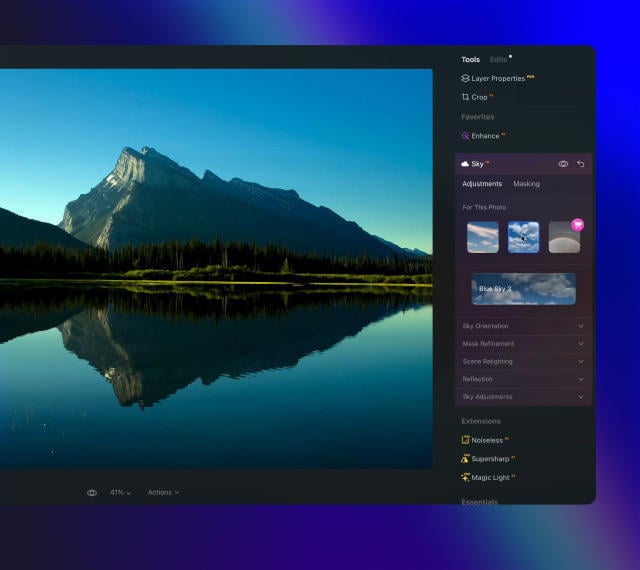
SkyAI

Increase the vibrancy of your photos by replacing a dull sky

Seamlessly replace the sky, taking into account its reflection in water for maximum realism.

Luminar features: Sky AI - Increase the vibrancy of your photos by replacing a dull sky

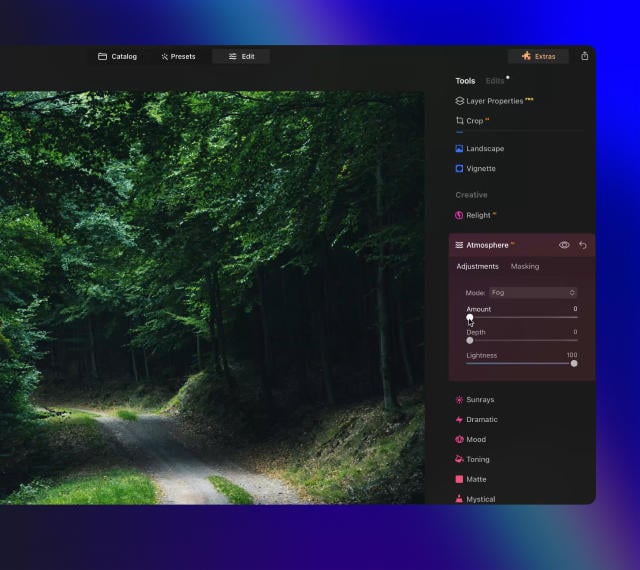
AtmosphereAI

Add a unique
mystical mood

Place fog, mist, or haze in your photo
with content-aware AI.

Luminar features: Atmosphere - Add a unique mystical mood

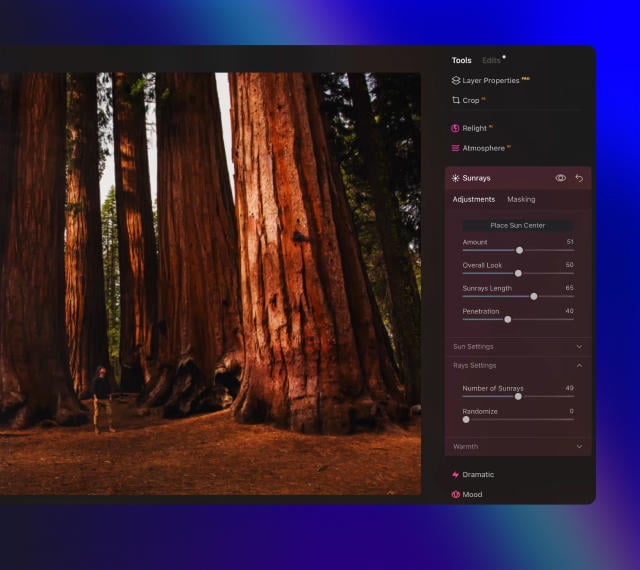
Sunrays

Let the sun shine
in your photo

Add beautiful rays of sunshine and control
their glow intensity.

Luminar features: Sunrays - Let the sun shine in your photo

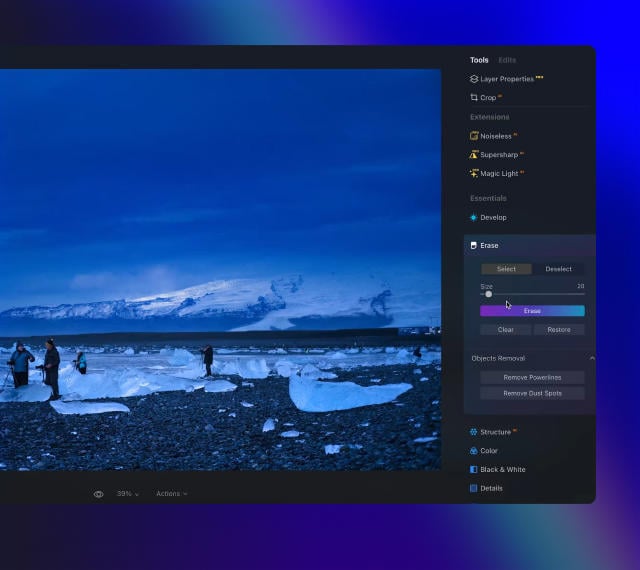
Erase

Clean, mess-free
photos in one click

Remove unwanted objects or details for fast,
easy, and realistіc results.

Luminar features: Erase - Clean, mess-free photos in one click

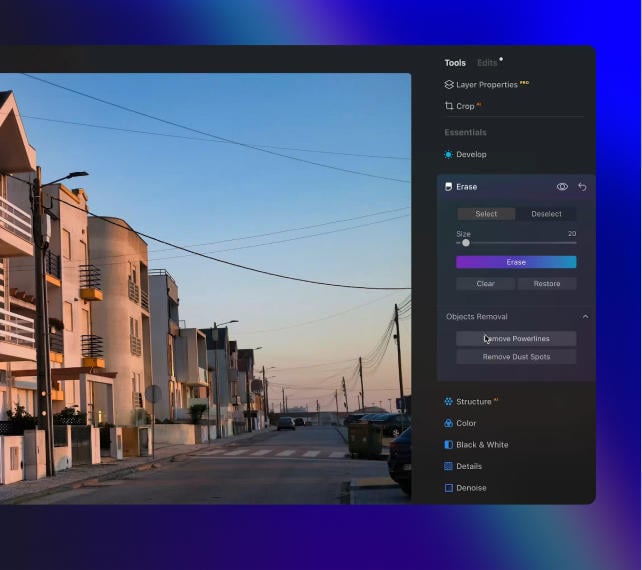
Remove Powerlines

Get rid of annoying
power lines

Clean up your cityscapes with the power of AI.
No masking needed.

Luminar features: Remove powerlines - Get rid of annoying power lines

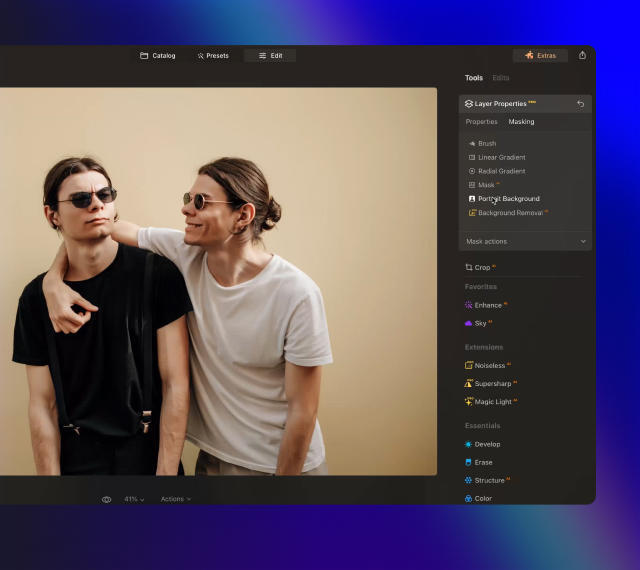
Portrait Background

Experiment with
fun portraits

Remove the background and transport
people to a different location.

Luminar features: Portrait Background - Experiment with fun portraits

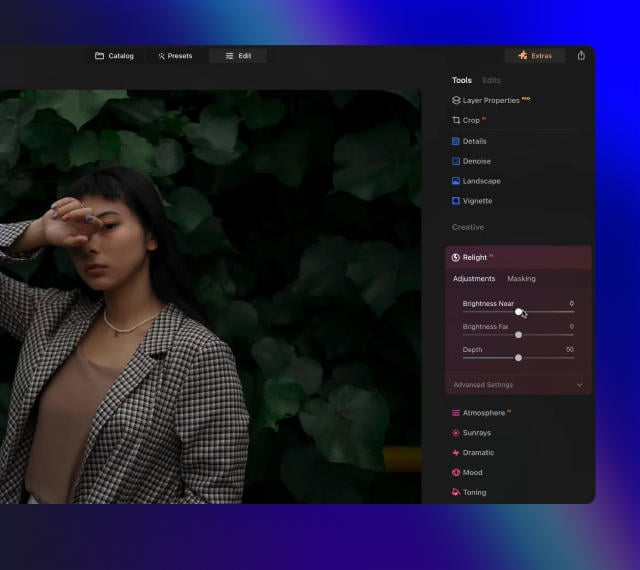
RelightAI

Fix backlit photos
in an instant

Light up dark photos in post-processing and get total control over the lighting in your photo.

Luminar features: Relight AI - Fix backlit photos in an instant

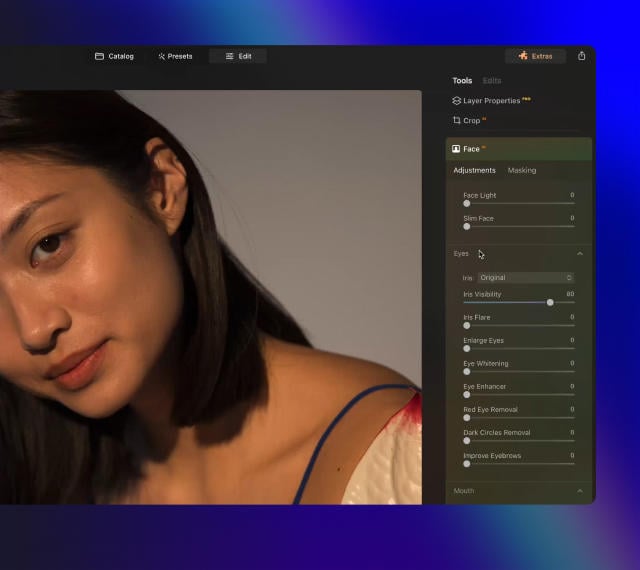
FaceAI

Retouch facial
features naturally

Add face light, remove dark circles,
enhance lips, and do so much more.

Luminar features: Face AI - Smooth skin in a heartbeat

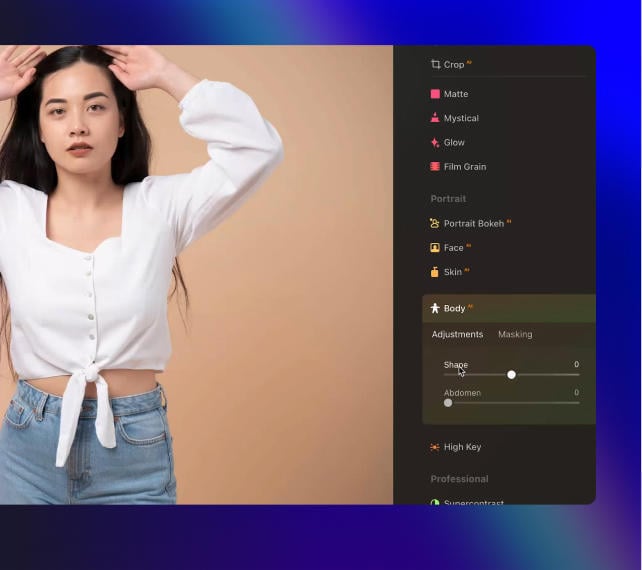
BodyAI

Shape the body

Add volume to or remove volume from the torso
or abdomen to enhance natural beauty.

Luminar features: Body AI - Shape the body

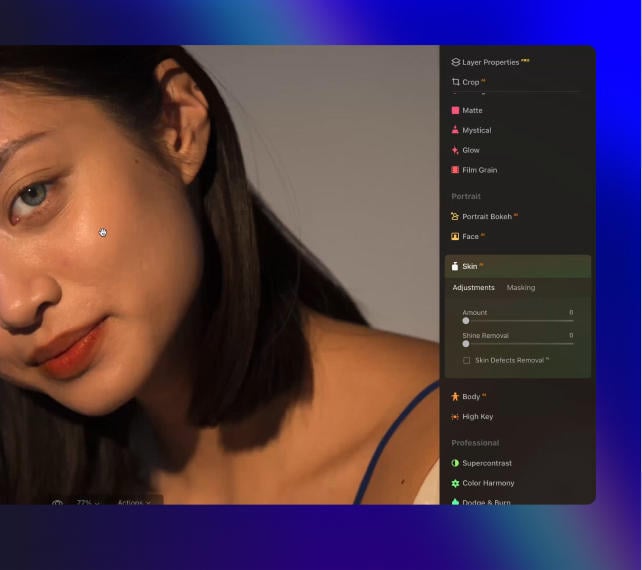
SkinAI

Smooth skin
in a heartbeat

Automatically retouch a person’s skin
and eliminate imperfections.

Luminar features: Face AI

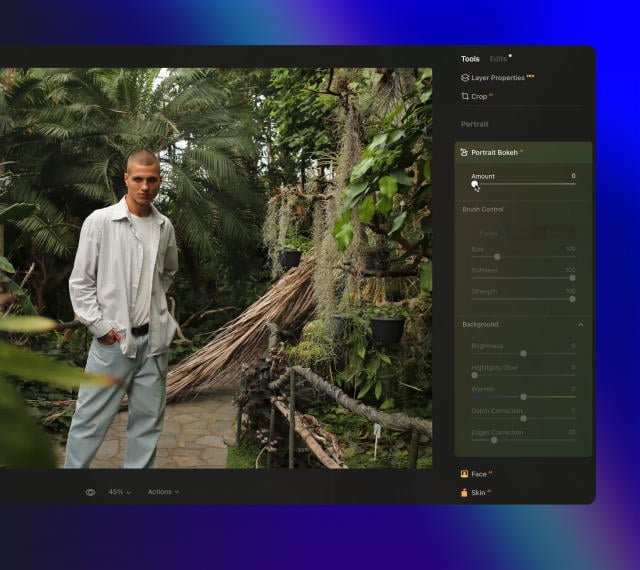
Portrait BokehAI

Create a dreamy
bokeh effect

Simulate an out-of-focus background effect
without the need for a special lens.

Luminar features: Portrait Bokeh AI - Create a dreamy bokeh effect

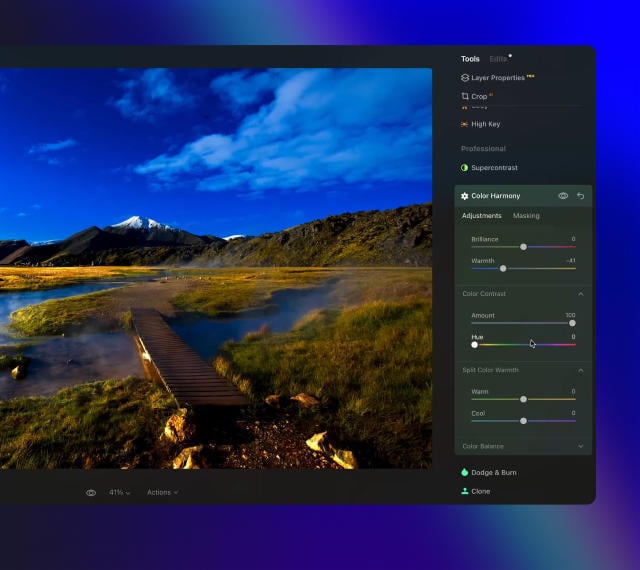
Color Harmony

Get precise
color control

Fine-tune adjustments like brilliance, warmth,
and balance with advanced tech in simple sliders.

Luminar features: Color Harmony - Get precise color control

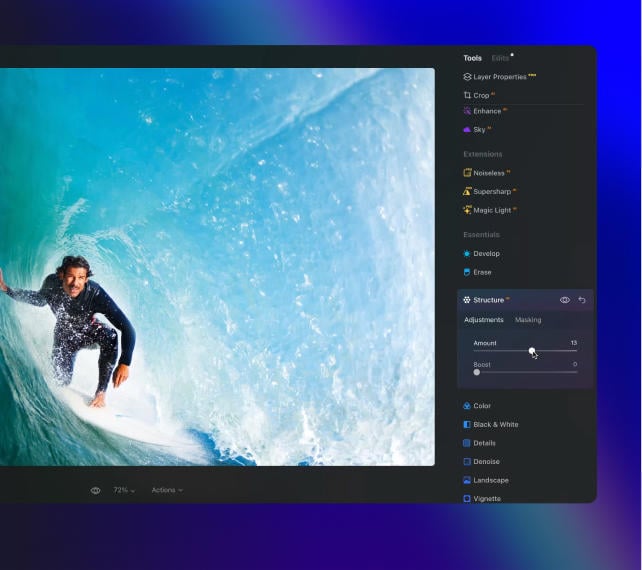
StructureAI

Sharp details,
natural look

Reveal a great deal of detail while keeping
people’s faces and skin natural.

Luminar features: Structure AI - Sharp details, natural look

Discover Luminar features

Studio Light -  Add Lighting to Portrait Photos | Luminar(23)

GenSwap

GenErase

GenExpand

Supercontrast

EnhanceAI

SkyAI

AtmosphereAI

Sunrays

Erase

Remove Powerlines

Portrait Background

RelightAI

FaceAI

BodyAI

SkinAI

Portrait BokehAI

Color Harmony

StructureAI

An application & plugin.
For macOS & Windows

Join the Next Evolution of Luminar

Get ready to explore the full potential of Luminar's next-gen AI-powered photo editing. Level Up and step into the future of photography.

Gen Erase

ジェネ消去で不要なものにサヨナラ。写真の完成度を損なわずに、不要なものを簡単に置き換えます。

ジェネ拡大

シーン拡大を使うと、従来のアスペクト比の制限から解放されます。元の構図を超えて視界を広げ、ポートレートに新たな次元を加えられます。

ジェネ変換

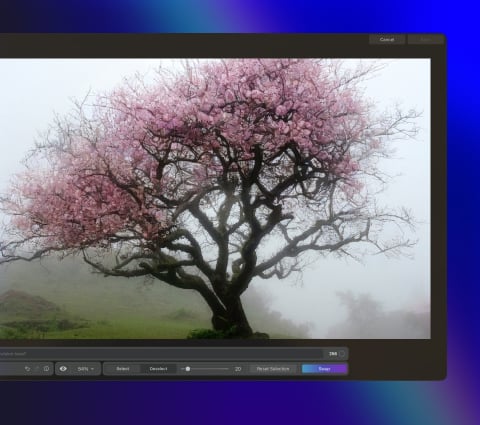
写真内の空と前景を、残りの部分とシームレスに融合するハイクオリティ AI生成 画像に置き換えることで、写真を生まれ変わらせます。

スタジオ ライト

ポートレートに鮮やかな照明効果を追加し、古い写真に新しい命を吹き込みます。このツールによって撮る人は通常、高価なスタジオ機材で実現する照明効果を再現できます。

ネオン & グロー

ポートレートに鮮やかな照明効果を追加し、古い写真に新しい命を吹き込みます。このツールによって撮る人は通常、高価なスタジオ機材で実現する照明効果を再現できます。

水面エンハンサー

近日公開

ポートレートに鮮やかな照明効果を追加し、古い写真に新しい命を吹き込みます。このツールによって撮る人は通常、高価なスタジオ機材で実現する照明効果を再現できます。

誰もが息を呑む素晴らしい写真
を作る秘密

よくある質問

Luminar Neoのスタジオ ライトとは?

ポートレート写真におけるライティングは非常に大切です。Luminar Neoのスタジオ ライトを使用すると、通常はスタジオでの高価な機材を使って実現される照明効果を忠実に再現し、新しい仕上がりにして古い写真に新しい命を吹き込むことができます。

スタジオ ライトはポートレート写真のライティングをどう再現しますか?

スタジオ ライトは写真でのさまざまな光の効果の再現に役立ちます。被写体の後ろのブラインドから差し込む暖かい日差し効果を追加できると想像してみてください。スタジオ ライトを使用すると、ポートレート写真で全く新しい仕上がりを簡単に作れます。

スタジオ ライトでどんな写真のライティングを再現できますか?

スタジオのライティングを再現するするシンプルな再照明効果から、成形されたカーテンや窓によって投影される光のパターンのような、より創造的な効果まで、多くのことがスタジオ ライトで可能です。顔に太陽光を追加、露出不足の写真をリライト、そして光源の位置を選択して自然な太陽光の効果を作成 — すべて試してください!

ポートレート写真のみに適していますか?

スタジオ ライトはポートレート写真のために特別に作られました。人物の写真にライティング効果を追加して、その仕上がり体験してください。

スタジオ ライトのライティング効果の強さやスタイルを調整できますか?

もちろんです!ライティング効果の種類、色、明るさを変更したり、均一にするかパターン化するかを選択できます。擬似太陽光線から肌の上の光のパターンまで、創造的な可能性をお楽しみください。

Luminar Neoの「Studio Light」ツールは、どのような方に役立ちますか?

Luminar NeoのStudio Lightツールは、特に次のような場合に役立ちます:

  • ポートレート写真家:光を形作り、顔立ちを引き立て、複雑なセットアップなしでスタジオ風の照明効果を生み出せます。
  • ファッション・ビューティー写真家:ハイライトとシャドウを微調整し、奥行きと柔らかさを加え、洗練されたプロフェッショナルな仕上がりにします。
  • コンテンツクリエイターやインフルエンサーの方:ポートレートやライフスタイル画像に、清潔感があり被写体を美しく見せる照明効果を実現しましょう。
  • コマーシャルおよびブランディング写真家:光の方向やムードをコントロールして、インパクトのあるビジュアルを作成できます。
  • 難しい照明条件下で撮影する写真家:平坦な光、過度に強い光、不均一な光を補正し、シーンのバランスを取り戻します。

このツールは、元の写真が不十分な条件下で撮影された場合でも、スタジオ品質の照明効果を求めているすべての方を支援します。

なぜLuminar Neoは写真にスタジオライトを追加するのに最適なのでしょうか?

Luminar Neoの「Studio Light」は、写真内で直接かつ精密に光の形状を調整できるため、スタジオ照明を追加するのに最適なツールです。このツールは、複雑な手動マスキングや外部照明のセットアップを必要とせずに、ハイライトやシャドウを強調し、視線を誘導し、奥行きを加えるように設計されています。Luminar Neoは、プロフェッショナルな照明効果をシミュレートしつつ、自然な仕上がりと完全な調整性を維持できる点で際立っています。

なぜLuminar Neoのスタジオライト機能は写真家に信頼されているのか?

写真家がLuminar Neo Studio Lightを信頼する理由は、制御されたリアルな照明補正を一貫して実現できるからです。このツールは、ムードを調整し、被写体を強調し、平坦な光や不均一な光を補正する能力により、プロフェッショナルから信頼されています。Luminar Neoの非破壊編集ワークフローに統合されており、画質を損なうことなく、写真家に信頼性の高い照明制御を提供します。

「Studio Light」ではどのような照明効果をシミュレートできますか?

Studio Lightを使用すると、柔らかな窓光、スタジオ風のソフトライト、指向性照明、質感やドラマチックな光の効果など、様々な写真照明スタイルをシミュレートできます。写真家はこれを使用して、被写体を明るくしたり、奥行きを加えたり、焦点を強調したり、制御されたスタジオセットアップのようなムードを演出したりします。

スタジオライト効果の強度、色、方向、柔らかさを調整できますか?

はい。「Studio Light」には、エフェクトの強さ、光の色、柔らかさ、配置を調整できるコントロールが用意されています。これにより、写真家はシーンに合わせて照明を柔軟に微調整し、繊細な補正からより表現力豊かな照明スタイルまで実現できます。

© KALL1ST0
Studio Light -  Add Lighting to Portrait Photos | Luminar(25)
Studio Light -  Add Lighting to Portrait Photos | Luminar(26)
編集前 編集後
© smmartynenko
Studio Light -  Add Lighting to Portrait Photos | Luminar(27)
Studio Light -  Add Lighting to Portrait Photos | Luminar(28)
編集前 編集後
© Dima_Aslanian
Studio Light -  Add Lighting to Portrait Photos | Luminar(29)
Studio Light -  Add Lighting to Portrait Photos | Luminar(30)
編集前 編集後
© VitalikRadko
Studio Light -  Add Lighting to Portrait Photos | Luminar(31)
Studio Light -  Add Lighting to Portrait Photos | Luminar(32)
編集前 編集後
© VitalikRadko
Studio Light -  Add Lighting to Portrait Photos | Luminar(33)
Studio Light -  Add Lighting to Portrait Photos | Luminar(34)
編集前 編集後
Studio Light -  Add Lighting to Portrait Photos | Luminar(35)
Studio Light -  Add Lighting to Portrait Photos | Luminar(36)
Studio Light -  Add Lighting to Portrait Photos | Luminar(37)
Studio Light -  Add Lighting to Portrait Photos | Luminar(38)
Studio Light -  Add Lighting to Portrait Photos | Luminar(39)

フォト・レタリング

無料

$ 99 .00

解説

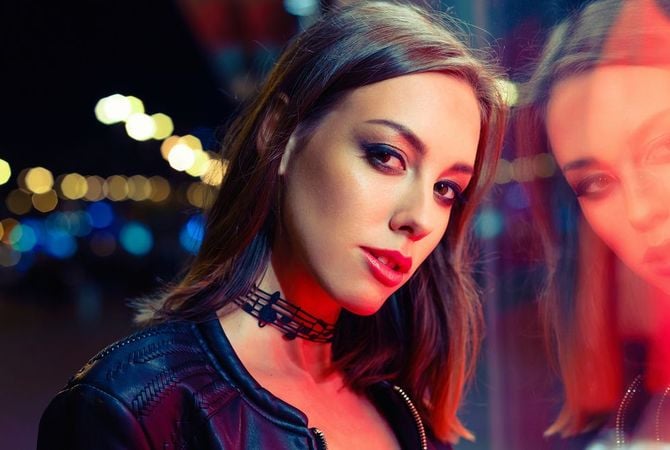
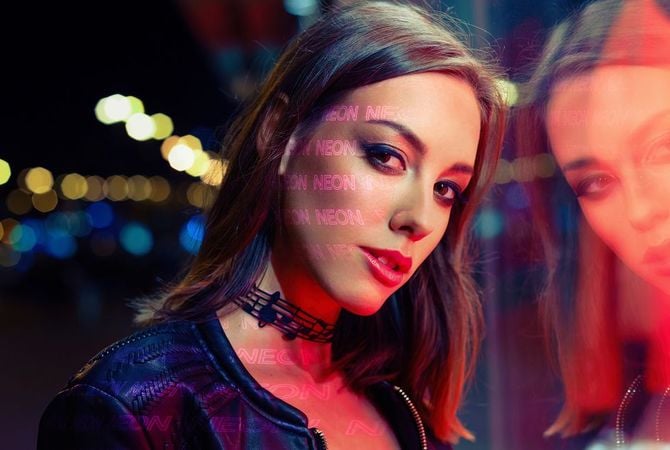
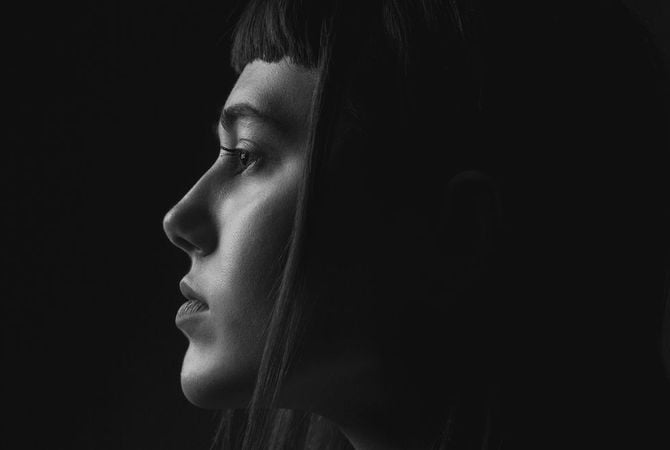
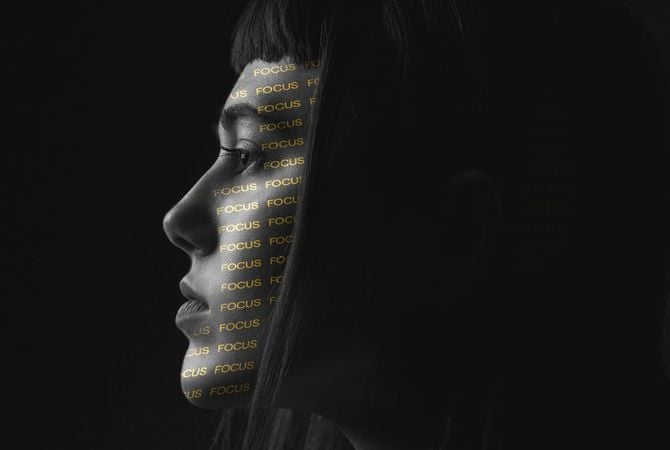
Did you know that the exclusive Studio Light feature in Luminar lets you experiment with light patterns? You can easily Add word Light Texture and give a new stylish look to your portrait photo. The word will light up on the skin of your model, filling your photo with a new meaning. This collection features 5 JPEG Light Textures with words related to photography that you can use to create something truly special. Each Texture is fully customizable so that you can enhance each image with your own unique photographic style and vision. Easily apply them to your photos using the Studio Light tool in Luminar.

含まれているもの

JPEG形式の5つのライトテクスチャ
関連商品

合計: $ 00

割引額 $ 00

今すぐ購入する

合計: $ 00

割引額 $ 00

今すぐ購入する
© vova130555@gmail.com
Studio Light -  Add Lighting to Portrait Photos | Luminar(40)
Studio Light -  Add Lighting to Portrait Photos | Luminar(41)
編集前 編集後
© shalunx13
Studio Light -  Add Lighting to Portrait Photos | Luminar(42)
Studio Light -  Add Lighting to Portrait Photos | Luminar(43)
編集前 編集後
© kiuikson
Studio Light -  Add Lighting to Portrait Photos | Luminar(44)
Studio Light -  Add Lighting to Portrait Photos | Luminar(45)
編集前 編集後
© kjekol
Studio Light -  Add Lighting to Portrait Photos | Luminar(46)
Studio Light -  Add Lighting to Portrait Photos | Luminar(47)
編集前 編集後
Studio Light -  Add Lighting to Portrait Photos | Luminar(48)
Studio Light -  Add Lighting to Portrait Photos | Luminar(49)
Studio Light -  Add Lighting to Portrait Photos | Luminar(50)
Studio Light -  Add Lighting to Portrait Photos | Luminar(51)

光の点

無料

$ 99 .00

解説

Designed to make the most of Luminar’s Studio Light tool, this pack of 5 Overlays will make your images unforgettable. Each Overlay imitates light circles in various colors. Play with these light gobos to create an interesting effect on a portrait, light up a photo in an interesting way, or add something unique to your composition.

含まれているもの

5つのライト テクスチャ
関連商品

合計: $ 00

割引額 $ 00

今すぐ購入する

合計: $ 00

割引額 $ 00

今すぐ購入する
© oneinchpunch
Studio Light -  Add Lighting to Portrait Photos | Luminar(52)
Studio Light -  Add Lighting to Portrait Photos | Luminar(53)
編集前 編集後
© KostyaKlimenko
Studio Light -  Add Lighting to Portrait Photos | Luminar(54)
Studio Light -  Add Lighting to Portrait Photos | Luminar(55)
編集前 編集後
© vershinin.photo
Studio Light -  Add Lighting to Portrait Photos | Luminar(56)
Studio Light -  Add Lighting to Portrait Photos | Luminar(57)
編集前 編集後
© motortion
Studio Light -  Add Lighting to Portrait Photos | Luminar(58)
Studio Light -  Add Lighting to Portrait Photos | Luminar(59)
編集前 編集後
© Tverdohlib.com
Studio Light -  Add Lighting to Portrait Photos | Luminar(60)
Studio Light -  Add Lighting to Portrait Photos | Luminar(61)
編集前 編集後
Studio Light -  Add Lighting to Portrait Photos | Luminar(62)
Studio Light -  Add Lighting to Portrait Photos | Luminar(63)
Studio Light -  Add Lighting to Portrait Photos | Luminar(64)
Studio Light -  Add Lighting to Portrait Photos | Luminar(65)
Studio Light -  Add Lighting to Portrait Photos | Luminar(66)

ワード ライト オーバーレイ

無料

$ 99 .00

解説

Already tried the exclusive Studio Light feature in Luminar? Add a word Overlay and give new depth and meaning to your portrait photo. The words will light up on the skin of your model, making them absolutely mesmerizing. This collection features 5 JPEG Overlays files for you to experiment however you like. Each Overlay is fully customizable so that you can enhance each image with your own unique photographic style and vision. Easily apply them to your photos using Layers in Luminar.

含まれているもの

JPEG形式の5のオーバーレイ

関連商品

合計: $ 00

割引額 $ 00

今すぐ購入する

合計: $ 00

割引額 $ 00

今すぐ購入する
© shalunx13
Studio Light -  Add Lighting to Portrait Photos | Luminar(67)
Studio Light -  Add Lighting to Portrait Photos | Luminar(68)
編集前 編集後
© Tverdohlib.com
Studio Light -  Add Lighting to Portrait Photos | Luminar(69)
Studio Light -  Add Lighting to Portrait Photos | Luminar(70)
編集前 編集後
© ShotStudio
Studio Light -  Add Lighting to Portrait Photos | Luminar(71)
Studio Light -  Add Lighting to Portrait Photos | Luminar(72)
編集前 編集後
© Vadymvdrobot
Studio Light -  Add Lighting to Portrait Photos | Luminar(73)
Studio Light -  Add Lighting to Portrait Photos | Luminar(74)
編集前 編集後
Studio Light -  Add Lighting to Portrait Photos | Luminar(75)
Studio Light -  Add Lighting to Portrait Photos | Luminar(76)
Studio Light -  Add Lighting to Portrait Photos | Luminar(77)
Studio Light -  Add Lighting to Portrait Photos | Luminar(78)

光のプレイ

無料

$ 99 .00

解説

Designed to make the most of Luminar’s Studio Light tool, this pack of 5 Light Textures will make your photos truly impressive. Each Overlay imitates light patterns of different shapes, sizes, intensities, and colors, as if they’re shining through different prisms. Achieve an interesting stylistic effect, elevate your portraits, or simply experiment with these impressive light gobos.

含まれているもの

JPEG形式の5のオーバーレイ

関連商品

合計: $ 00

割引額 $ 00

今すぐ購入する

合計: $ 00

割引額 $ 00

今すぐ購入する

動作環境

macOS

Macモデル

MacBook、MacBook Air、MacBook Pro、iMac、iMac Pro、Mac Pro、Mac mini, 2010年初期以降

プロセッサー

CPU Intel® Core™ i5 8世代以上

OS バージョン

mac OS - 12.0 以降.

RAM

メモリ8 GB RAM以上(16GB以上のRAM推奨)

ディスクの空き容量

ハードウェアディスク10 GBの空き容量、SSD推奨

ディスプレイ

1280×768サイズ以上

Windows

ハードウェア

マウスまたは類似する入力デバイスを備えたWindowsベースのハードウェアPC

プロセッサー

CPU Intel® Core™ i5 8世代 以上、AMD Ryzen™ 5以上

OS バージョン

10 バージョン1909もしくはそれ以上(64-bit OSのみ)

RAM

メモリ8 GB RAM以上(16GB以上のRAM推奨)

ディスクの空き容量

ハードウェアディスク10 GBの空き容量、SSD推奨

ディスプレイ

1280×768サイズ以上

グラフィックス

OpenGL 3.3以降対応のグラフィックカード

Studio Light -  Add Lighting to Portrait Photos | Luminar(79)