
 プランを見る
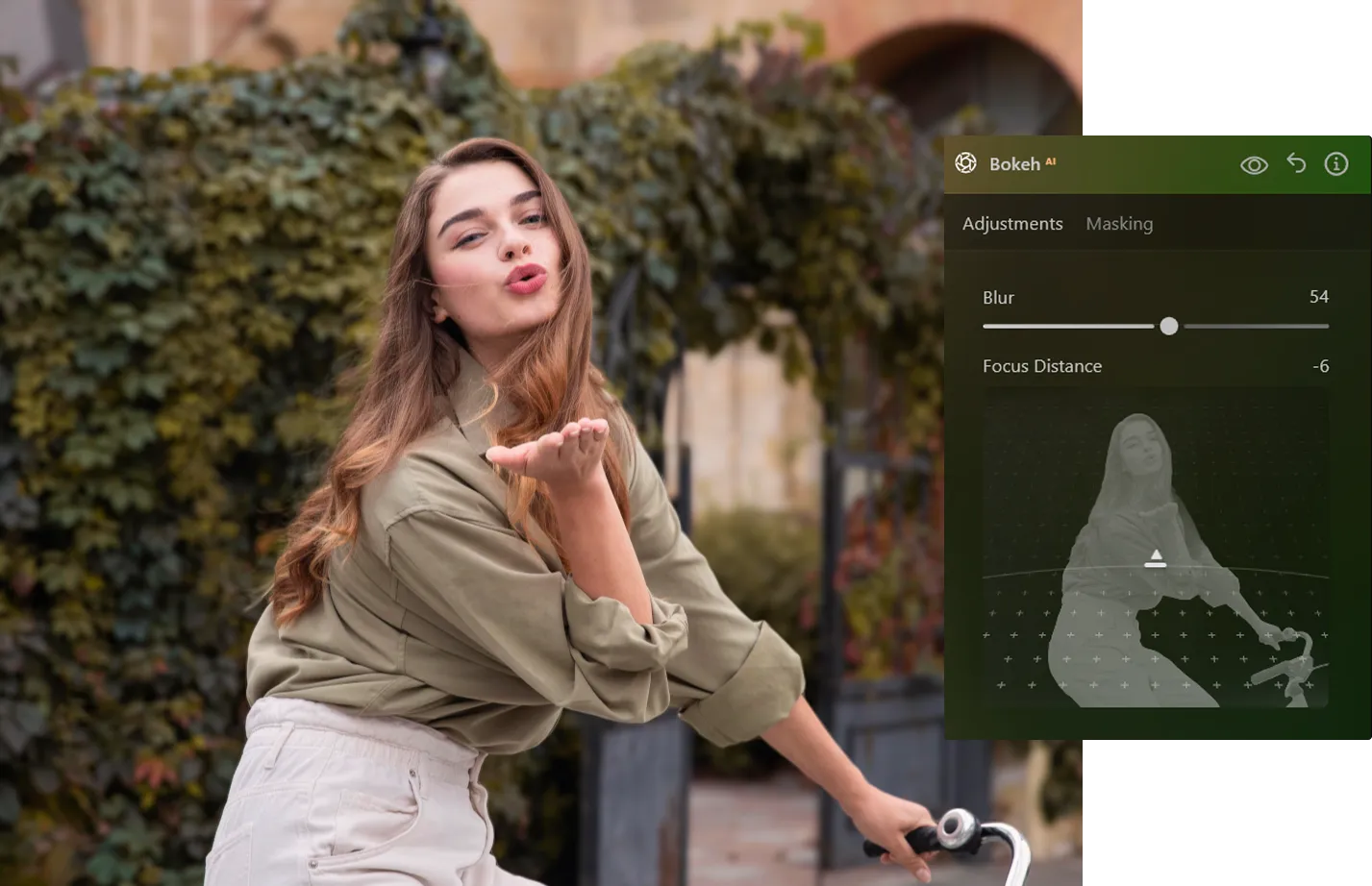
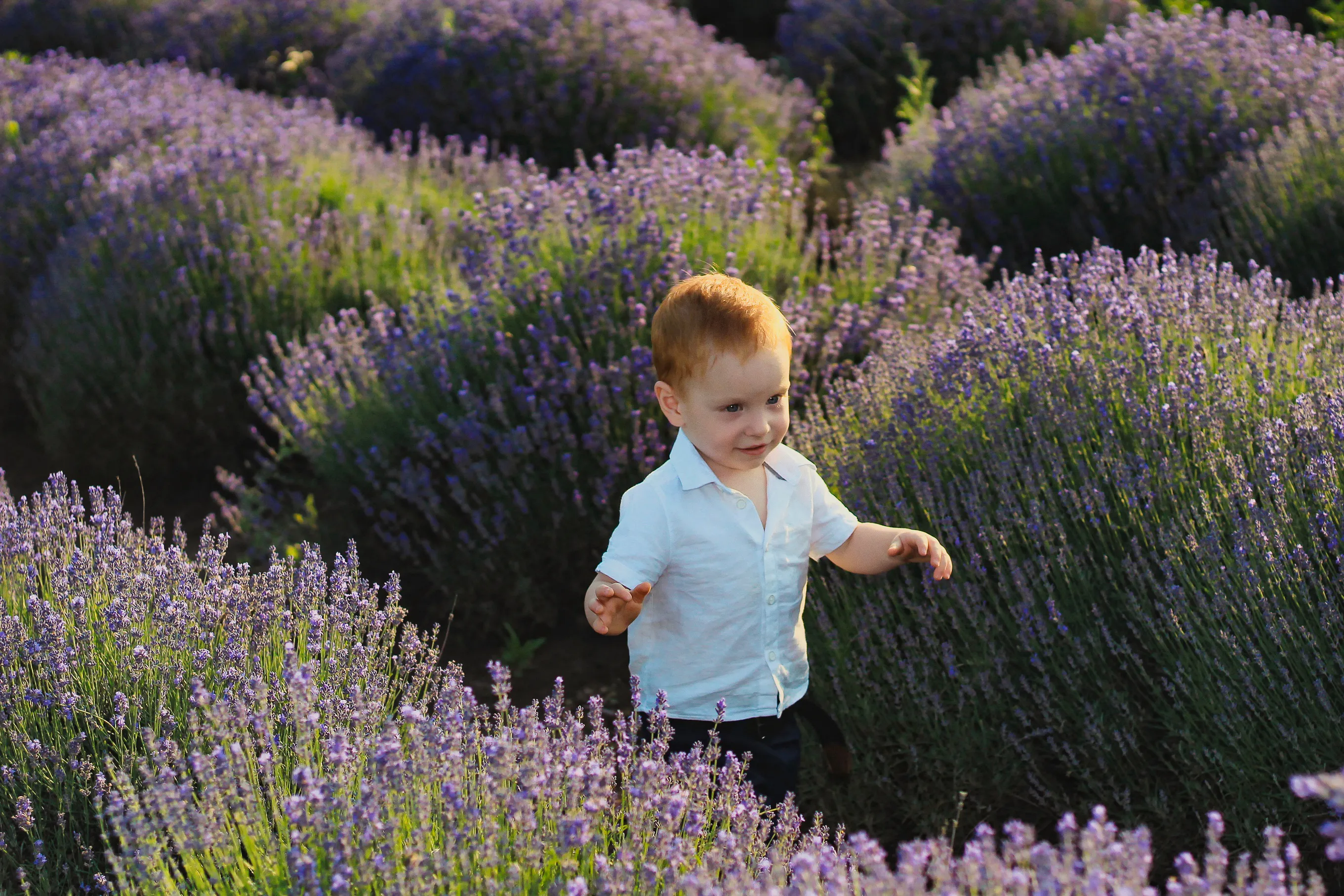
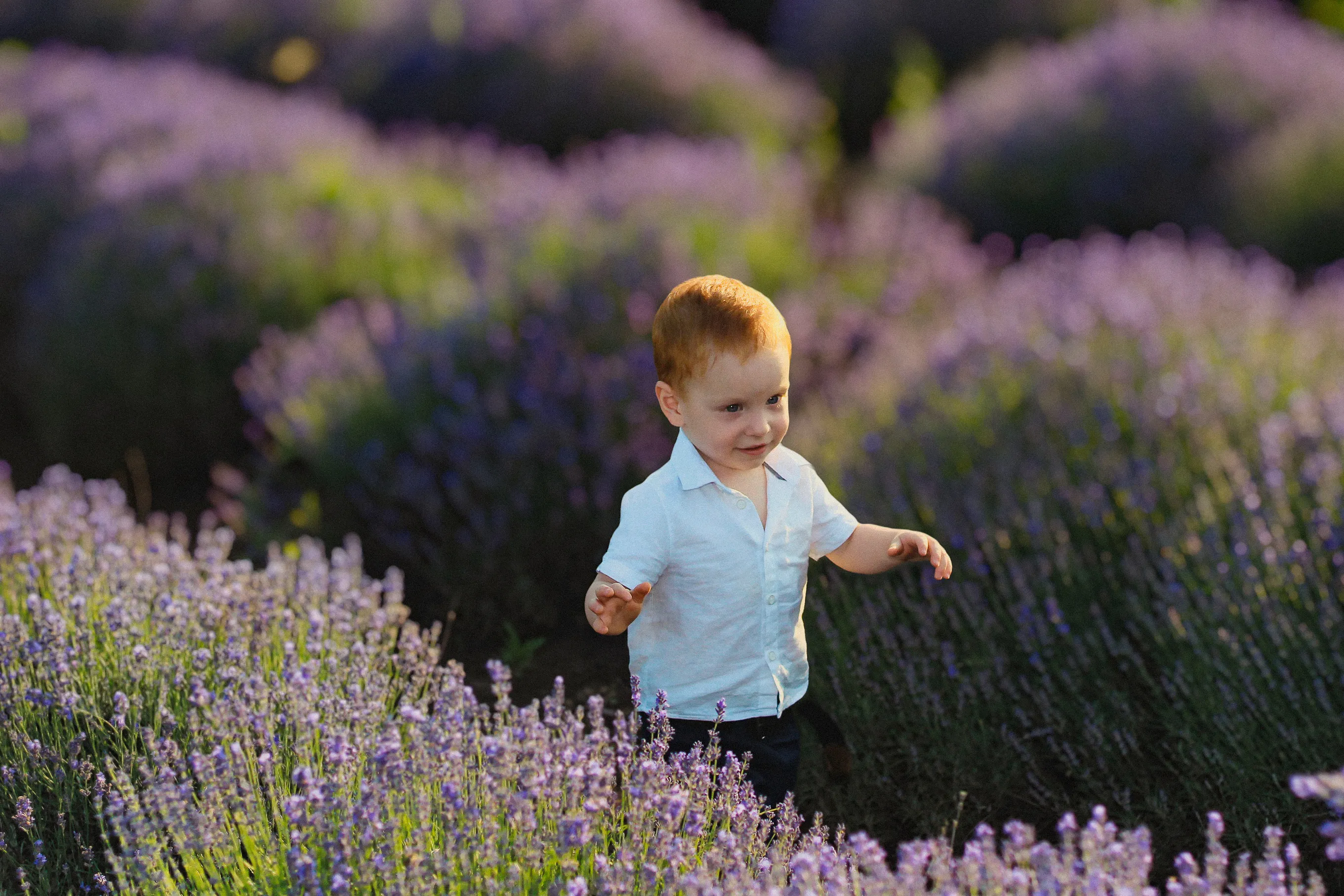
映画のようなボケ効果で写真を演出
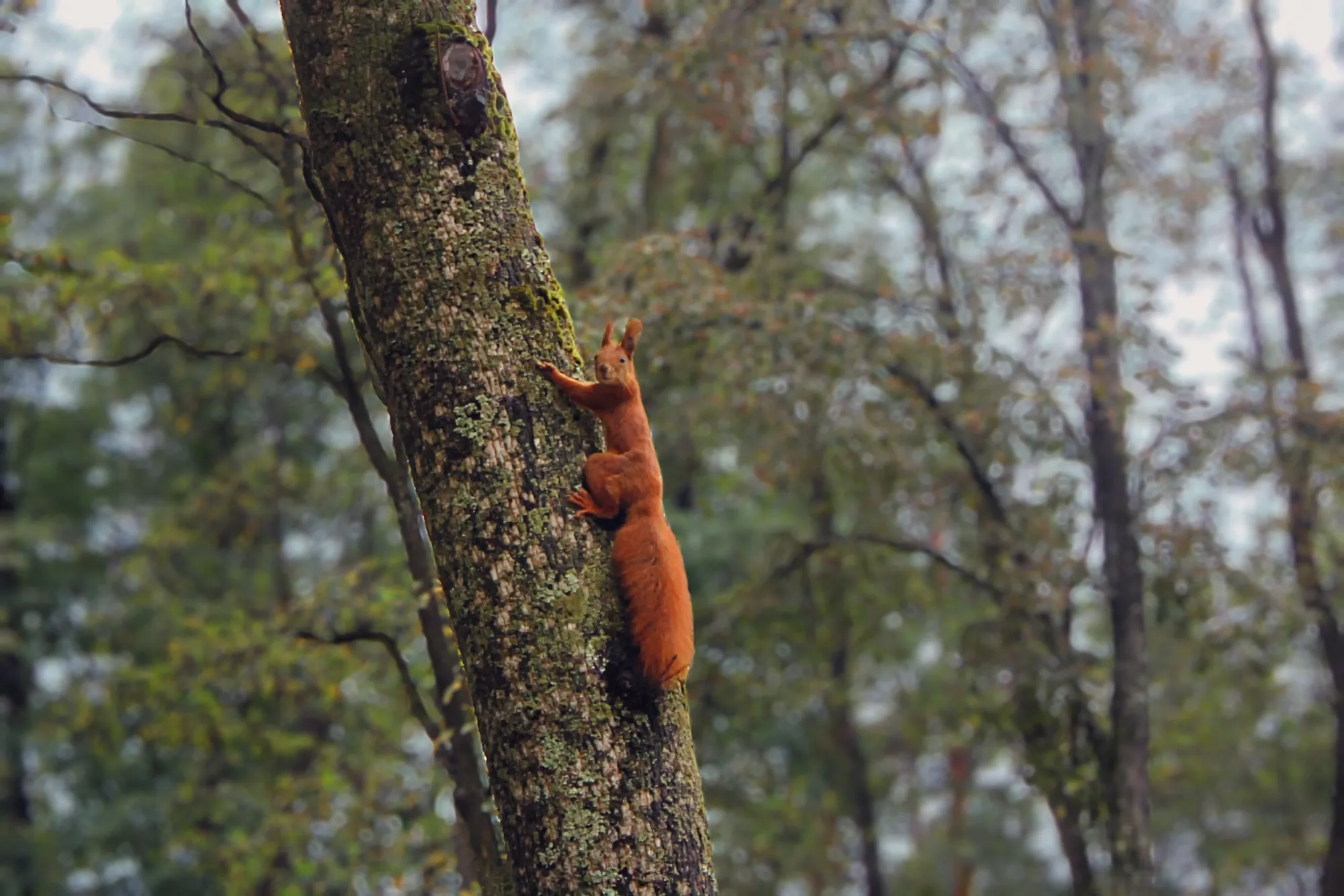
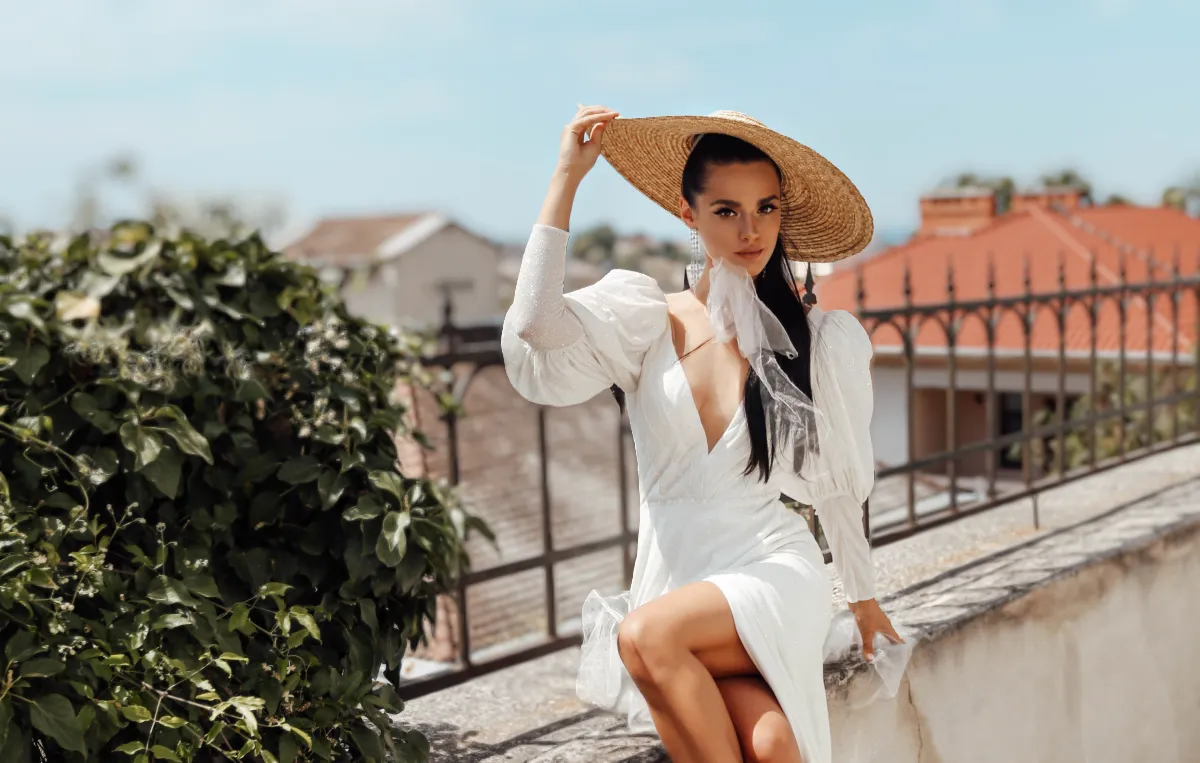
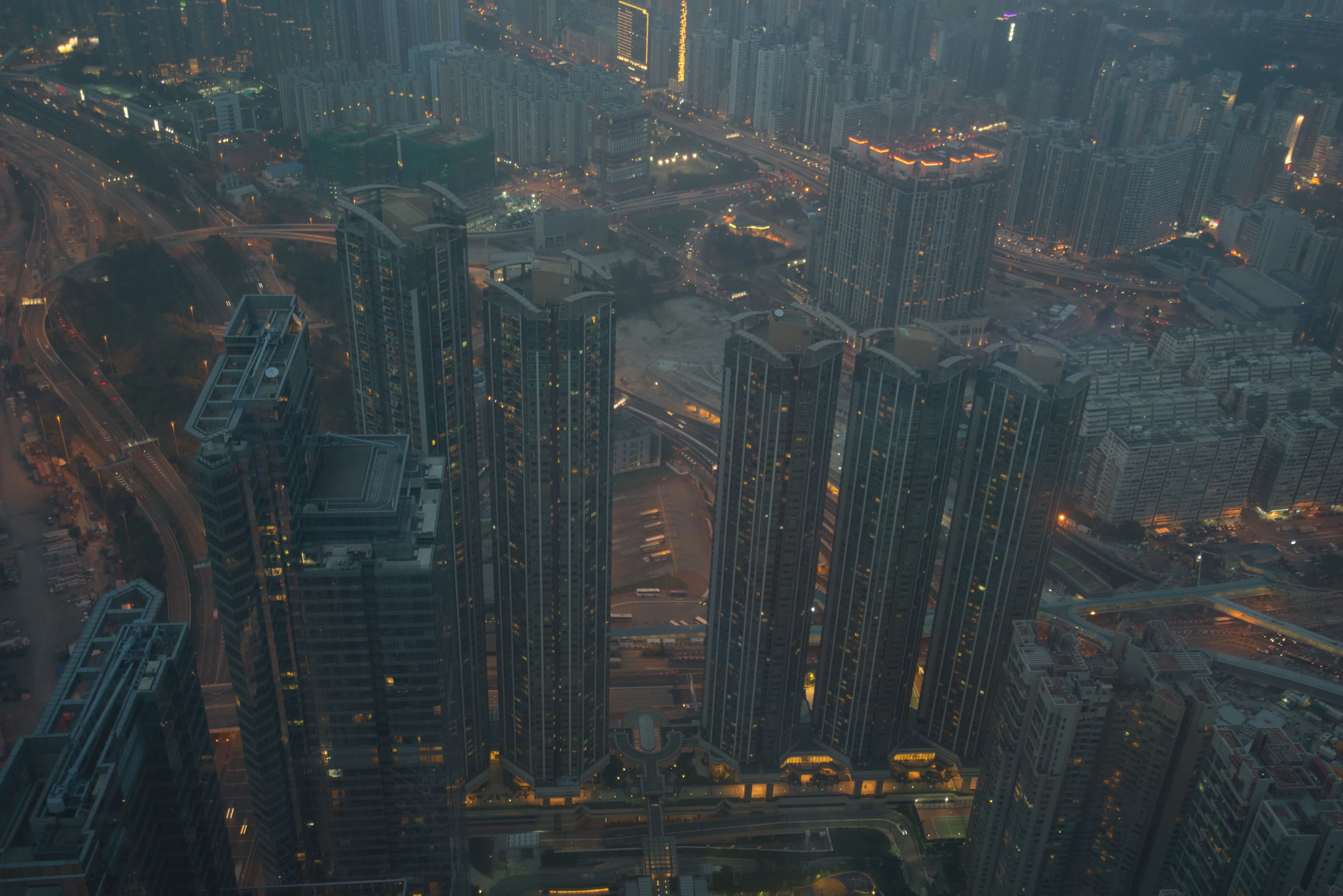
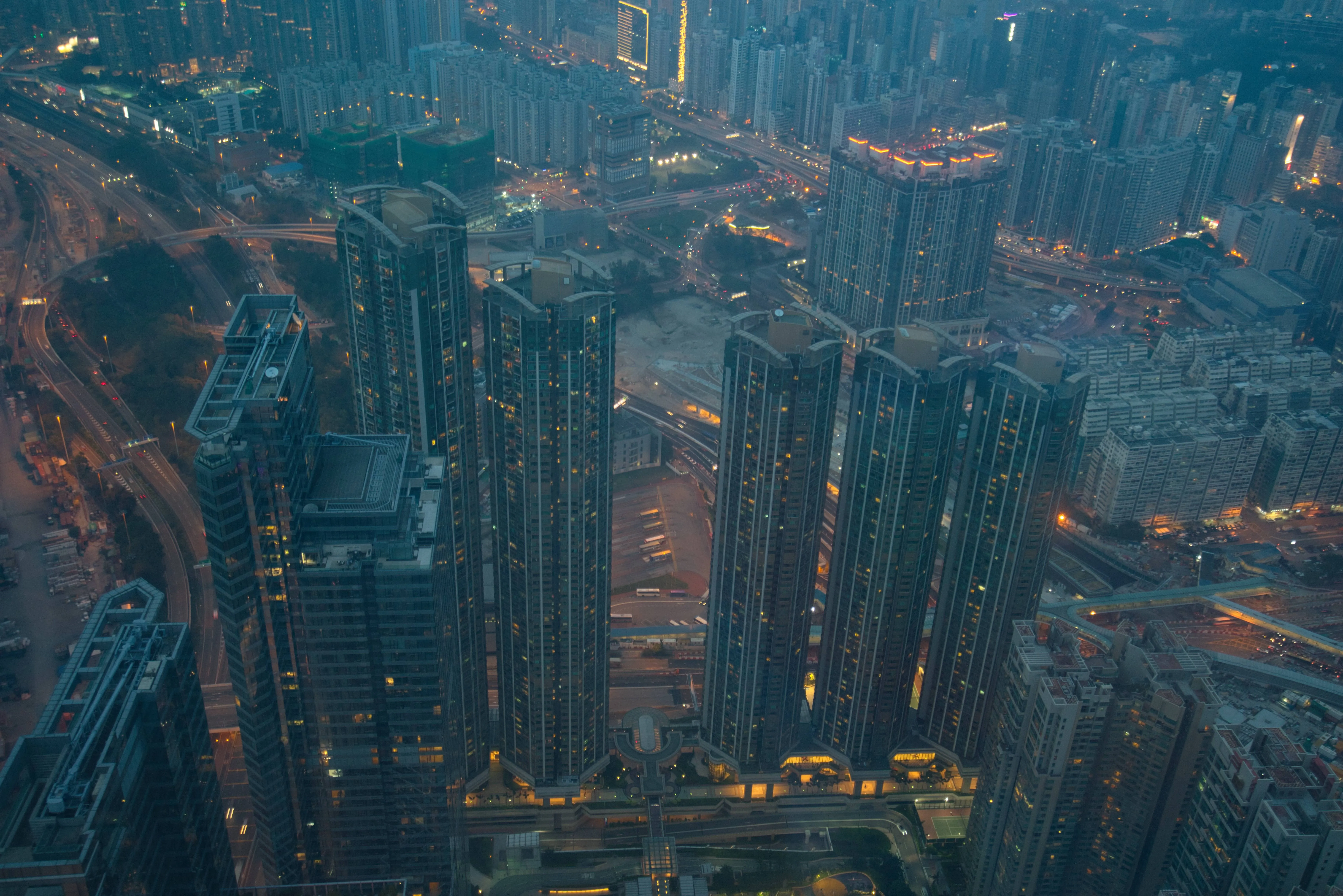
Luminarの強力なボケ効果で写真を変身。自然な背景のぼかしで瞬時に奥行きと雰囲気をプラス。Luminarのボケ効果は、人物だけでなく、物体や動物にも適用できるため、これまで以上にクリエイティブな自由度が広がります。
プランを見るプロ仕様のカメラに匹敵するボケ効果
実際のレンズの挙動を再現するボケ効果で、本格的で高品質な仕上がりを実現。Luminarは高度なAIを使用して画像を分析し、プロ仕様のカメラのように自然でリアルなボケ効果を作り出します。
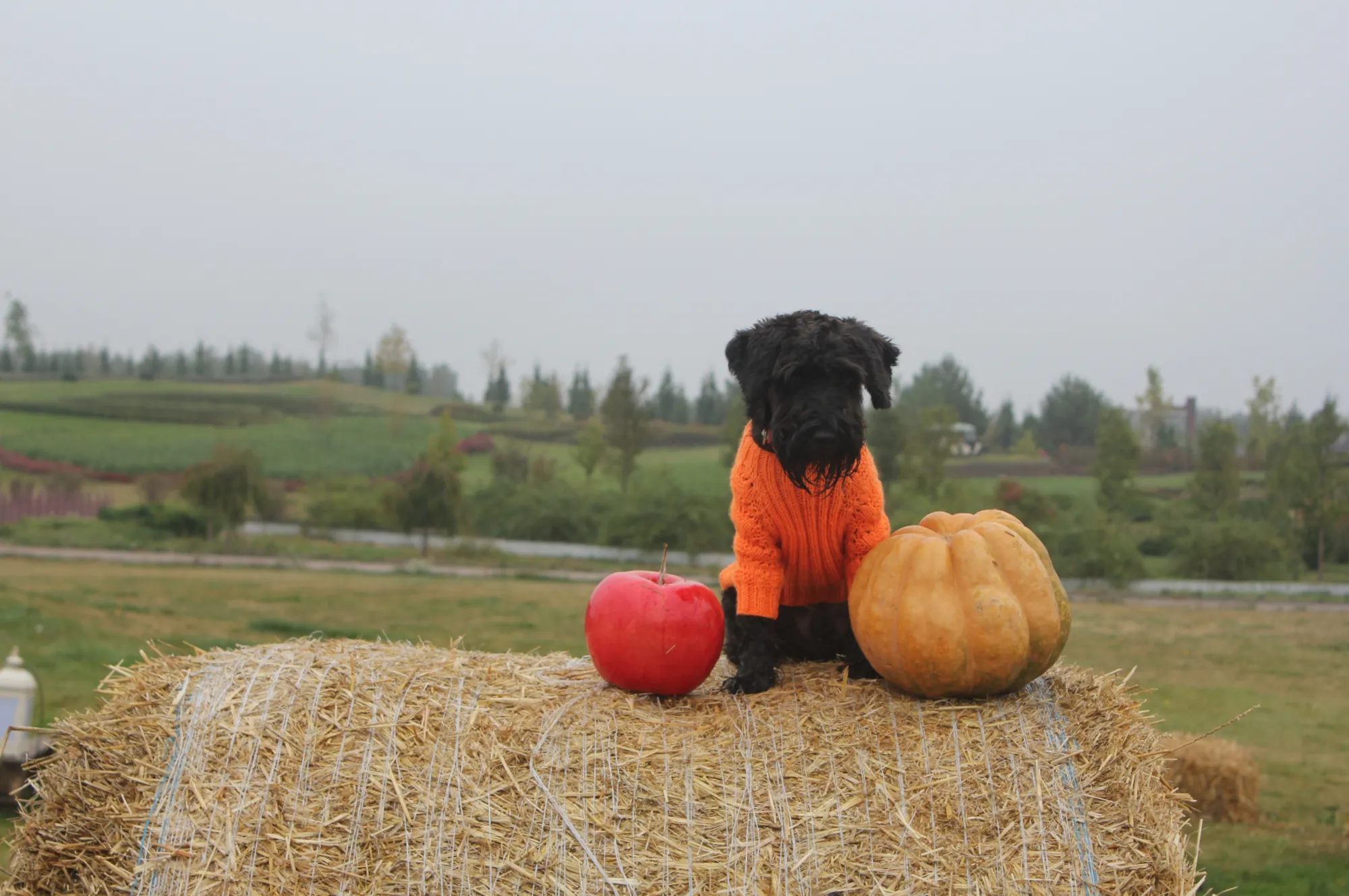
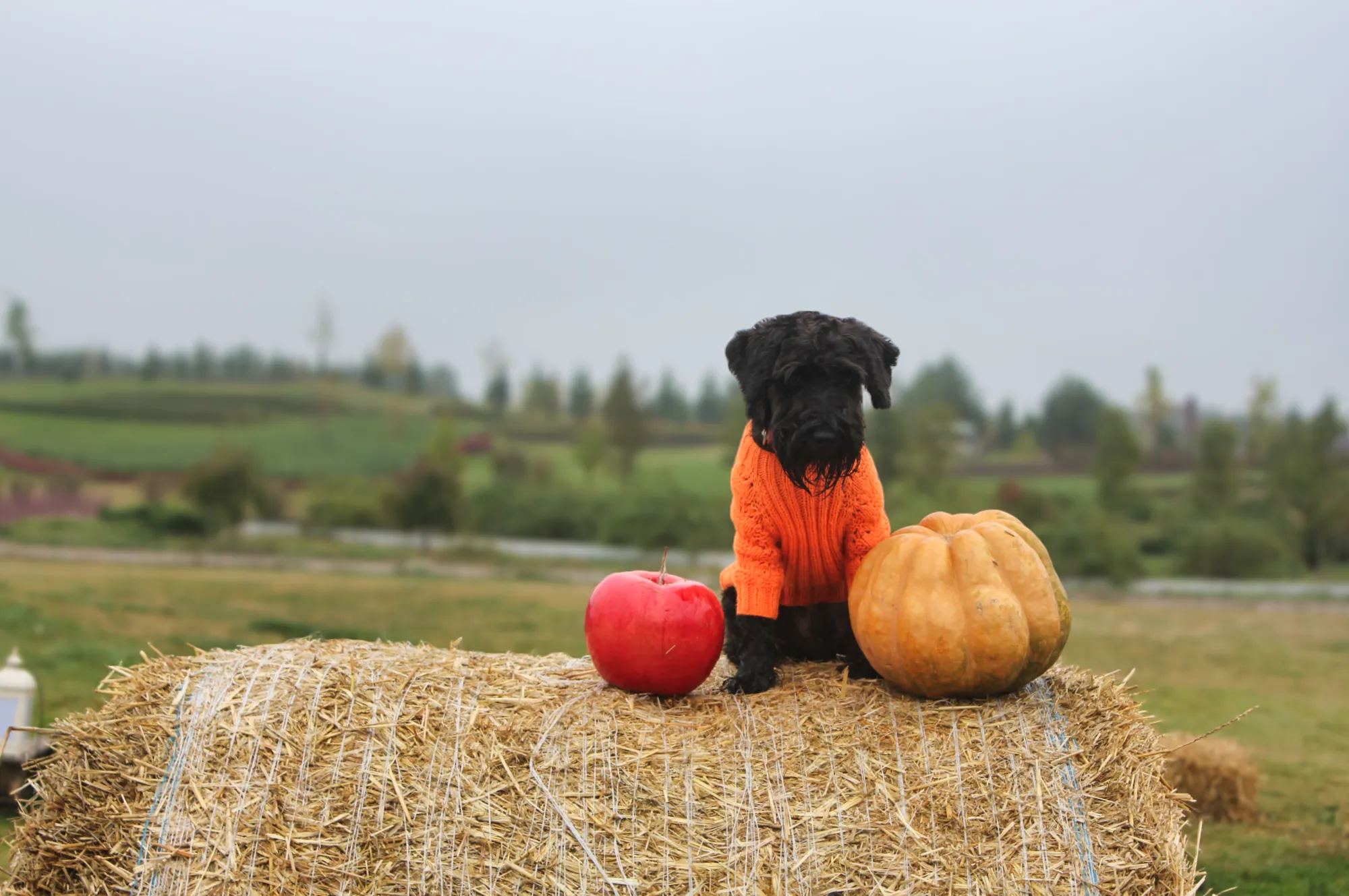
スタイルに合わせてボケの光効果をカスタマイズ
ボケ効果の光を細かく調整し、写真に感情や雰囲気をプラス。ソフトで夢のようなハイライトから印象的で個性的な表現まで、思い通りに演出できます。

© shutterstock
ボケ効果を追加する簡単ステップ
Luminarの直感的なワークフローで、すぐに始められます:
1. Luminarで写真を開く
2. 編集パネルからボケAIツールを選択
3. 効果を調整して、結果をすぐに確認。複雑なマスクや手動選択は不要。シンプルでパワフルな編集が可能です。
1. Luminarで写真を開く
2. 編集パネルからボケAIツールを選択
3. 効果を調整して、結果をすぐに確認。複雑なマスクや手動選択は不要。シンプルでパワフルな編集が可能です。
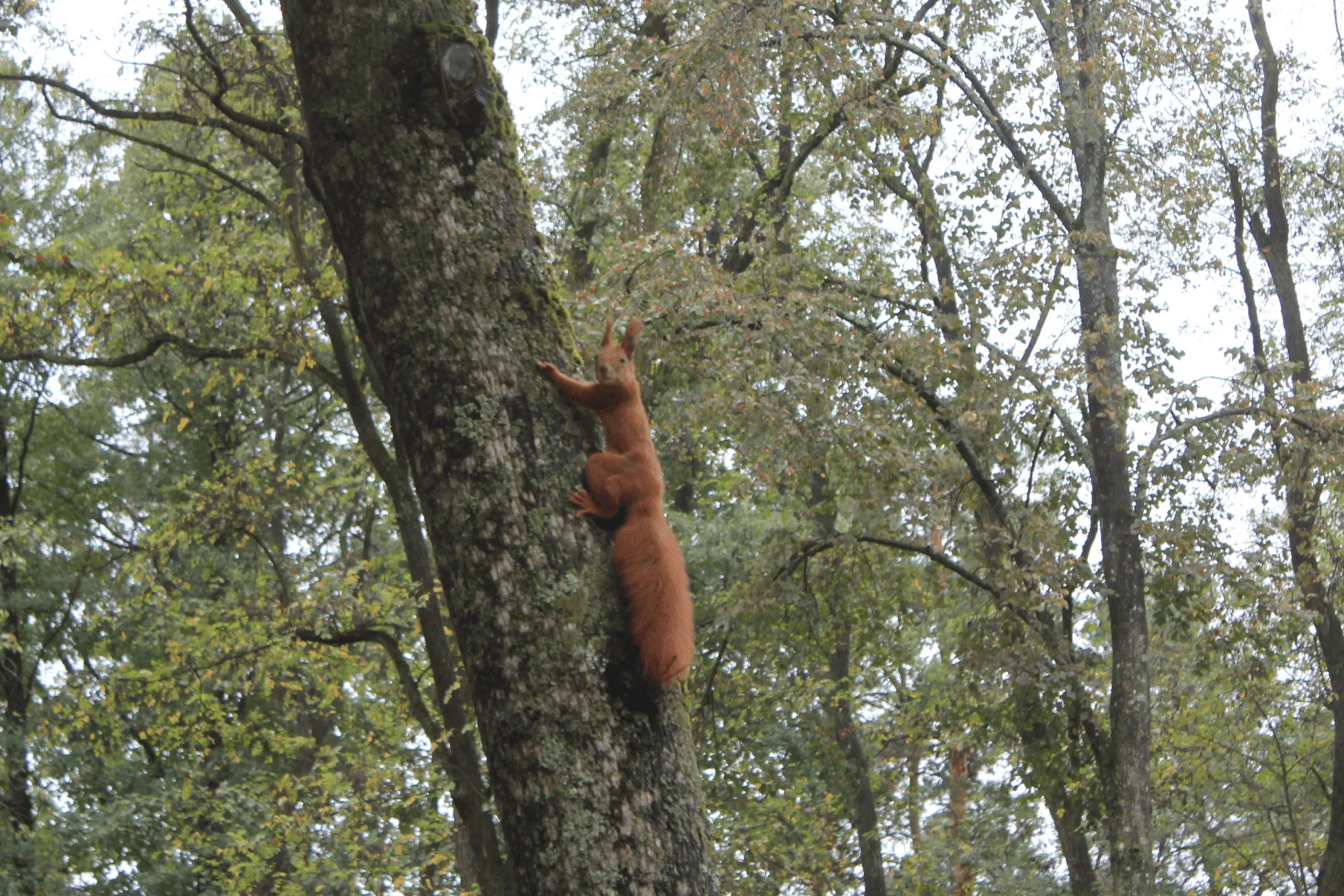
強度、形状、色など、あらゆるディテールをコントロール
ソフトなボケ効果を思い通りにコントロールし、あなただけのオリジナルボケ効果を作れます。
• ぼかしの強度を調整して、奥行きをコントロール
• 明るさや色を調整して、アートなライティングを演出
• 境界線をなめらかにして、より自然なグラデーションに
• ぼかしの強度を調整して、奥行きをコントロール
• 明るさや色を調整して、アートなライティングを演出
• 境界線をなめらかにして、より自然なグラデーションに
© shutterstock

アプリケーション & Lightroom プラグイン
macOSとWindows 対応
プランを見る
高性能な写真編集ソフト
年中無休のテクニカルサポート
30日間の返金保証
Luminarインサイダーのコミュニティーに参加
その他の機能を見る
Luminarには、編集をより速く、より簡単に行えるようサポートする機能が他にもたくさんあります

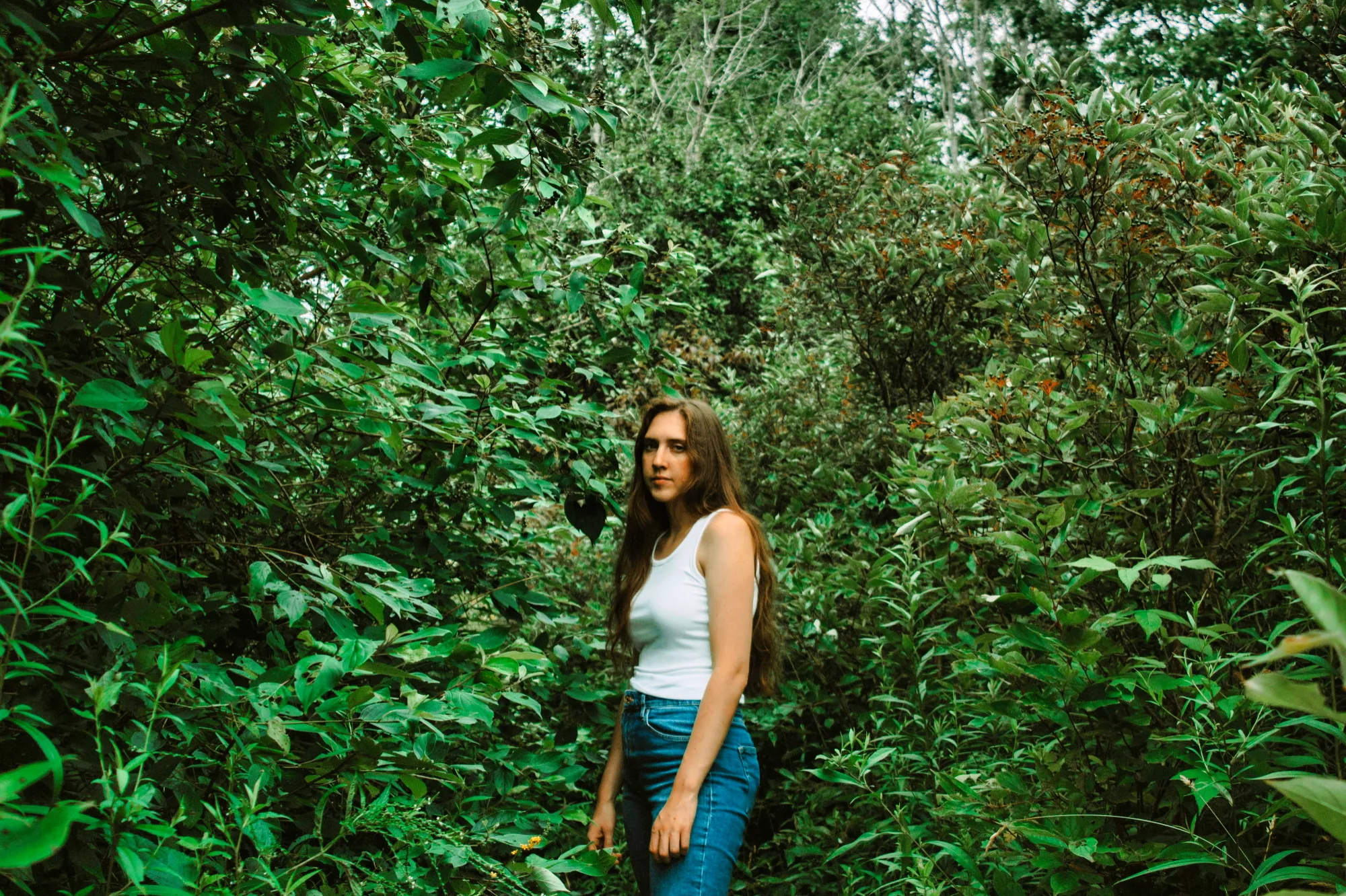





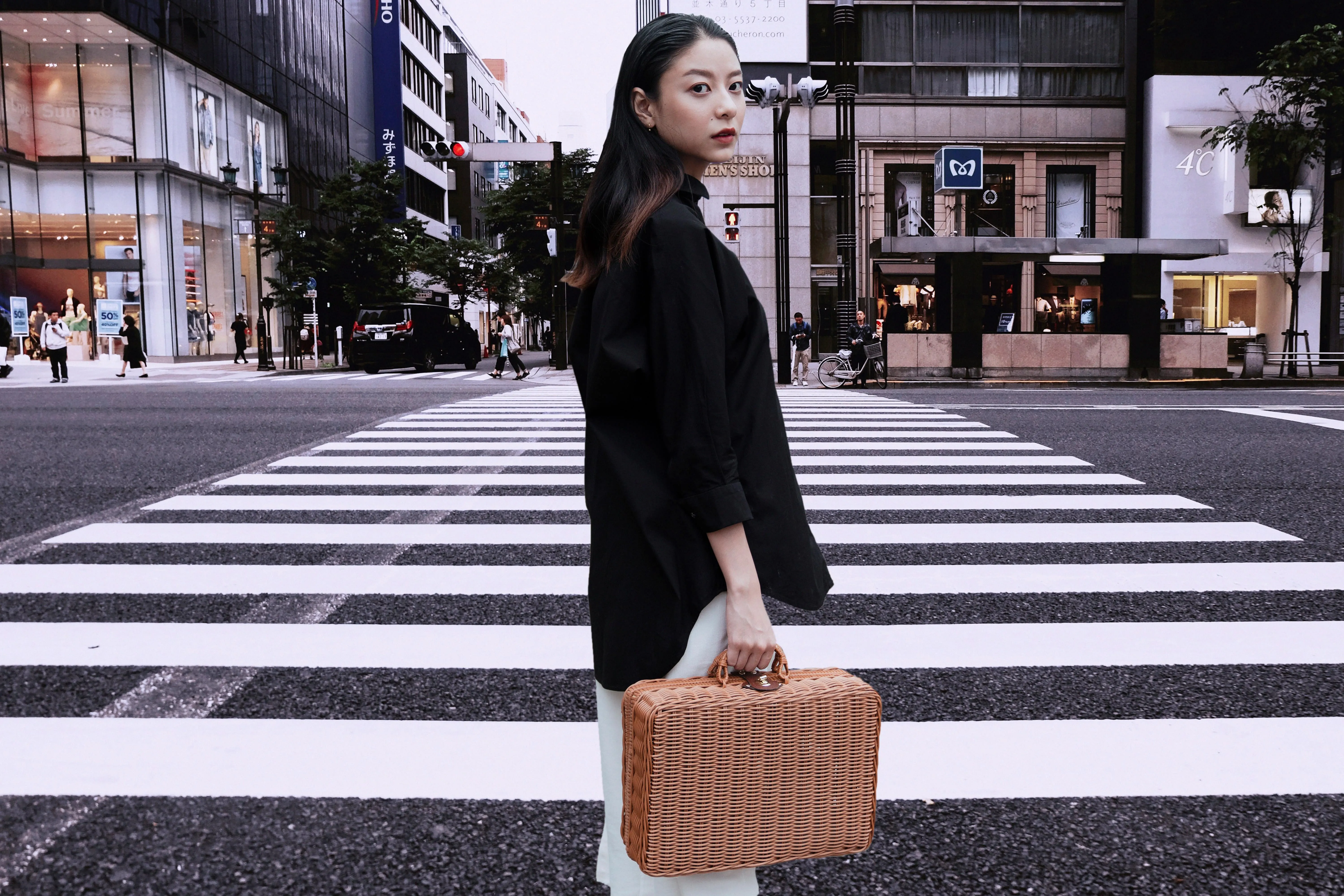
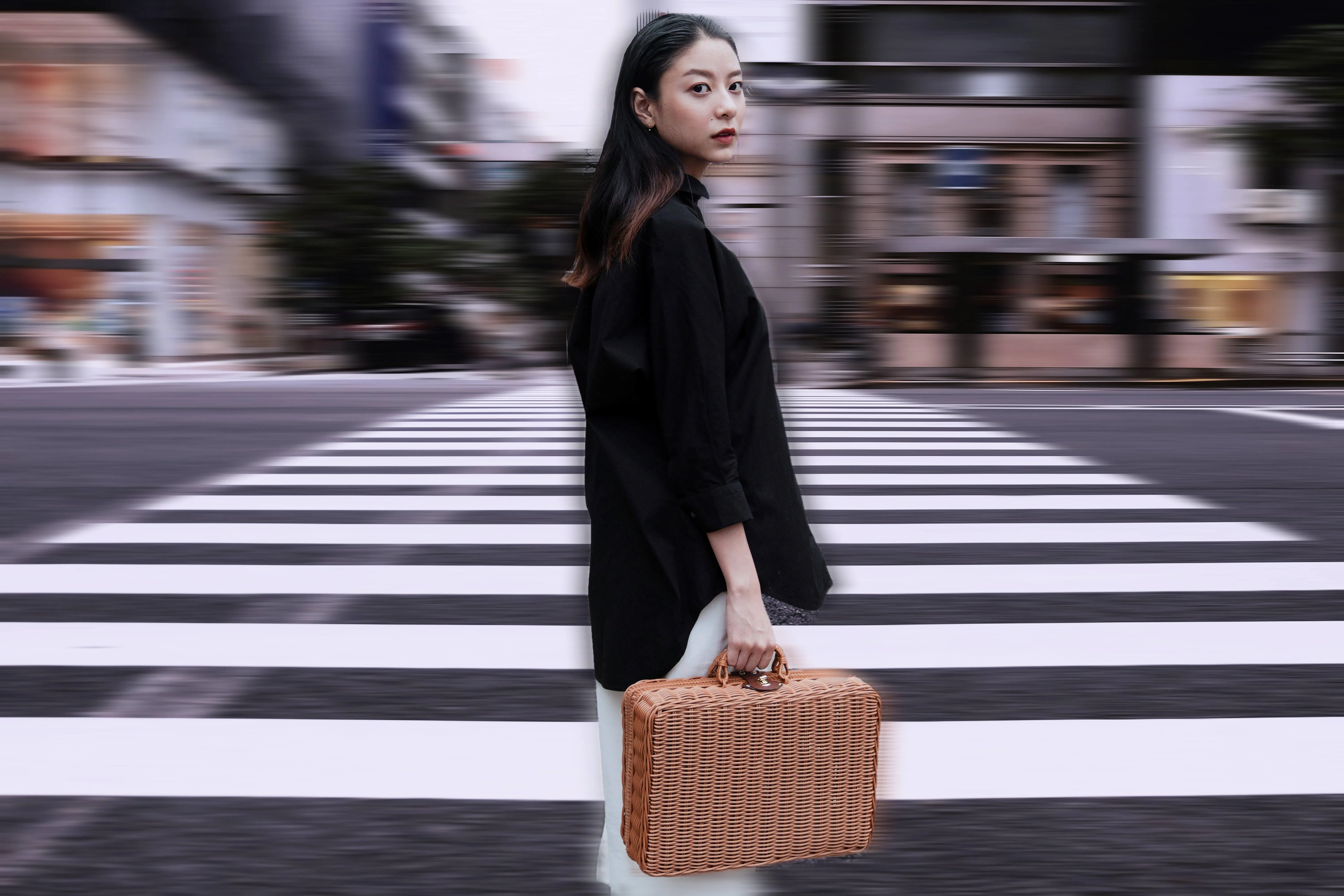
モーション ブラー効果
© Ksenia Kazak
今すぐクリックして、Luminarのモーションブラー効果を体験し、ありふれた写真を驚くほど躍動感あふれるものに変えてみましょう。

よくある質問
ボケ効果とはなんですか?
ボケ効果とは、被写体にピントを合わせたまま背景をぼかす写真技法で、奥行きと視覚的な分離感を生み出します。
Luminarでボケ効果を追加する方法は?
Luminarでは専用ツールを使ってボケ効果を適用できます。画像を開き、ツールを選択して、ぼかし、明るさ、形状を調整することで、思い通りの仕上がりを実現できます。
複数の写真にボケフィルターを一度に適用できますか?
はい、Luminar では複数の画像に編集を適用できるため、大規模なプロジェクトでも効率よく統一感のある仕上がりにできます。
ソフトウェアのボケ効果は、実際のカメラレンズのボケ効果に匹敵しますか?
Luminarのような最新のツールは、非常にリアルなボケ効果を生み出すことができます。実際のレンズは光学特性に依存しますが、AIによって奥行きや光の挙動を再現し、本物に近いボケ効果を再現できます。
Luminarのボケが特別な理由は?
基本的なぼかしツールとは異なり、LuminarはAIを使用して奥行きを分析し、ポートレートモードで撮影されていない写真でもリアルな背景ぼかしを作り出します。被写体と背景を正確に分離し、ぼかしの強さ、焦点距離、ボケの形状をコントロールできるため、より自然でプロフェッショナルな仕上がりを実現します。
Luminarのボケツールは、どのような人に役立つのでしょうか?
Luminarのボケツールは、次のような場合に役立ちます:
- ポートレート写真家:被写体と背景のコントラストをより鮮明にする
- ウェディングフォトグラファーの皆さん:ポートレートに柔らかくロマンチックな雰囲気をプラスしましょう
- ファッションフォトグラファーの皆さん:モデルとスタイリングに注力してください
- コンテンツクリエイター:ポートレートに洗練されたプロフェッショナルな仕上がりを与える
- 一般ユーザー:専用のレンズを使わずに、被写界深度が浅いような効果を再現できます
- ポートレート写真家:被写体と背景のコントラストをより鮮明にする
- ウェディングフォトグラファーの皆さん:ポートレートに柔らかくロマンチックな雰囲気をプラスしましょう
- ファッションフォトグラファーの皆さん:モデルとスタイリングに注力してください
- コンテンツクリエイター:ポートレートに洗練されたプロフェッショナルな仕上がりを与える
- 一般ユーザー:専用のレンズを使わずに、被写界深度が浅いような効果を再現できます
Luminarのボケツールは、どのような使用シーンで最も効果的ですか?
Luminarのボケツールは、ポートレート、ウェディング写真、ファッション写真、ライフスタイル写真などで最も効果を発揮します。こうした写真では、雑多な背景から人物を切り離すことで、被写体への注目を集めることができます。特に、元の写真が深い被写界深度で撮影されており、高速ポートレートレンズ特有の柔らかな背景を作り出したい場合に役立ちます。
