

 Visualizza tariffe
Aggiungi il Bokeh a una Foto per una Sfocatura Cinematografica
Trasforma le tue immagini con il potente effetto bokeh di Luminar. Crea all'istante profondità e atmosfera con una sfocatura dello sfondo dall'aspetto naturale. Ora il bokeh di Luminar funziona non solo sulle persone, ma anche su oggetti e animali, offrendoti una libertà creativa mai vista prima.
VISUALIZZA TARIFFESfocatura Bokeh come Quella delle Fotocamere Professionali
Ottieni risultati autentici e di alta qualità con un effetto bokeh sfocato che imita il comportamento dei veri obiettivi. Luminar utilizzata l'AI avanzata per analizzare l'immagine e applicare una sfocatura che appare omogenea e realistica, proprio come in una fotocamera professionale.
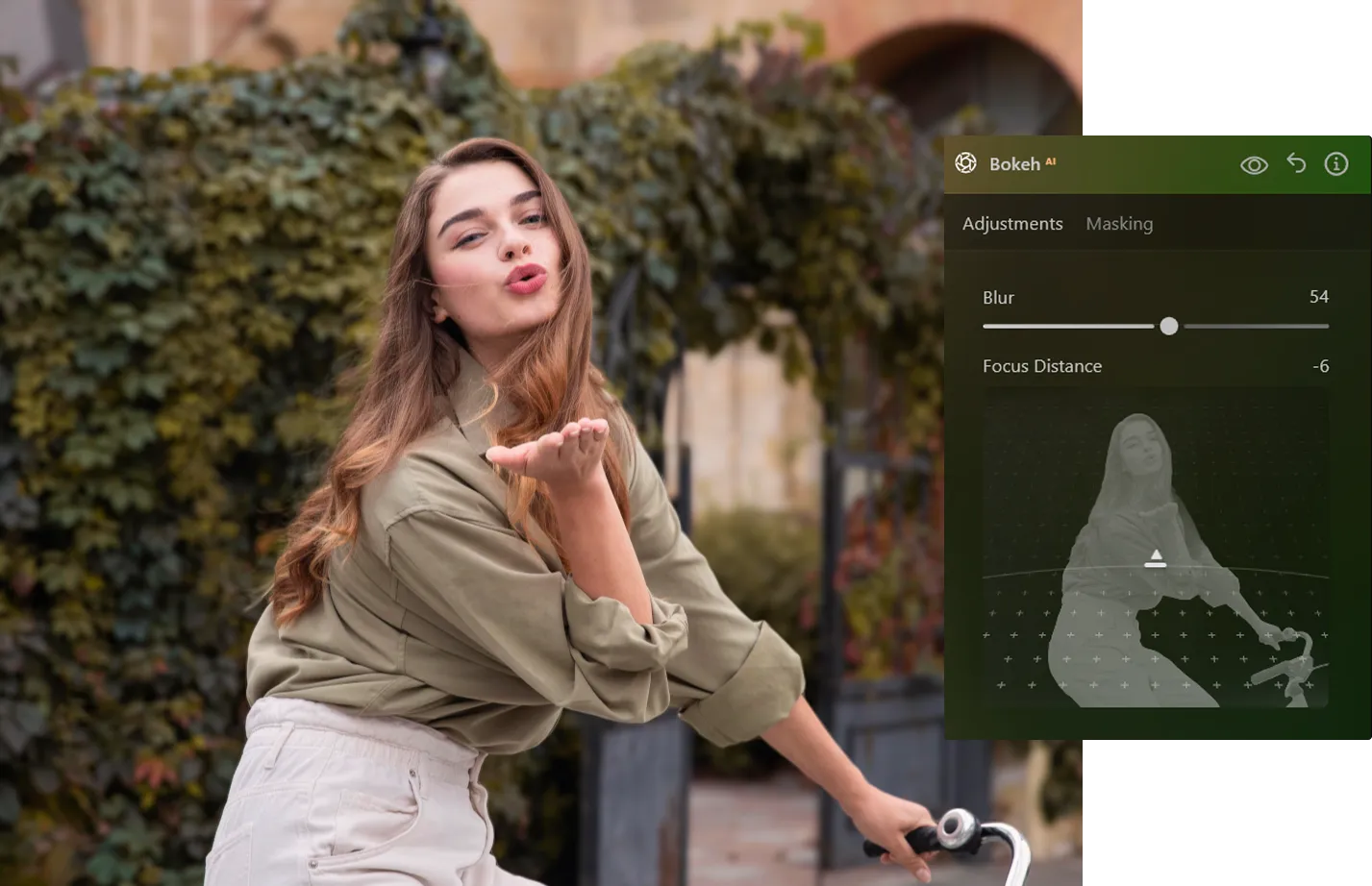
Personalizza l'Effetto di Luce Bokeh in Base al Tuo Stile
Regola la luce bokeh per creare atmosfera ed emozioni in ogni scatto. Dai punti luce soft a una luce audace e stilizzata, puoi dare forma all'atmosfera esattamente come vuoi tu.



© shutterstock
Semplici Step per Aggiungere Effetti Bokeh
Inizia subito con un workflow intuitivo all'interno di Luminar:
1. Apri l'immagine in Luminar
2. Seleziona il tool Bokeh AI dal pannello di editing
3. Regola l'effetto e visualizza all'istante i risultati. Niente maschere complesse o selezioni manuali, ma solo un editing facile ed efficace.
1. Apri l'immagine in Luminar
2. Seleziona il tool Bokeh AI dal pannello di editing
3. Regola l'effetto e visualizza all'istante i risultati. Niente maschere complesse o selezioni manuali, ma solo un editing facile ed efficace.
Controlla Ogni Dettaglio: Intensità, Forma e Colore
Assumi il pieno controllo del tuo delicato effetto bokeh e rendilo unicamente tuo.
• Regola l'intensità della sfocatura per aumentare o ridurre la profondità
• Modifica luminosità e colore per una luce artistica
• Rifinisci i bordi per una transizione più naturale
• Regola l'intensità della sfocatura per aumentare o ridurre la profondità
• Modifica luminosità e colore per una luce artistica
• Rifinisci i bordi per una transizione più naturale
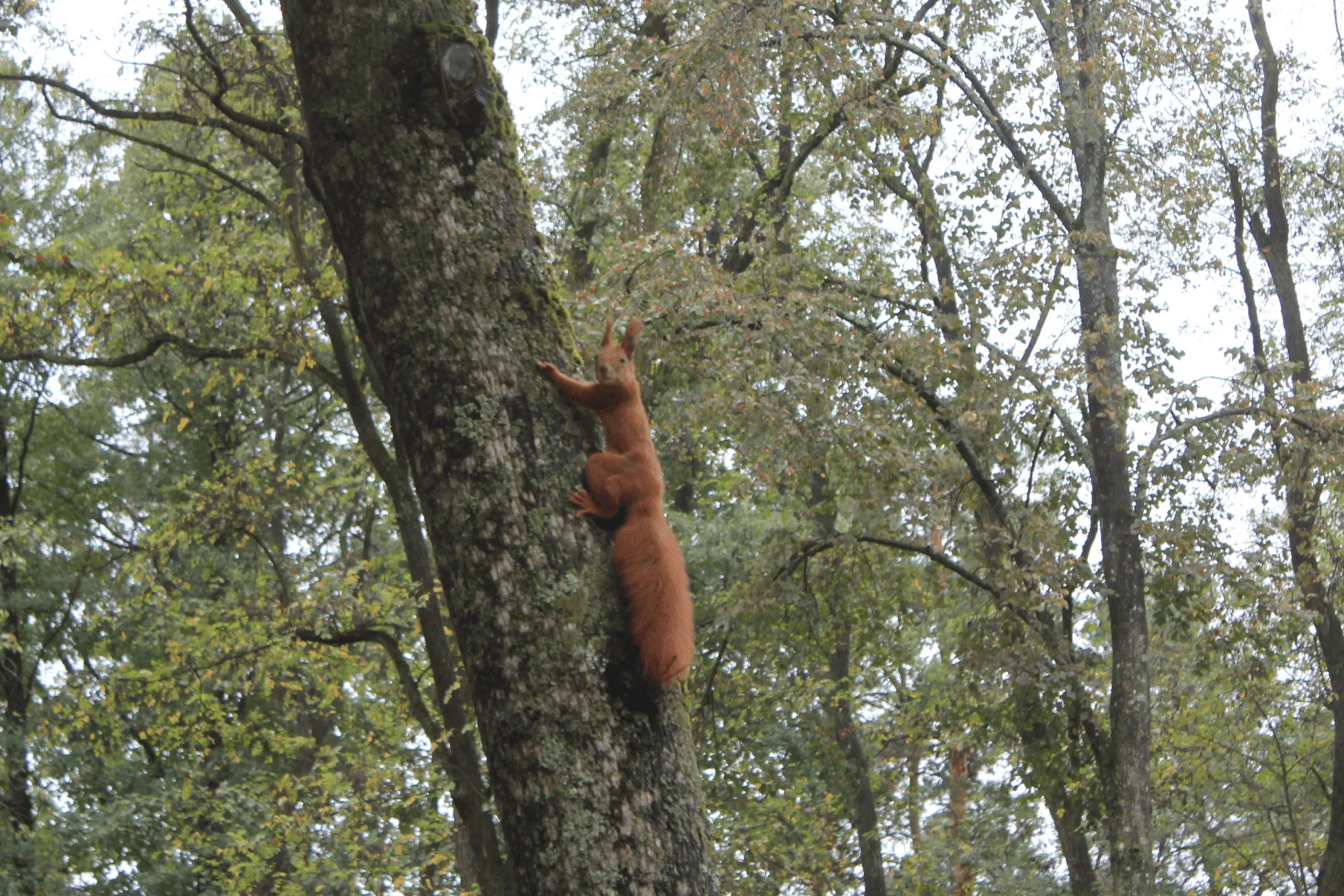
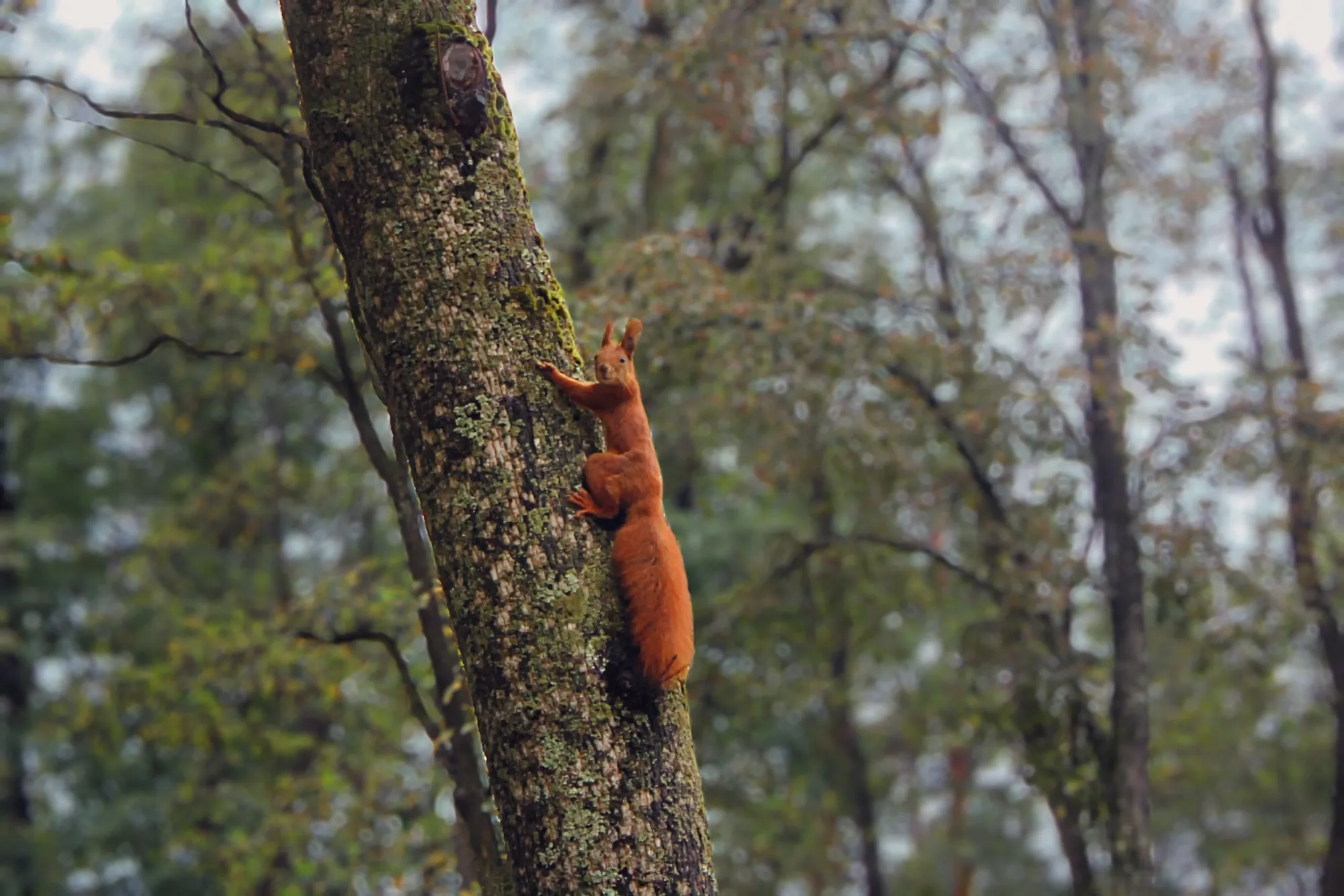
© shutterstock

Applicazione e plugin per Lightroom
Per macOS e Windows
Visualizza tariffe
Editor di immagini ad alte prestazioni
Assistenza tecnica 24/7
Garanzia di 30 giorni soddisfatti o rimborsati
Unisciti alla community Luminar Insiders
Esplora Altre Funzionalità
Luminar offre tantissime altre funzionalità che ti aiutano a modificare le foto in modo più veloce e semplice

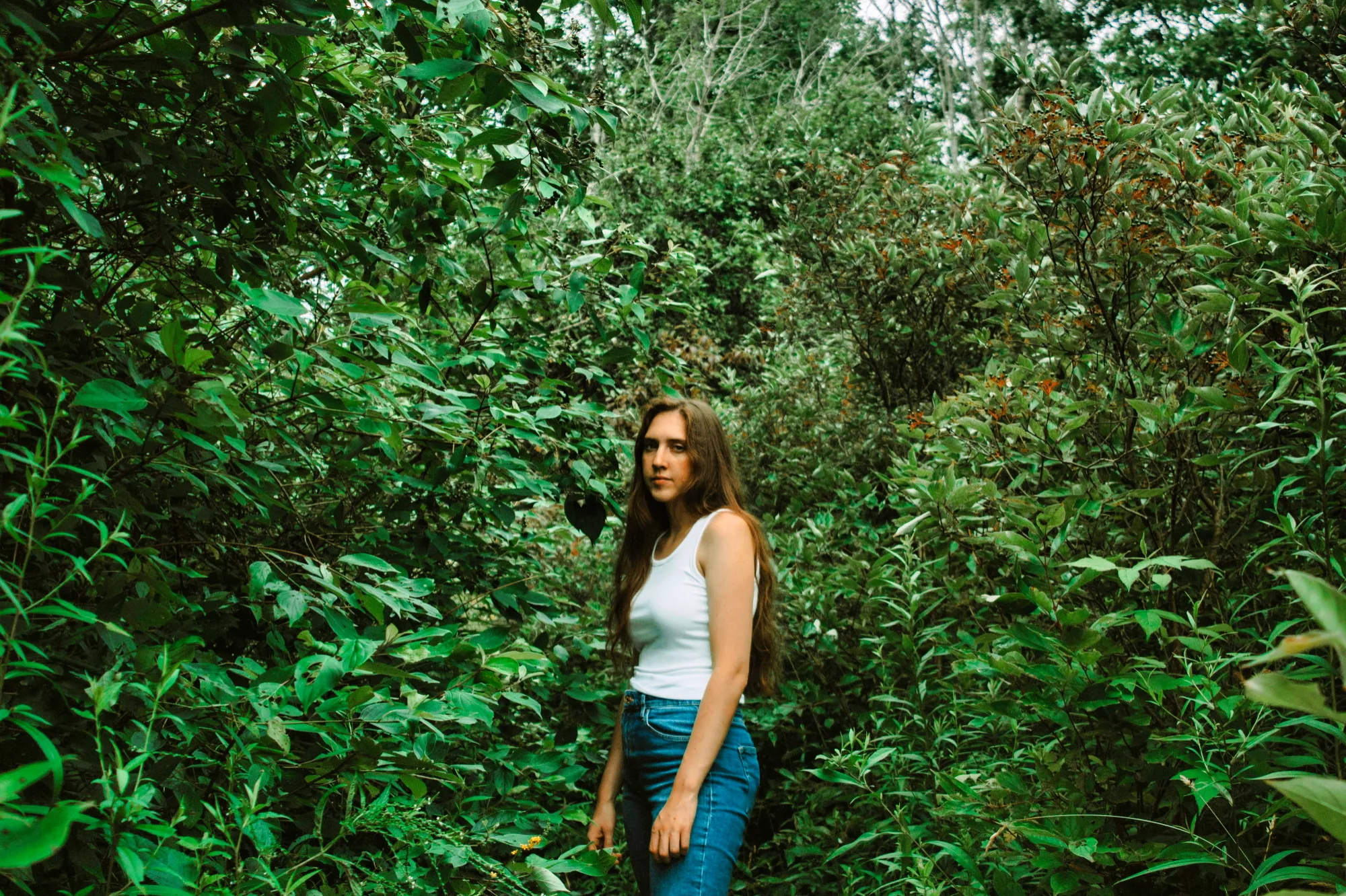
Effetto Ritratto Bokeh

© Shutterstock
Scopri come trasformare lo sfondo in un'accattivante sfocatura con il nostro tool Effetto Ritratto Bokeh.

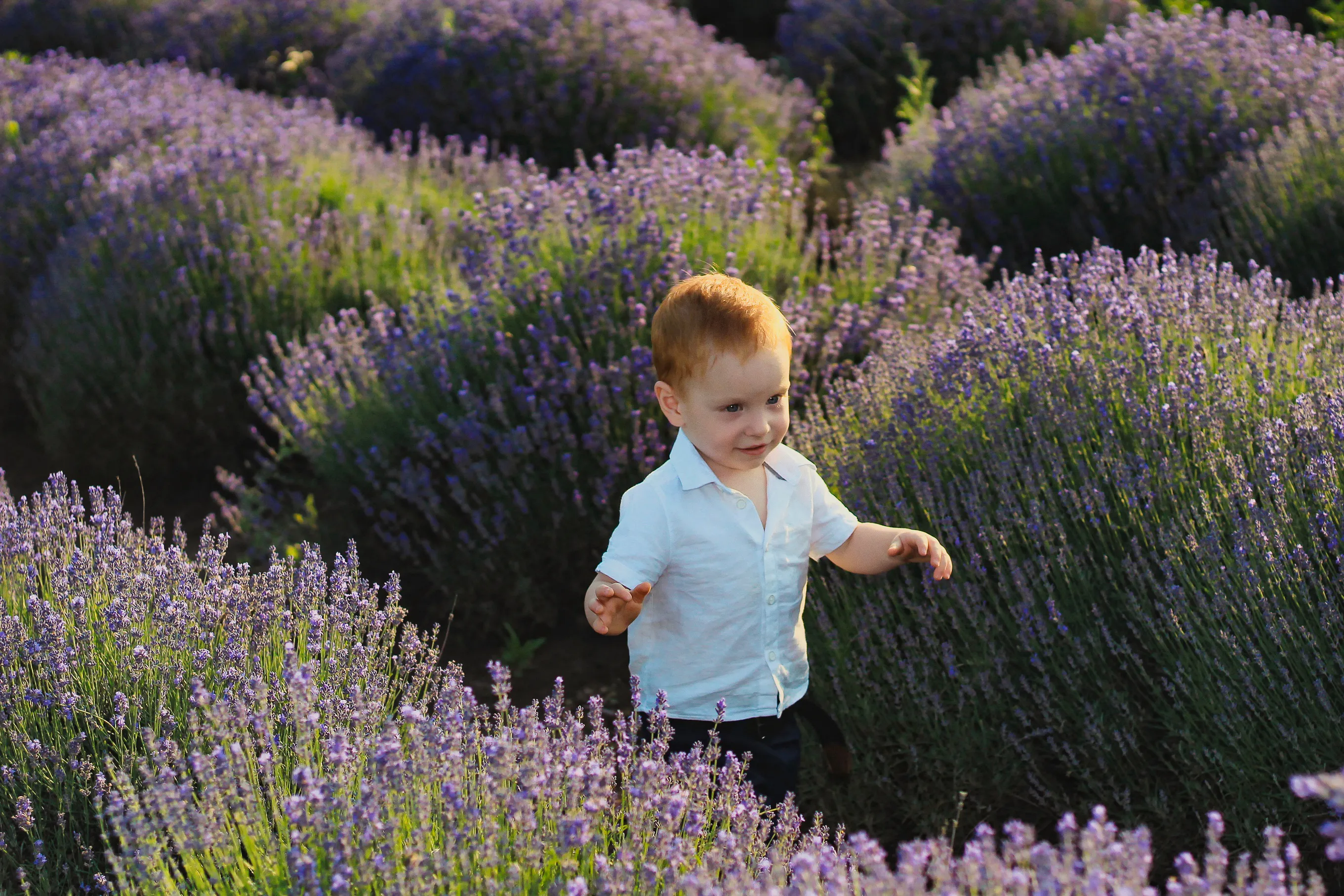
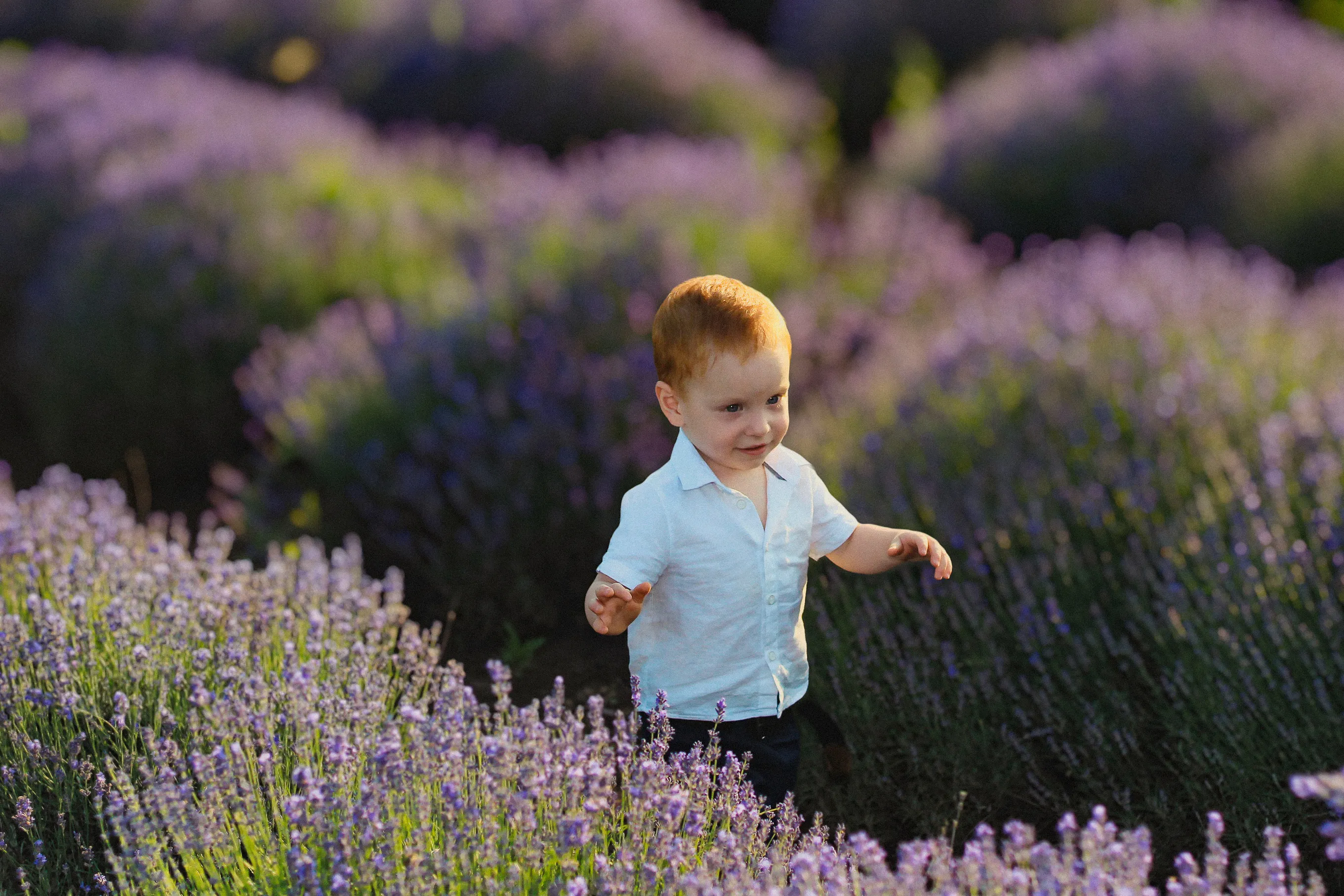
Sfoca Sfondi
© Depositphoto
Sfoca con facilità gli sfondi per mettere a fuoco il soggetto principale e migliorare l'appeal visivo dell'immagine.


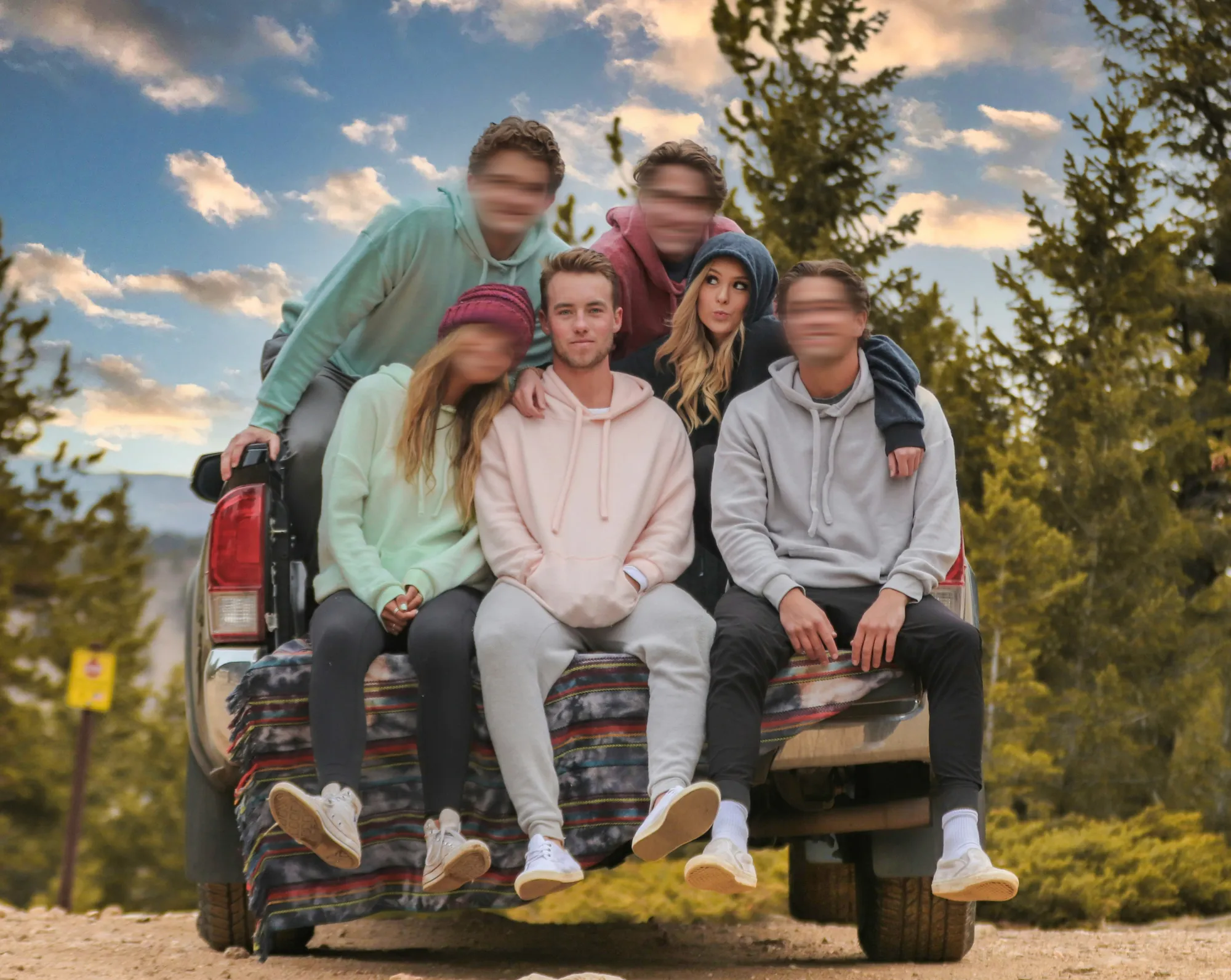

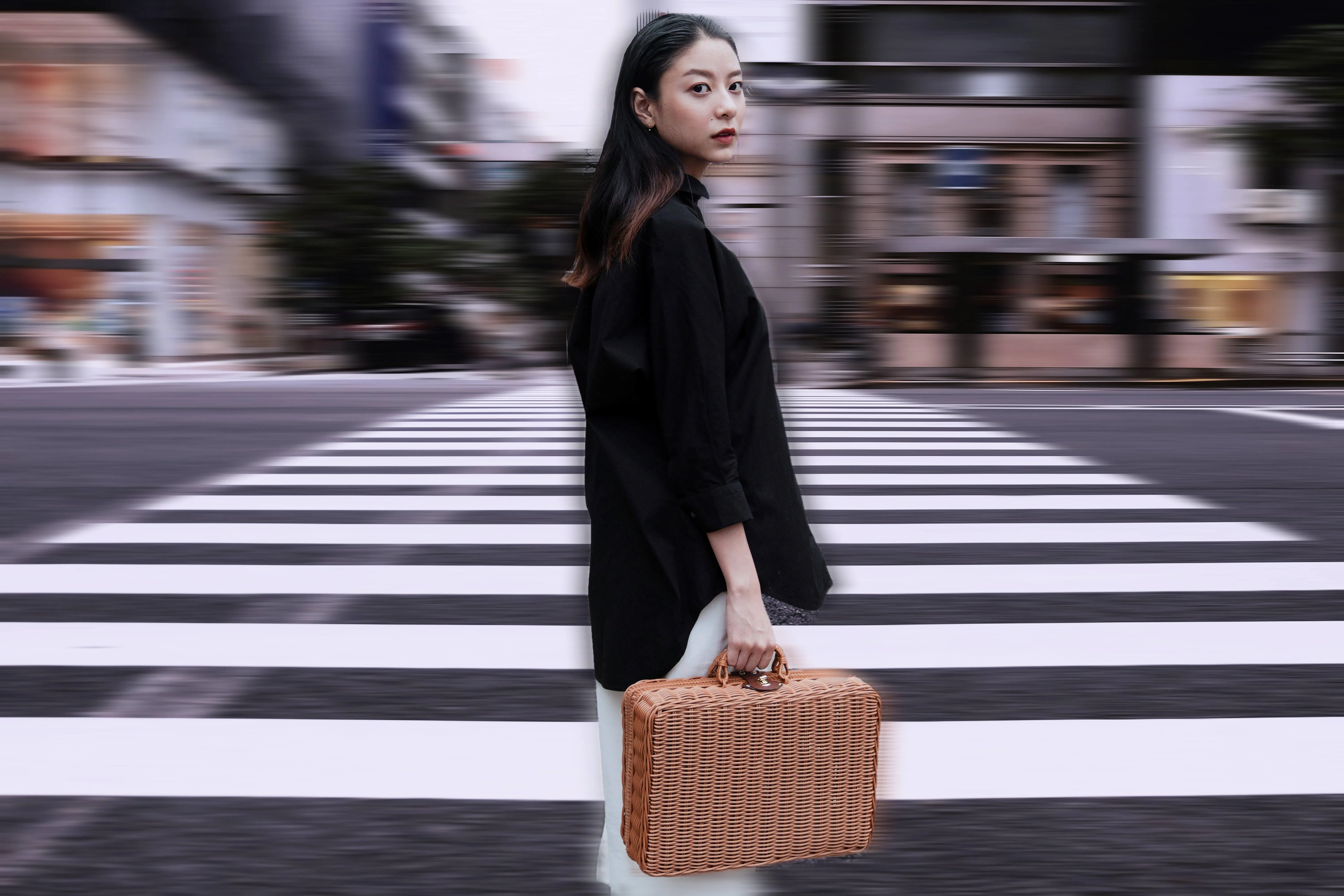
Effetto Movimento
© Ksenia Kazak
Clicca ora per provare l'effetto sfocatura di movimento in Luminar e rendere le tue foto ordinarie straordinariamente dinamiche.
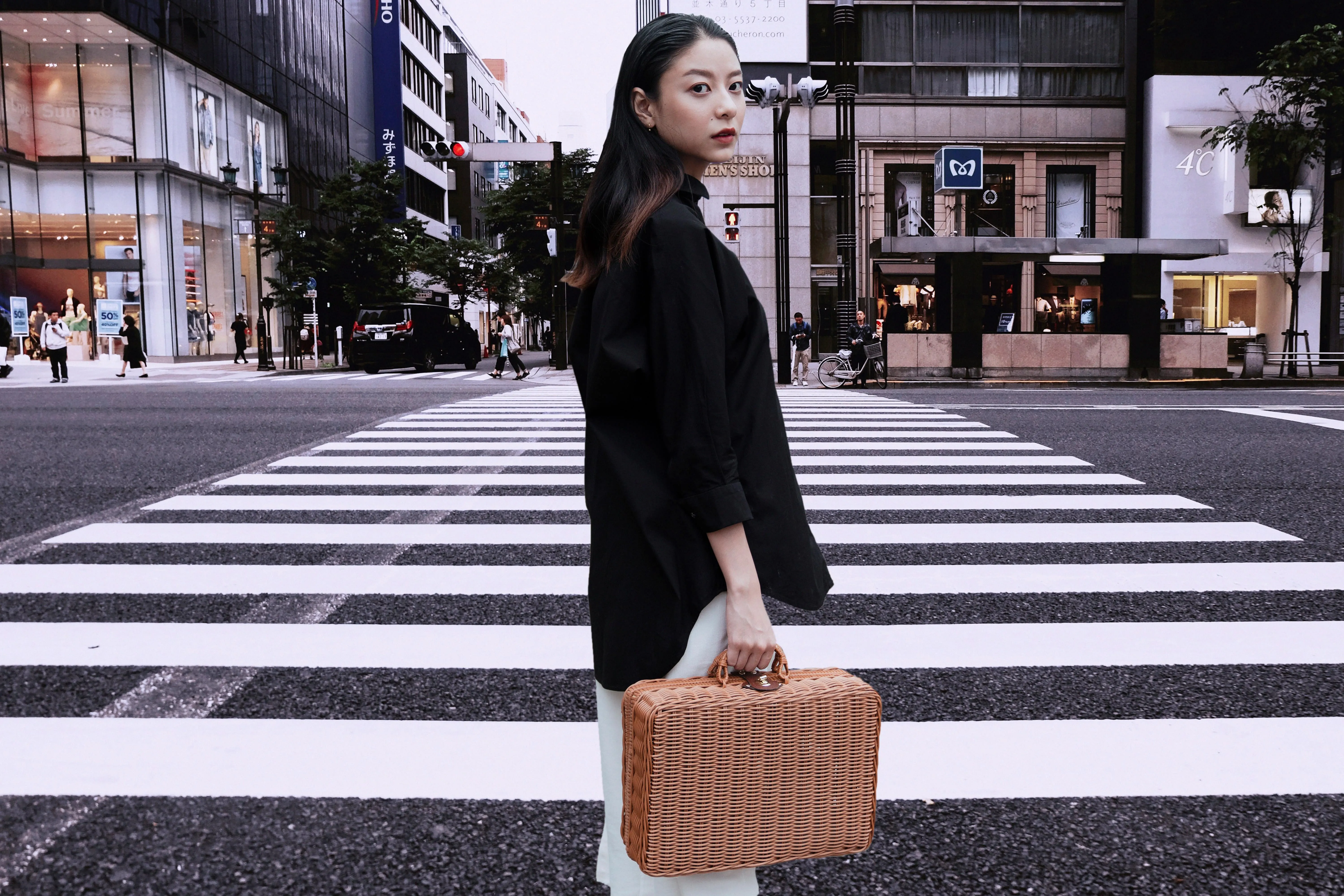
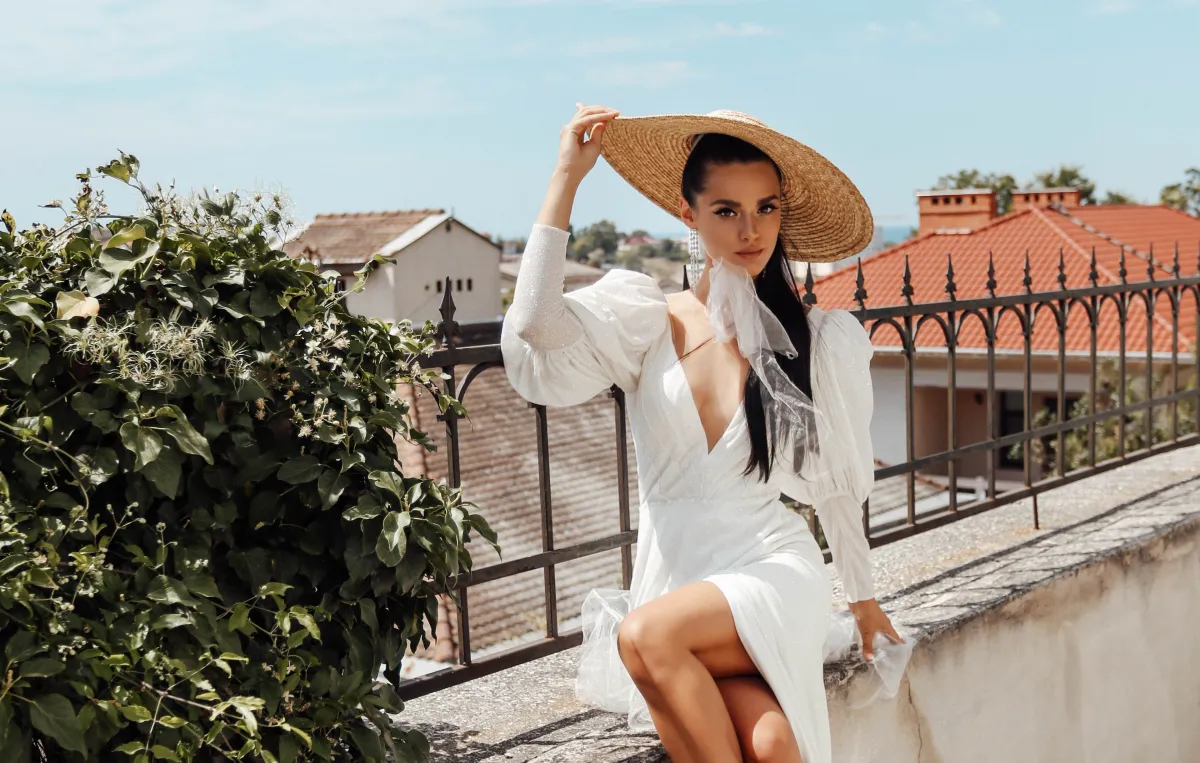
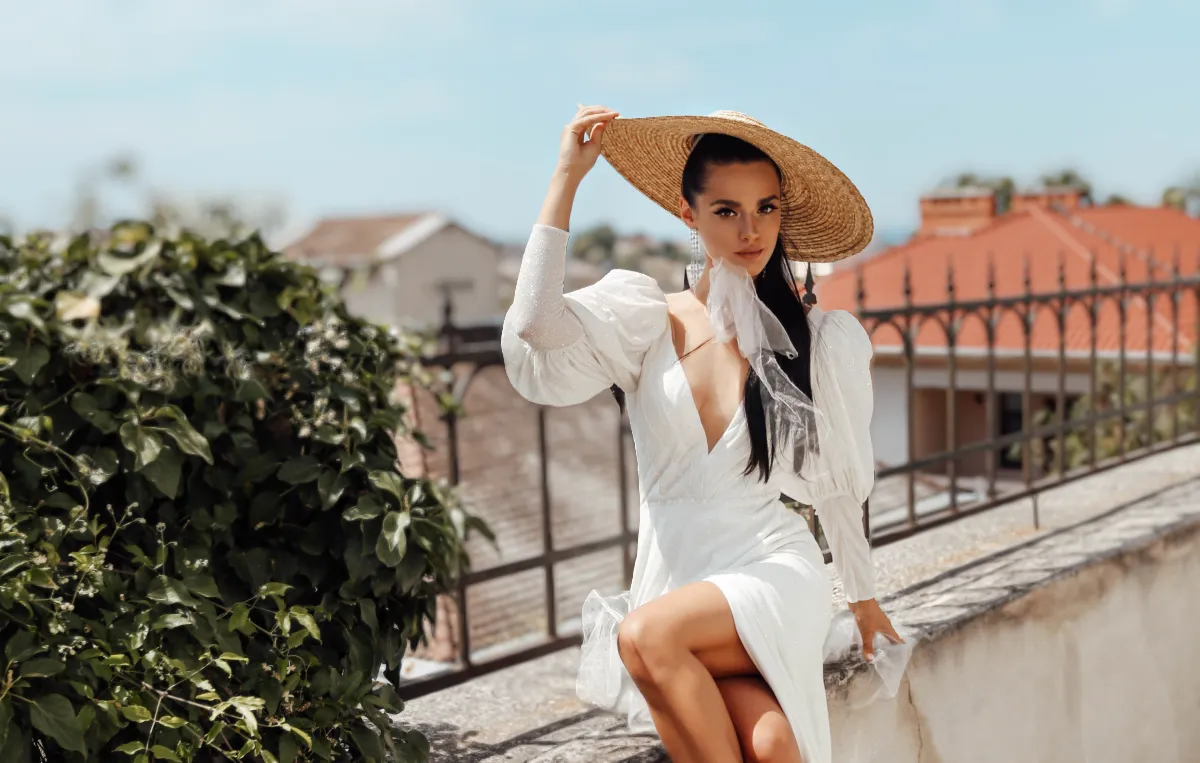
Sfoca Immagine
© Ksenia Kazak
Dai vita alle tue foto: scopri quanto è facile sfocare al meglio un'immagine in pochi clic!

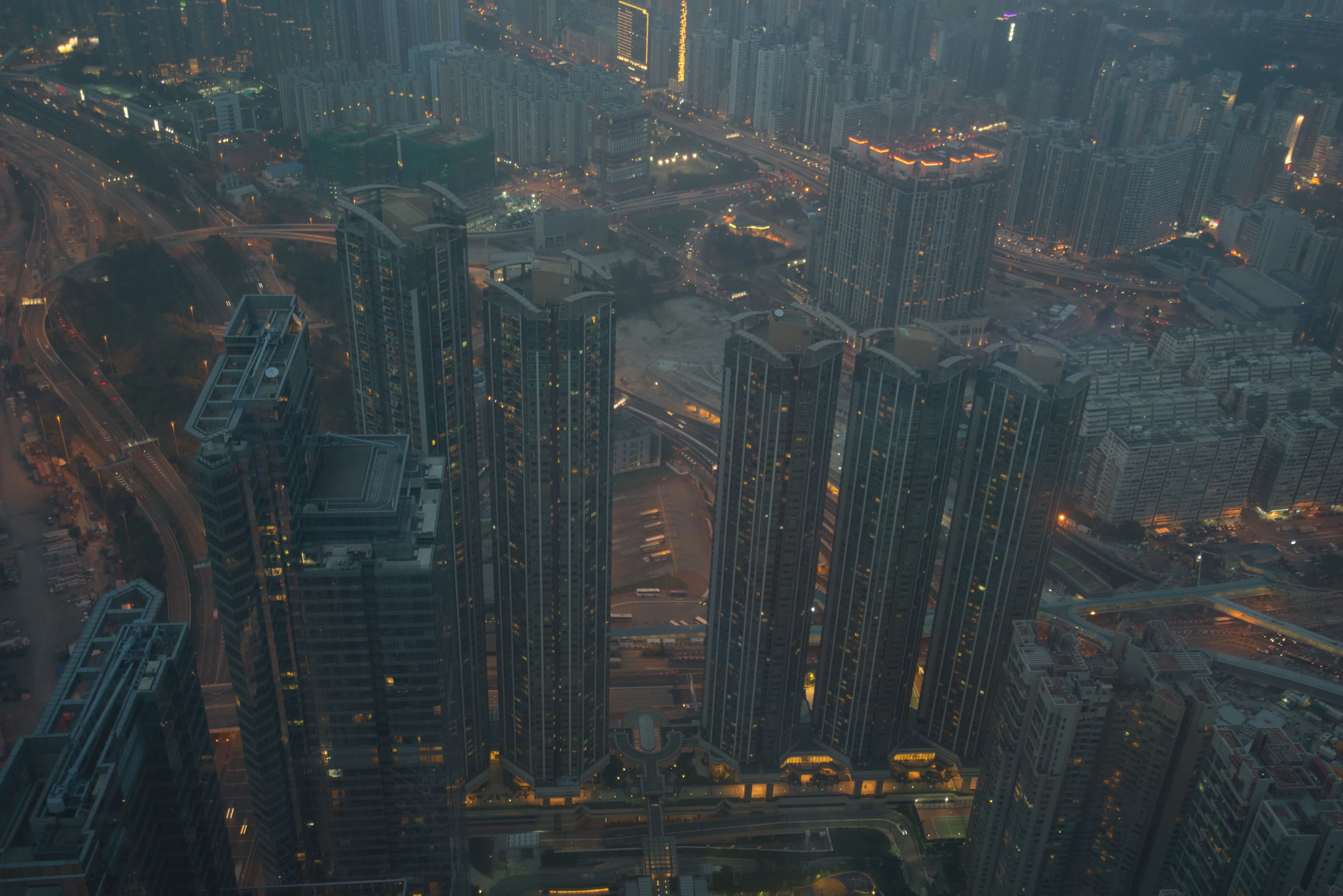
Rimuovi la foschia dalle foto
© bloodua
Rivela in tutta facilità dettagli nascosti e colori vibranti.
Domande frequenti
Cos'è l'effetto bokeh?
L'effetto bokeh è una tecnica fotografica per cui lo sfondo viene sfocato mentre il soggetto resta a fuoco, creando un senso di profondità e separazione visiva.
Come si ottiene l'effetto bokeh in Luminar?
In Luminar l'effetto bokeh si applica utilizzando un apposito tool. Ti basterà apritre l'immagine, selezionare il tool e regolare sfocatura, luce e forma per ottenere il risultato desiderato.
Posso modificare più foto insieme per aggiungere il filtro bokeh?
Sì, Luminar ti consente di applicare le modifiche su più immagini, così sarà più facile ottenere risultati coerenti e risparmiare tempo quando lavori su progetti grandi.
Con il bokeh con software si ottiene lo stesso effetto del bokeh dell'obiettivo di una vera fotocamera?
I tool moderni come Luminar sono in grado di produrre risultati molto realistici. Mentre un vero obiettivo dipende dall'ottica, i tool basati sull'AI riescono a replicare la profondità e il comportamento della luce per riprodurre molto fedelmente il vero effetto bokeh dello sfondo.
Cosa rende il bokeh di Luminar così speciale?
A differenza dei tool di sfocatura di base, Luminar utilizza l'AI per analizzare la profondità e creare un bokeh realistico, anche se la foto non è stata scattata in modalità ritratto. Separa accuratamente il soggetto dallo sfondo e ti consente di controllare l'intensità della sfocatura, la distanza di messa a fuoco e la forma del bokeh, per un look più naturale e professionale.
Chi può trarre vantaggio dallo strumento bokeh di Luminar?
Gli strumenti per il bokeh di Luminar sono utili per:
- Fotografi di ritratti: create una separazione più netta tra il soggetto e lo sfondo
- Fotografi di matrimoni: conferite ai ritratti un aspetto delicato e romantico
- Fotografi di moda: concentratevi sulla modella e sullo styling
- Creatori di contenuti: conferite ai ritratti un aspetto curato e professionale
- Utenti comuni: ricrea l'effetto di profondità di campo ridotta senza obiettivi specifici
- Fotografi di ritratti: create una separazione più netta tra il soggetto e lo sfondo
- Fotografi di matrimoni: conferite ai ritratti un aspetto delicato e romantico
- Fotografi di moda: concentratevi sulla modella e sullo styling
- Creatori di contenuti: conferite ai ritratti un aspetto curato e professionale
- Utenti comuni: ricrea l'effetto di profondità di campo ridotta senza obiettivi specifici
In quali casi d'uso lo strumento bokeh di Luminar risulta più efficace?
Lo strumento bokeh di Luminar è particolarmente efficace nei ritratti, nelle foto di matrimonio, negli scatti di moda e nella fotografia lifestyle, dove separare una persona da uno sfondo movimentato aiuta a focalizzare l’attenzione sul soggetto. È particolarmente utile quando la foto originale è stata scattata con una profondità di campo maggiore e si desidera creare lo sfondo sfocato tipico degli obiettivi da ritratto a focale corta.
