
 요금제 보기
사진에 보케 효과를 더해 영화 같은 흐림 효과를 연출하기
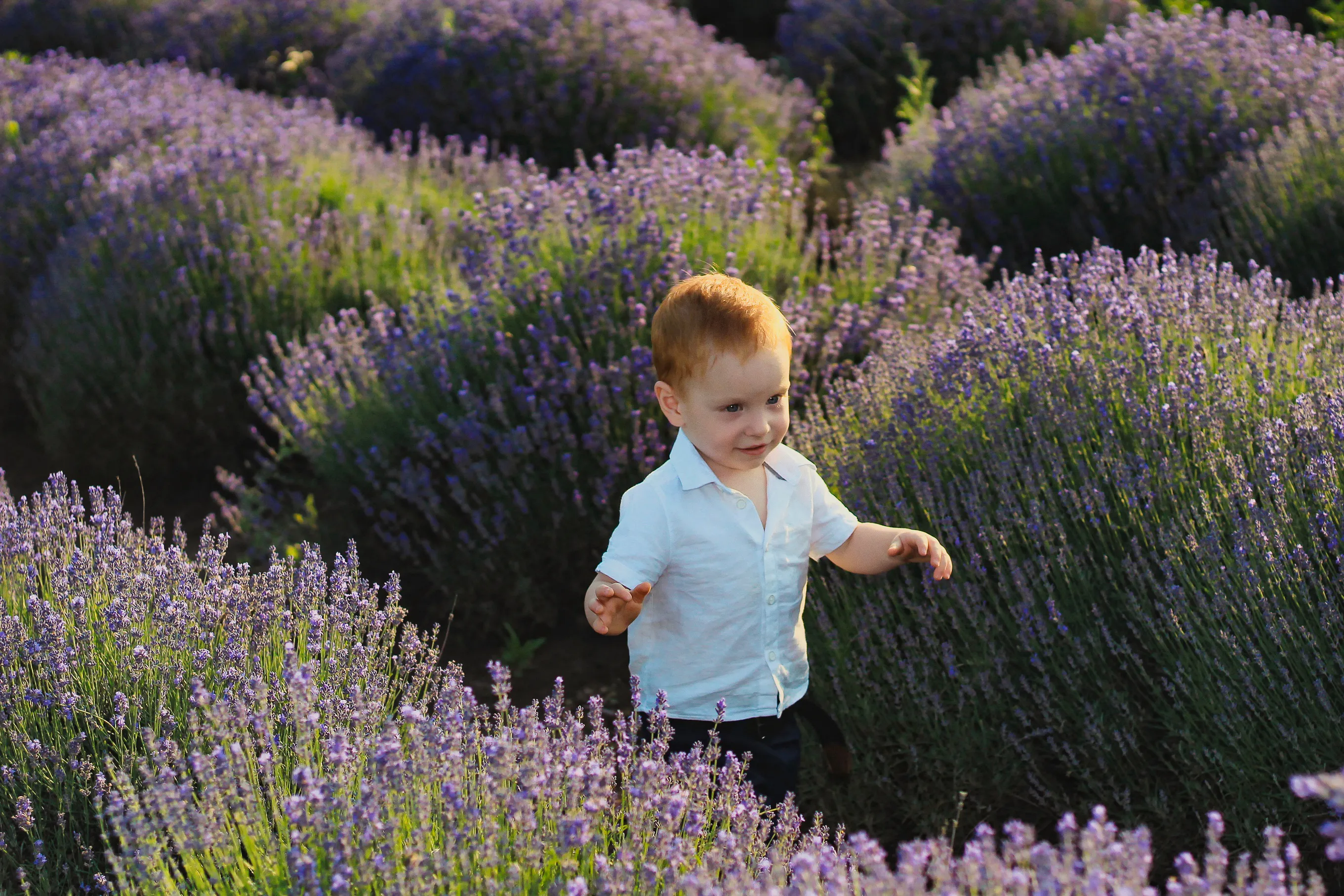
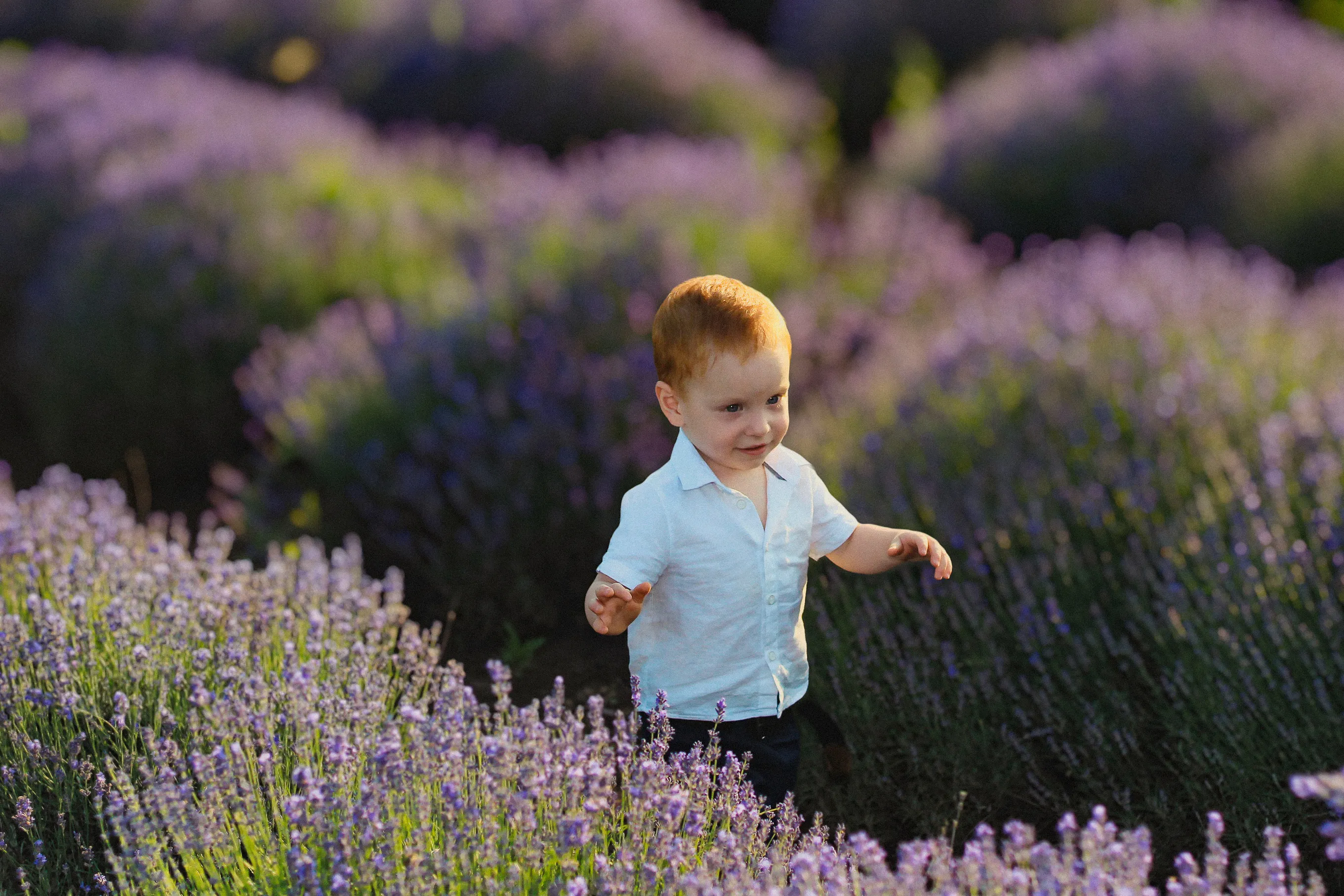
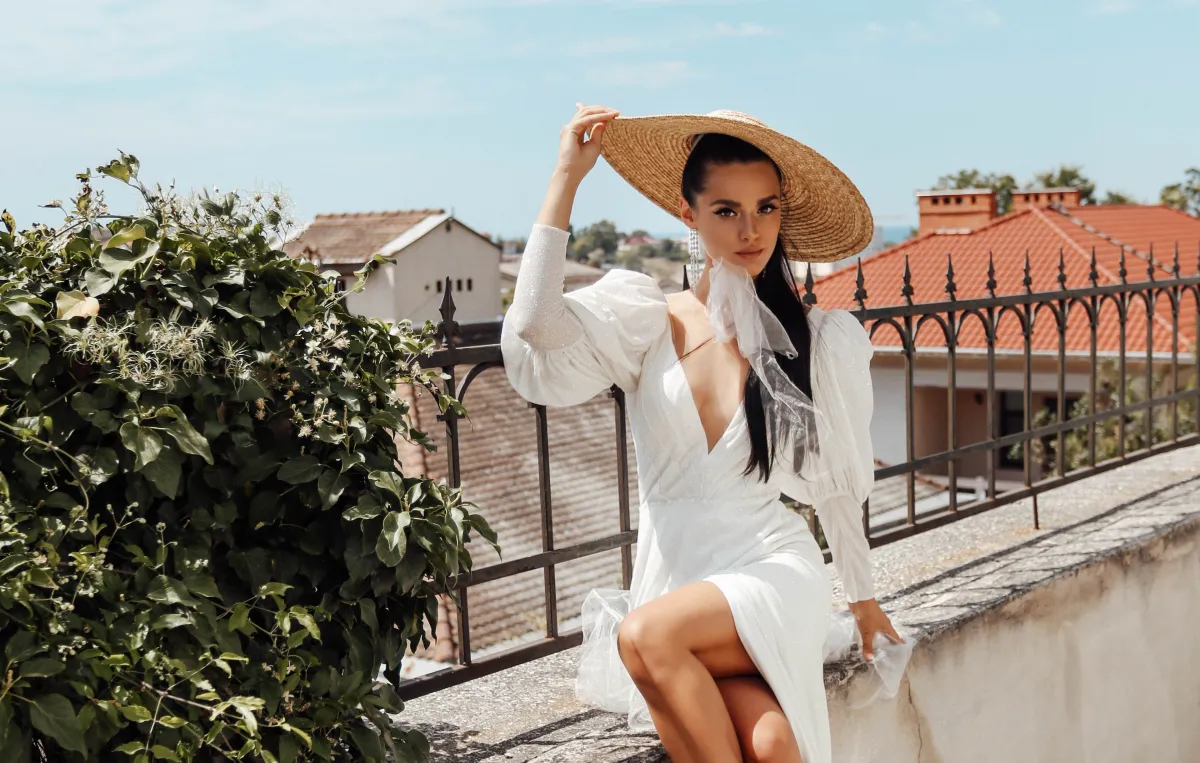
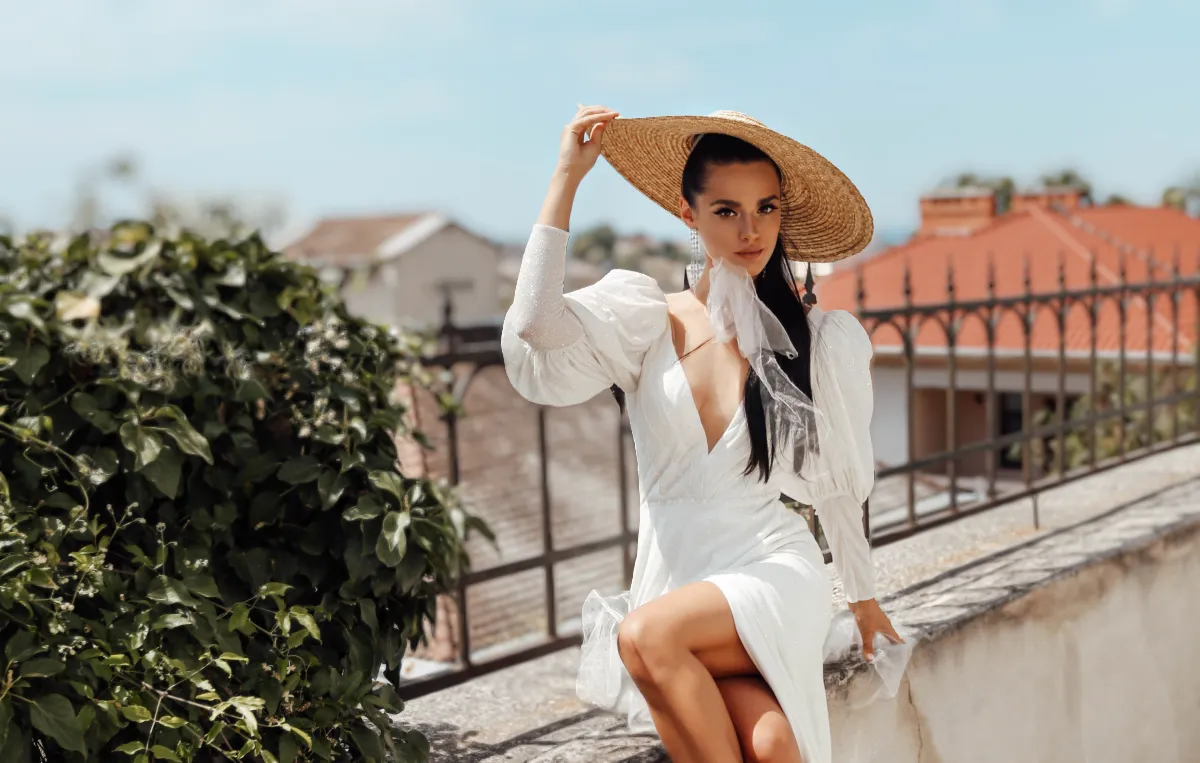
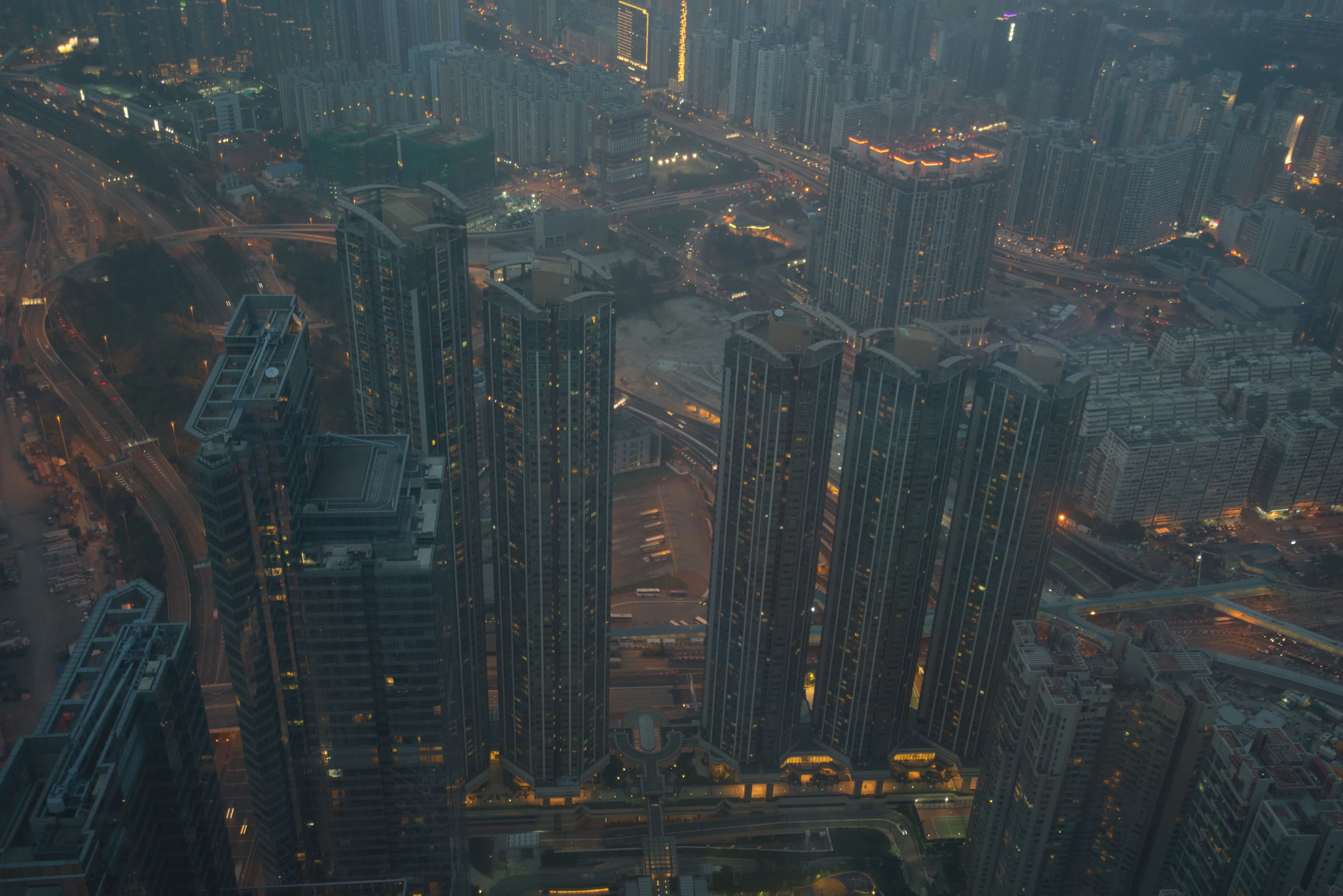
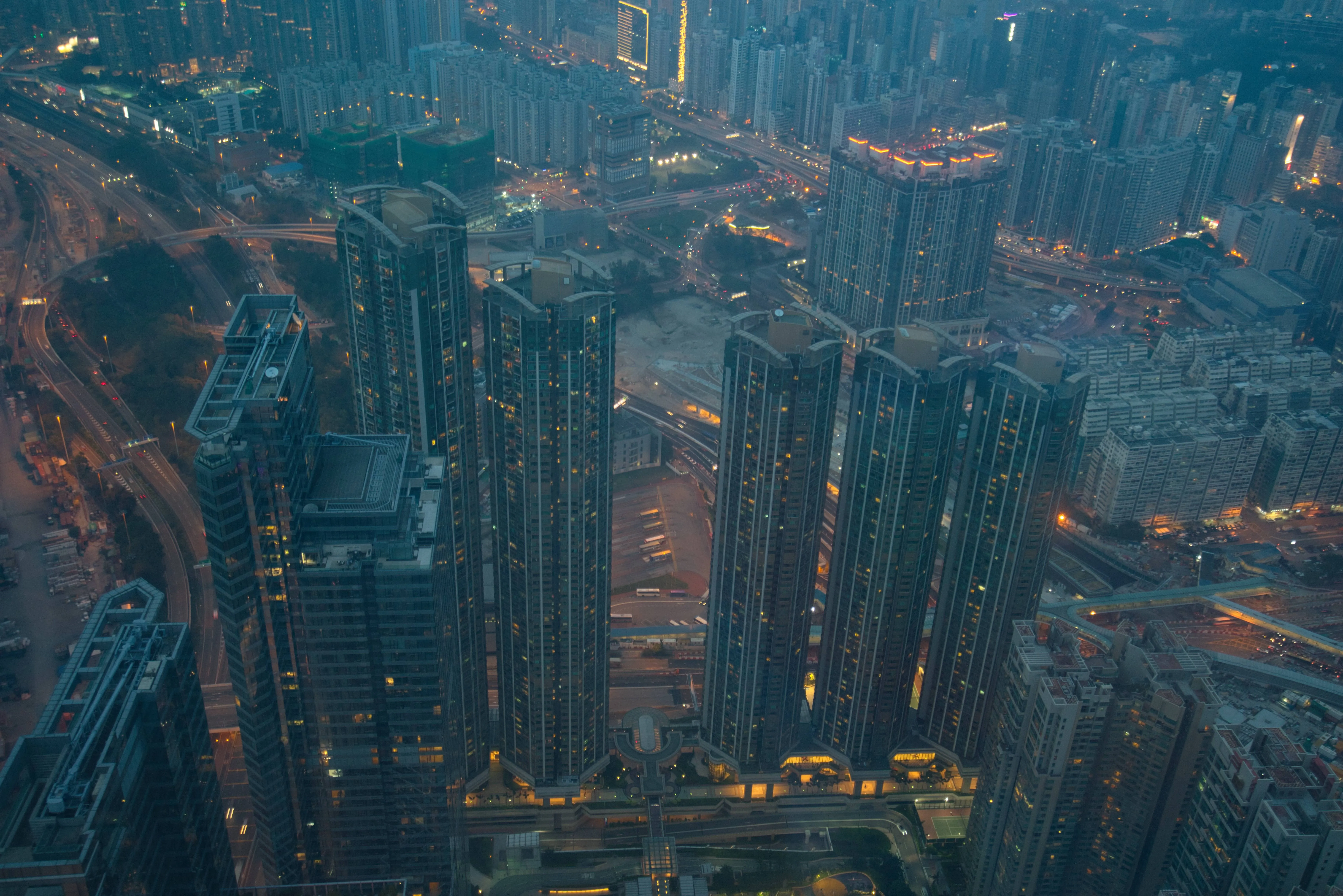
Luminar의 강력한 보케 카메라 효과로 이미지를 새롭게 변신시켜 보세요. 자연스러운 배경 흐림 효과를 통해 깊이감과 분위기를 순식간에 연출할 수 있습니다. 이제 Luminar의 보케 기능은 사람뿐만 아니라 사물과 동물에도 적용되어, 그 어느 때보다 더 넓은 창작의 자유를 선사합니다.
요금제 보기전문 카메라에 버금가는 보케 효과
실제 렌즈의 특성을 재현한 보케 블러 효과로 자연스럽고 고품질의 결과물을 만들어 보세요. Luminar는 첨단 AI 기술을 활용해 이미지를 분석하고, 마치 전문 카메라로 촬영한 것처럼 자연스럽고 사실적인 블러 효과를 적용합니다.
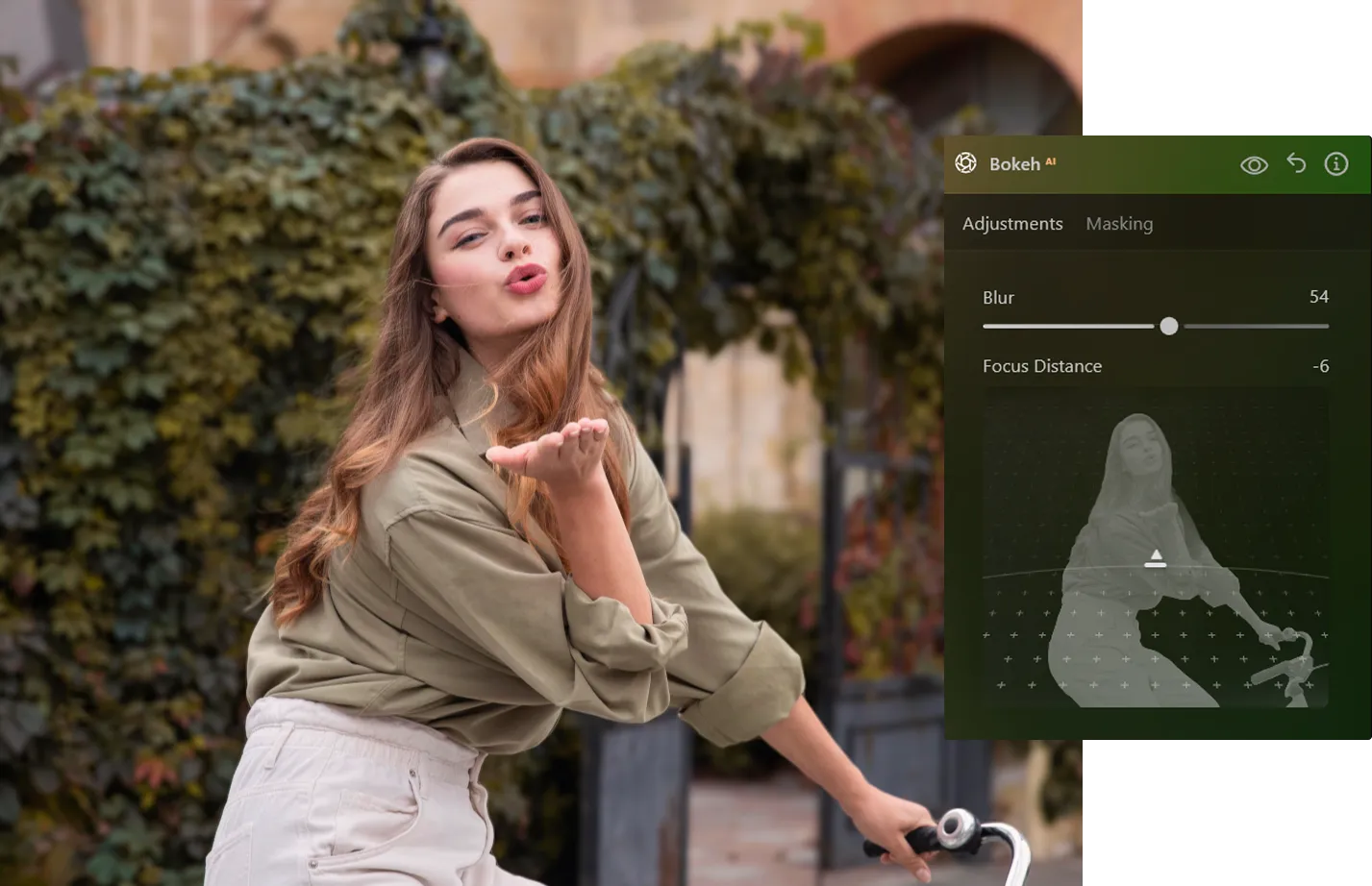
나만의 스타일에 맞춰 보케 조명 효과를 설정하기
보케 조명을 세심하게 조절하여 모든 샷에 분위기와 감성을 더해보세요. 부드럽고 몽환적인 하이라이트부터 강렬하고 스타일리시한 조명까지, 원하는 대로 분위기를 연출할 수 있습니다.



© shutterstock
보케 효과를 추가하는 간단한 방법
Luminar의 직관적인 워크플로로 빠르게 시작해 보세요.
1. Luminar에서 이미지를 여세요
2. 편집 패널에서 보케 AI 도구를 선택하세요
3. 효과를 조정하면 결과를 즉시 확인할 수 있습니다. 복잡한 마스크나 수동 선택 작업 없이, 간단하면서도 강력한 편집 기능을 경험해 보세요.
1. Luminar에서 이미지를 여세요
2. 편집 패널에서 보케 AI 도구를 선택하세요
3. 효과를 조정하면 결과를 즉시 확인할 수 있습니다. 복잡한 마스크나 수동 선택 작업 없이, 간단하면서도 강력한 편집 기능을 경험해 보세요.
모든 디테일을 정교하게 조절하세요: 농도, 형태, 색상
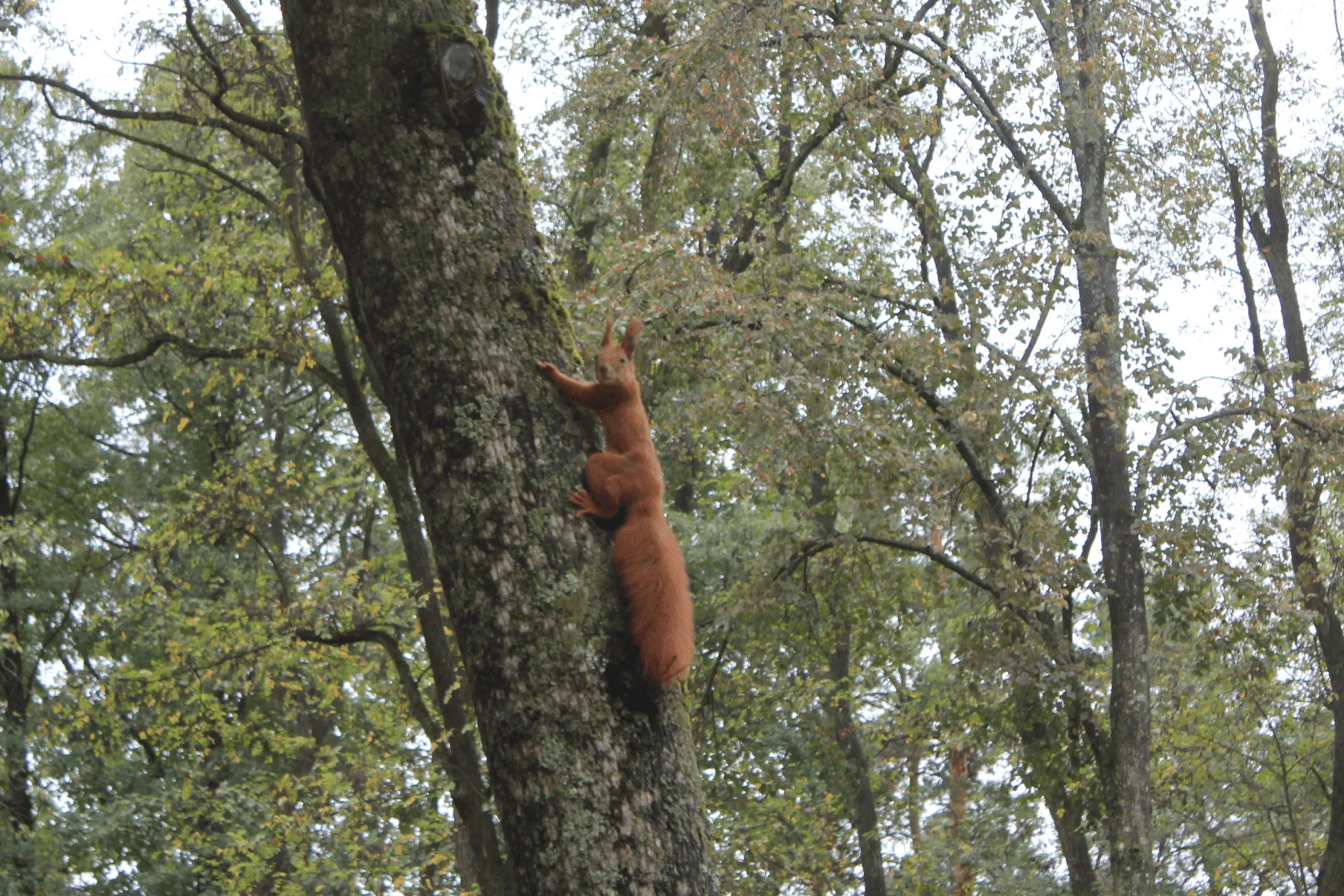
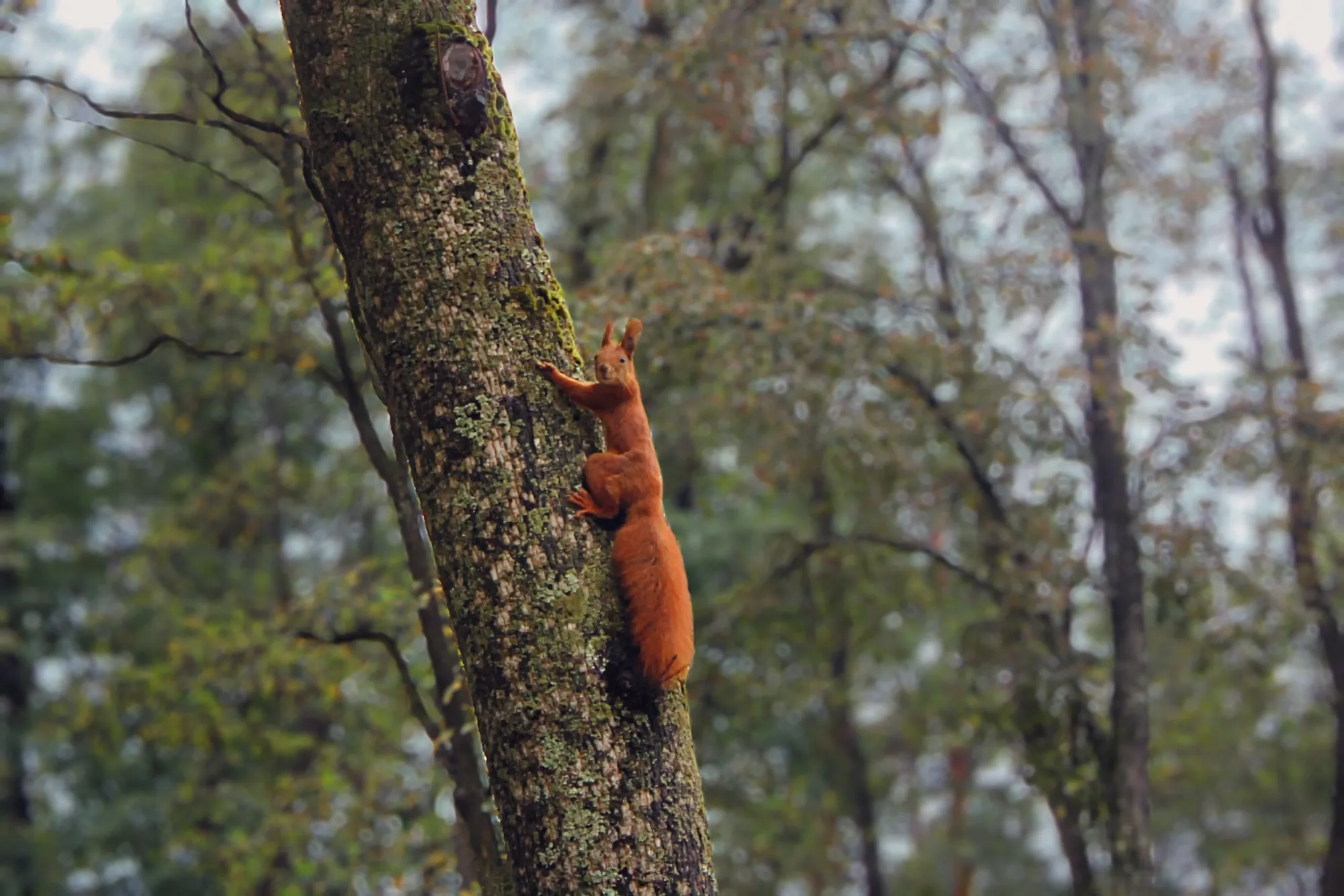
부드러운 보케 효과를 마음껏 조절하여 나만의 독특한 스타일로 만들어 보세요.
• 흐림 강도를 조절하여 입체감을 높이거나 낮춰보세요
• 예술적인 조명 효과를 위해 밝기와 색상을 조절하세요
• 가장자리를 다듬어 더욱 자연스러운 전환을 연출하세요
• 흐림 강도를 조절하여 입체감을 높이거나 낮춰보세요
• 예술적인 조명 효과를 위해 밝기와 색상을 조절하세요
• 가장자리를 다듬어 더욱 자연스러운 전환을 연출하세요
© shutterstock

애플리케이션 & Lightroom 플러그인
macOS 및 Windows 전용
요금제 보기
고성능 이미지 편집기
연중무휴 24시간 기술 지원
30일 환불 보장 정책
Luminar 인사이더 커뮤니티에 가입하세요
다른 기능 둘러보기
Luminar에는 편집을 더 빠르고 쉽게 할 수 있도록 도와주는 다양한 기능이 있습니다







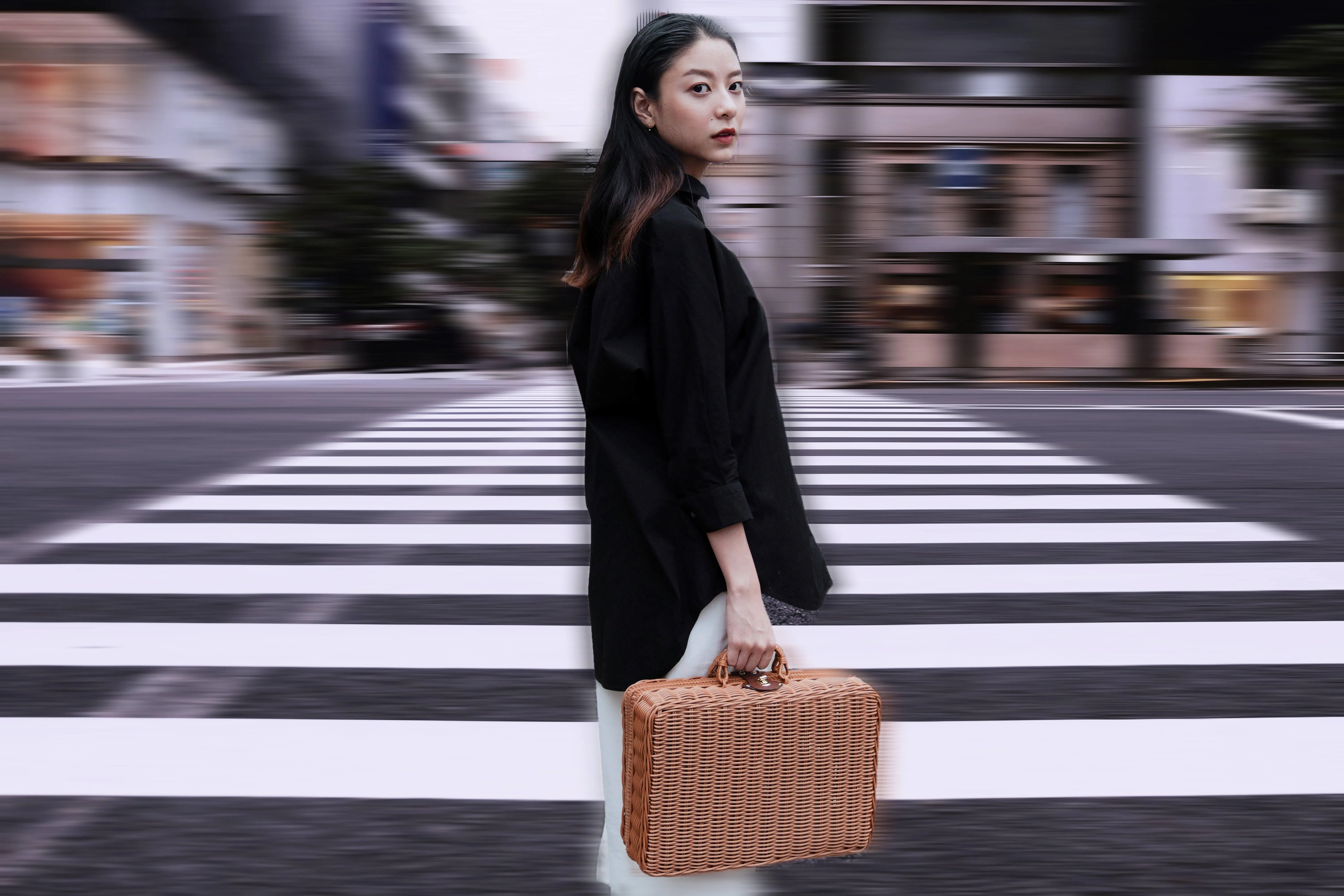
모션 블러 효과
© Ksenia Kazak
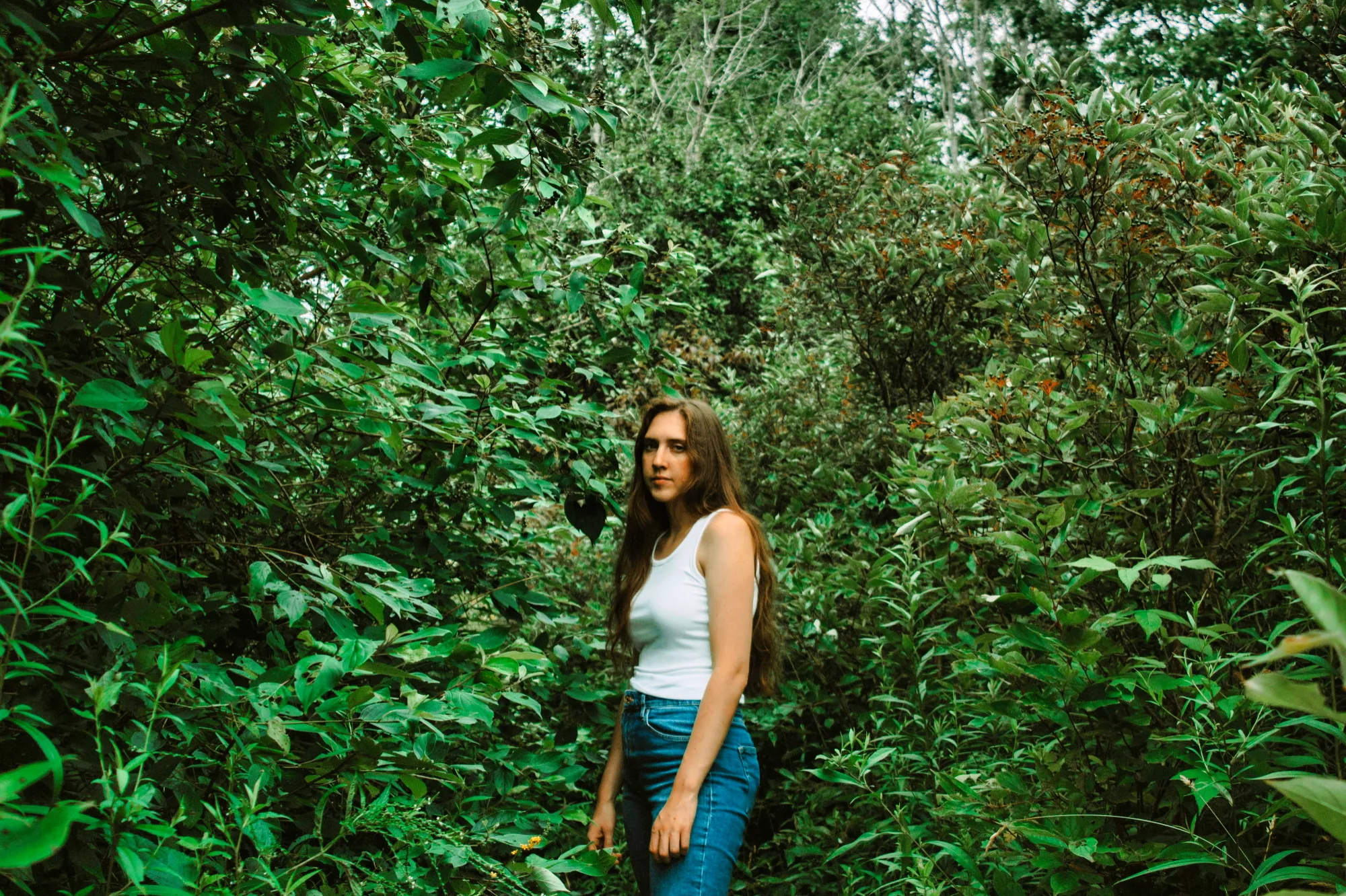
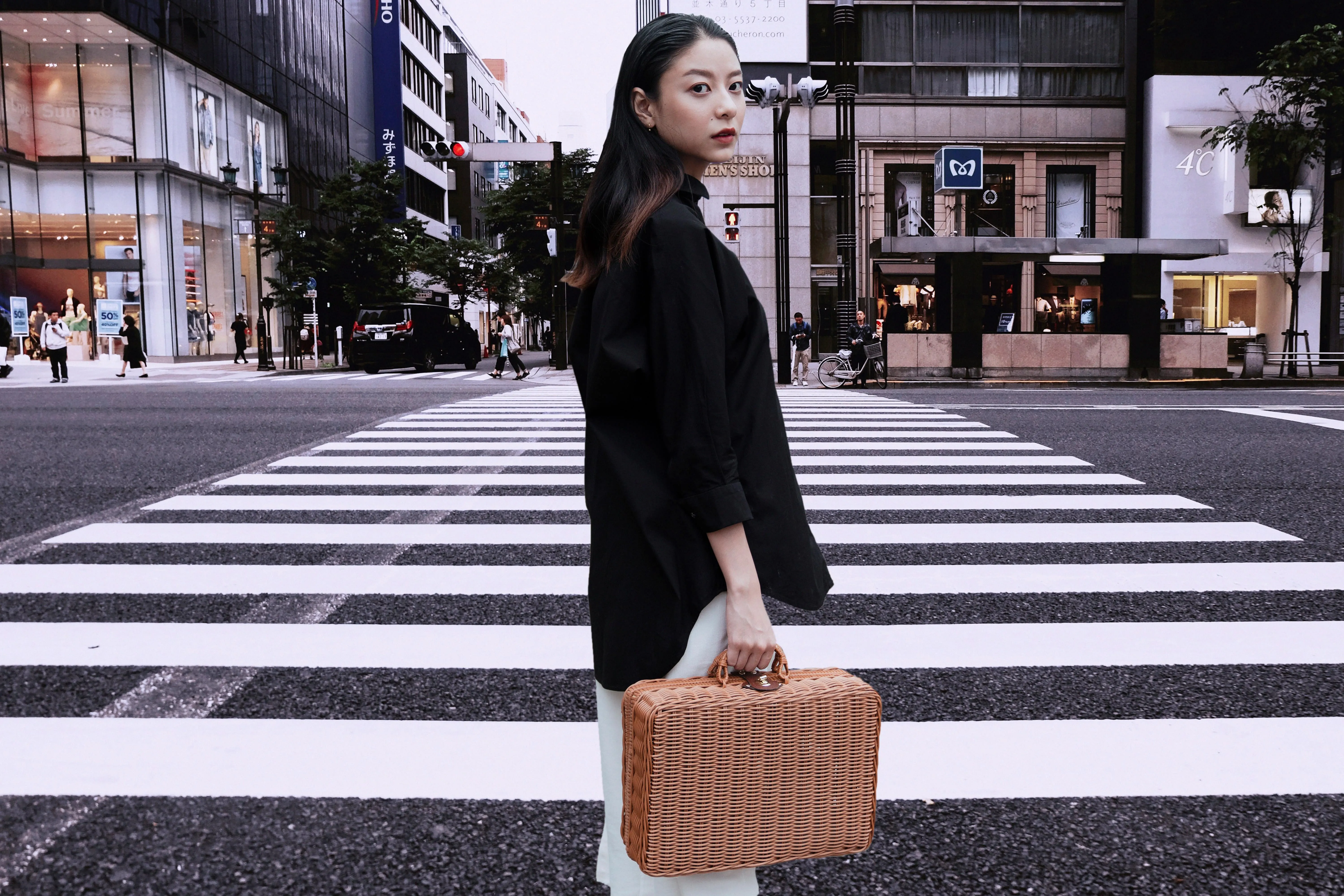
지금 바로 클릭하여 Luminar의 모션 블러 효과를 체험하고, 평범한 사진을 놀라울 정도로 생동감 넘치는 작품으로 만들어 보세요.

자주 묻는 질문
보케 효과란?
보케 효과는 피사체는 선명하게 유지한 채 배경을 흐리게 처리하여 입체감과 시각적 분리감을 연출하는 사진 기법입니다.
Luminar에서 보케 효과를 내는 방법은 무엇인가요?
Luminar에서는 전용 도구를 사용하여 보케 효과를 적용할 수 있습니다. 이미지를 열고 도구를 선택한 다음, 흐림 정도, 조명, 모양을 조절하여 원하는 결과를 얻을 수 있습니다.
여러 장의 사진을 한 번에 일괄 편집하여 보케 필터를 적용할 수 있나요?
네, Luminar를 사용하면 여러 이미지에 걸쳐 편집 내용을 적용할 수 있어, 대규모 프로젝트를 진행할 때 일관된 결과물을 쉽게 만들어내고 시간을 절약할 수 있습니다.
소프트웨어 보케가 실제 카메라 렌즈의 보케를 따라잡을 수 있을까요?
Luminar와 같은 최신 도구를 사용하면 매우 사실적인 결과를 얻을 수 있습니다. 실제 렌즈는 광학 원리에 의존하지만, AI 기반 도구는 심도와 빛의 움직임을 재현하여 실제 보케 배경 효과와 매우 유사한 결과를 만들어 낼 수 있습니다.
Luminar의 보케 효과가 특별한 이유는 무엇일까요?
일반적인 흐림 효과 도구와 달리, Luminar는 AI를 활용해 심도를 분석하고, 사진이 세로 모드로 촬영되지 않았더라도 사실적인 보케 효과를 만들어 냅니다. 피사체를 배경에서 정확하게 분리해 주며, 흐림 강도, 초점 거리, 보케 모양을 조절할 수 있어 더욱 자연스럽고 전문적인 느낌을 연출할 수 있습니다.
Luminar의 보케 도구는 누구에게 유용할까요?
Luminar의 보케 도구는 다음과 같은 용도로 유용합니다:
- 인물 사진 작가: 피사체와 배경 사이의 구분감을 더욱 뚜렷하게 표현하세요
- 웨딩 사진작가: 인물 사진에 부드럽고 로맨틱한 분위기를 더하세요
- 패션 사진작가: 모델과 스타일링에 시선을 집중하세요
- 콘텐츠 제작자: 인물 사진에 세련되고 전문적인 느낌을 더하세요
- 일반 사용자: 전용 렌즈 없이도 얕은 피사계 심도 효과를 연출할 수 있습니다
- 인물 사진 작가: 피사체와 배경 사이의 구분감을 더욱 뚜렷하게 표현하세요
- 웨딩 사진작가: 인물 사진에 부드럽고 로맨틱한 분위기를 더하세요
- 패션 사진작가: 모델과 스타일링에 시선을 집중하세요
- 콘텐츠 제작자: 인물 사진에 세련되고 전문적인 느낌을 더하세요
- 일반 사용자: 전용 렌즈 없이도 얕은 피사계 심도 효과를 연출할 수 있습니다
Luminar의 보케 도구는 어떤 사용 사례에서 가장 효과적일까요?
Luminar의 보케 도구는 인물 사진, 웨딩 사진, 패션 사진, 라이프스타일 사진 등에서 가장 효과적입니다. 이러한 장르에서는 복잡한 배경에서 피사체를 분리함으로써 시선을 피사체에 집중시키는 데 도움이 됩니다. 특히 원본 사진이 깊은 피사계 심도로 촬영되었을 때, 고속 인물용 렌즈로 촬영했을 때처럼 배경을 부드럽게 처리하고 싶을 때 유용합니다.
