プランを見る

Dynamic car photo editor

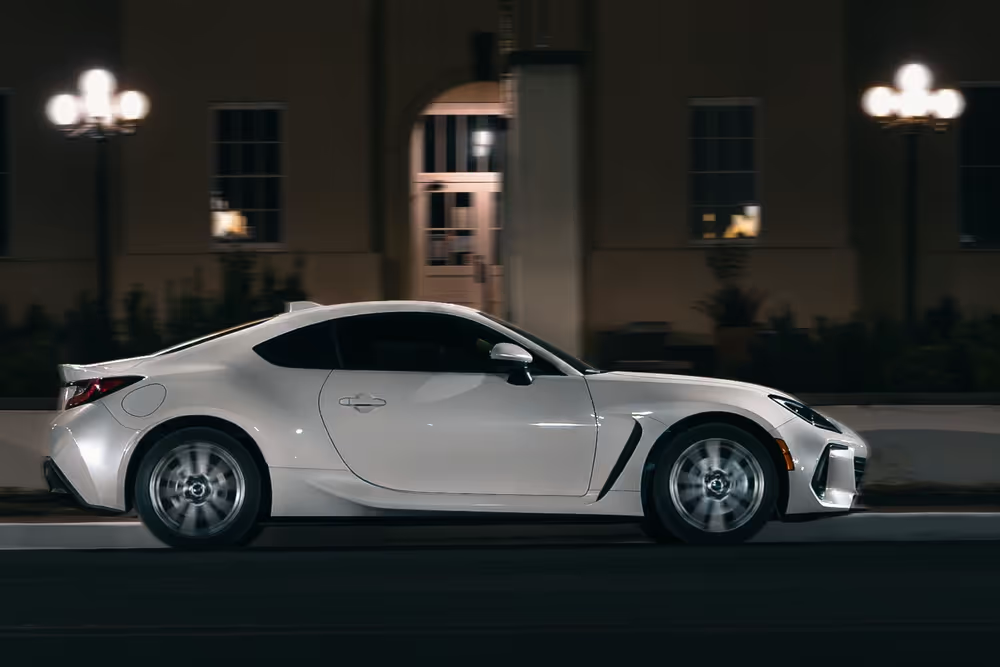
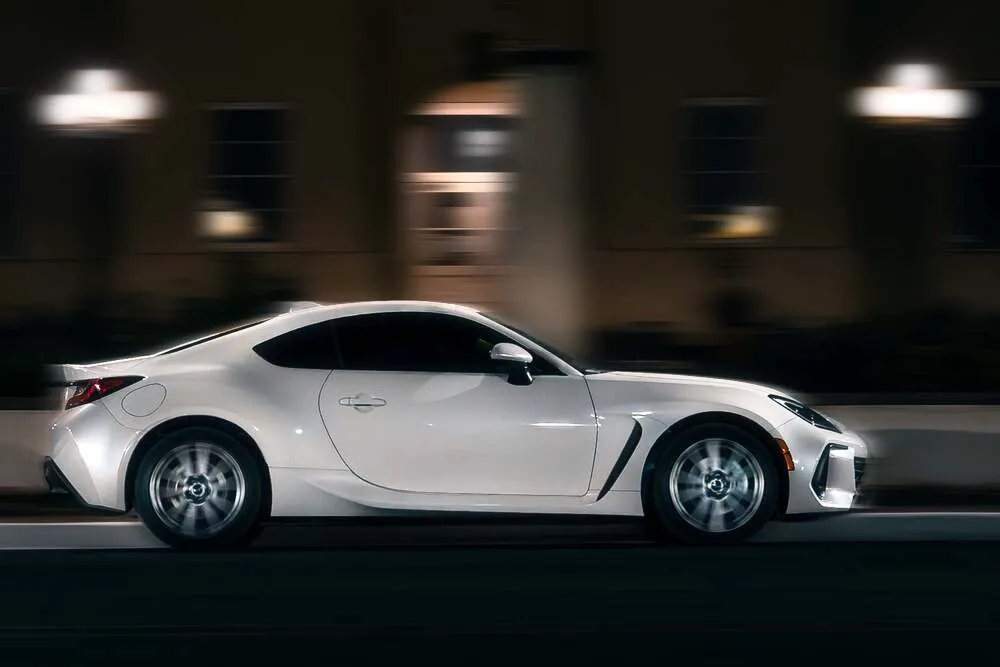
色、コントラスト、明るさ、シャープネスを調整して、車写真の全体的な仕上がりを改善。適切に編集することで車の印象はより鮮やかで洗練され、広告や販売ページ、ポートフォリオで一段と引き立ちます。

プランを見る

How to redefine your automotive imagery with a car editor?

選択的な色調整や背景のぼかし、特定の部分のハイライトなどの写真編集テクニックを使って、車の特徴や魅力を際立たせることができます。これにより、注目すべきポイントに視線を集め、商品の価値をより効果的に伝えられます。

Why do car photo editors matter in online marketing?

車のボディにあるキズやへこみ、細かなダメージなどを補正できるため、販売時に最も良い状態で車を見せることができます。
(2)
(3)
(4)
編集前
After
(5)

Automotive image processing for businesses

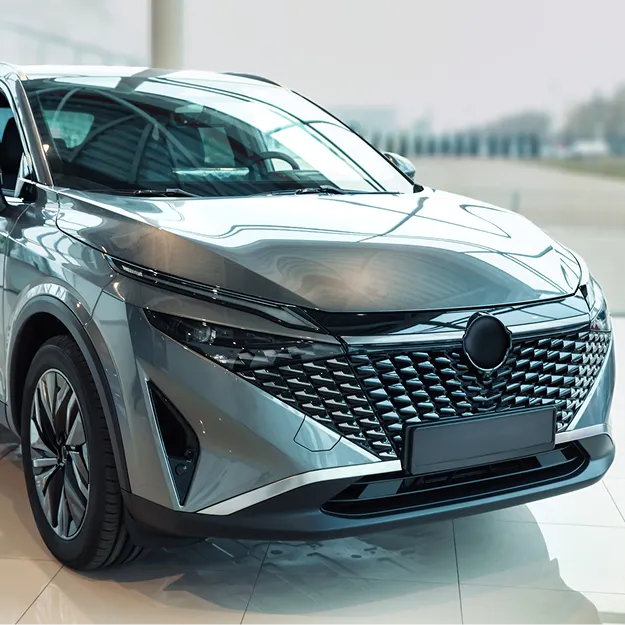
If you're managing vehicle listings across dealerships, marketplaces, or large inventories, you know how much time it takes to keep every image looking its best. Luminar Engine helps dealership groups, OEMs, automotive marketplaces, photography providers, and inventory-management businesses process vehicle photos at scale and keep listings consistent.
(6)

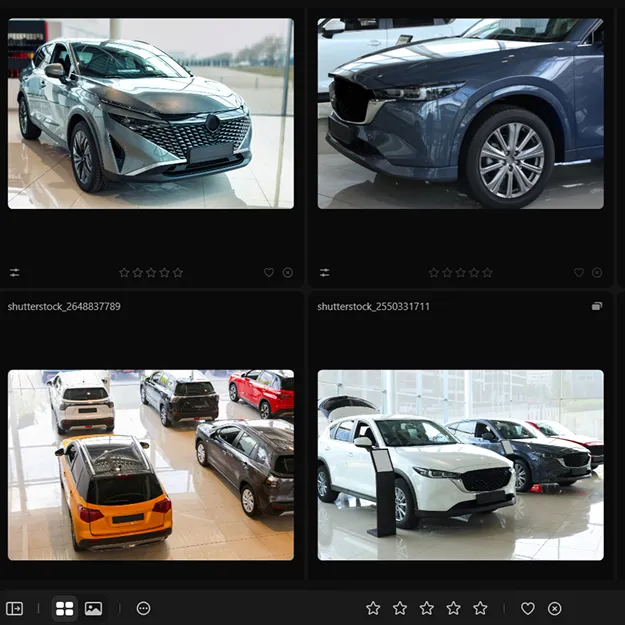
Process vehicle images at scale

Handle large volumes of vehicle photos without slowing down your team. Speed up editing and get inventory images ready for listings faster.
(7)

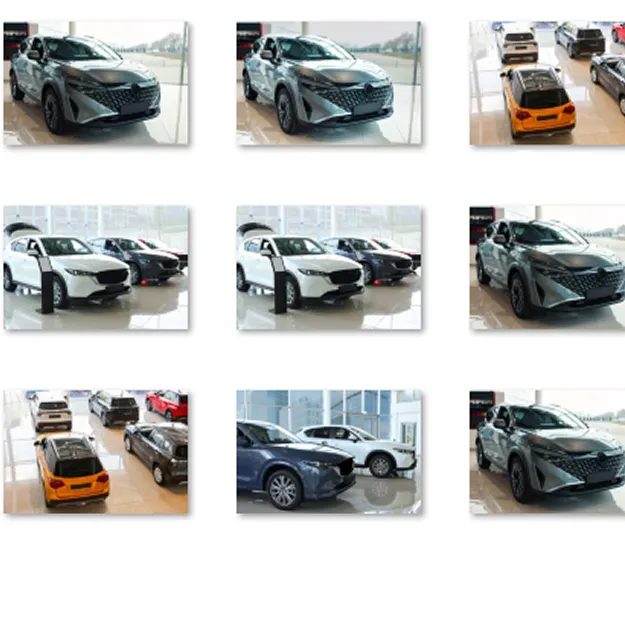
Automate consistent AI car image processing

Give vehicle photos a consistent, professional look across your inventory. Automate repetitive edits to keep lighting, colors, and backgrounds aligned across listings.
(8)

Integrate image processing into your automotive workflow

Bring image processing into the systems your business already uses. Luminar Engine helps you streamline vehicle photo editing without rebuilding your existing workflow.

The allure of car image editing and its impact

車の写真を編集するかどうかは、車を販売、最高のライティングで紹介すること、あるいは単に車への創造性や情熱を表現することなど、目的によって異なります。編集が初めての場合は、プリセットを使って写真をすばやく編集できます。

(9)

ウィンドウ上部のプリセットをクリックすると、プリセットブラウザに切り替わります。これによりプリセットパネルが表示されます。

(10)

プリセット コレクションを選ぶ

(11)

この写真のためにセクションで提案されたテンプレートを使用する

(12)

カテゴリ別に整理された他のコレクションも閲覧できます。アイコンを見ながら、使いたいプリセットを見つけてください。

(13)

適用する準備ができたら、プリセット名をクリックして適用します。別のプリセットを使いたい場合も、その名前をクリックするだけで簡単に切り替えられます。

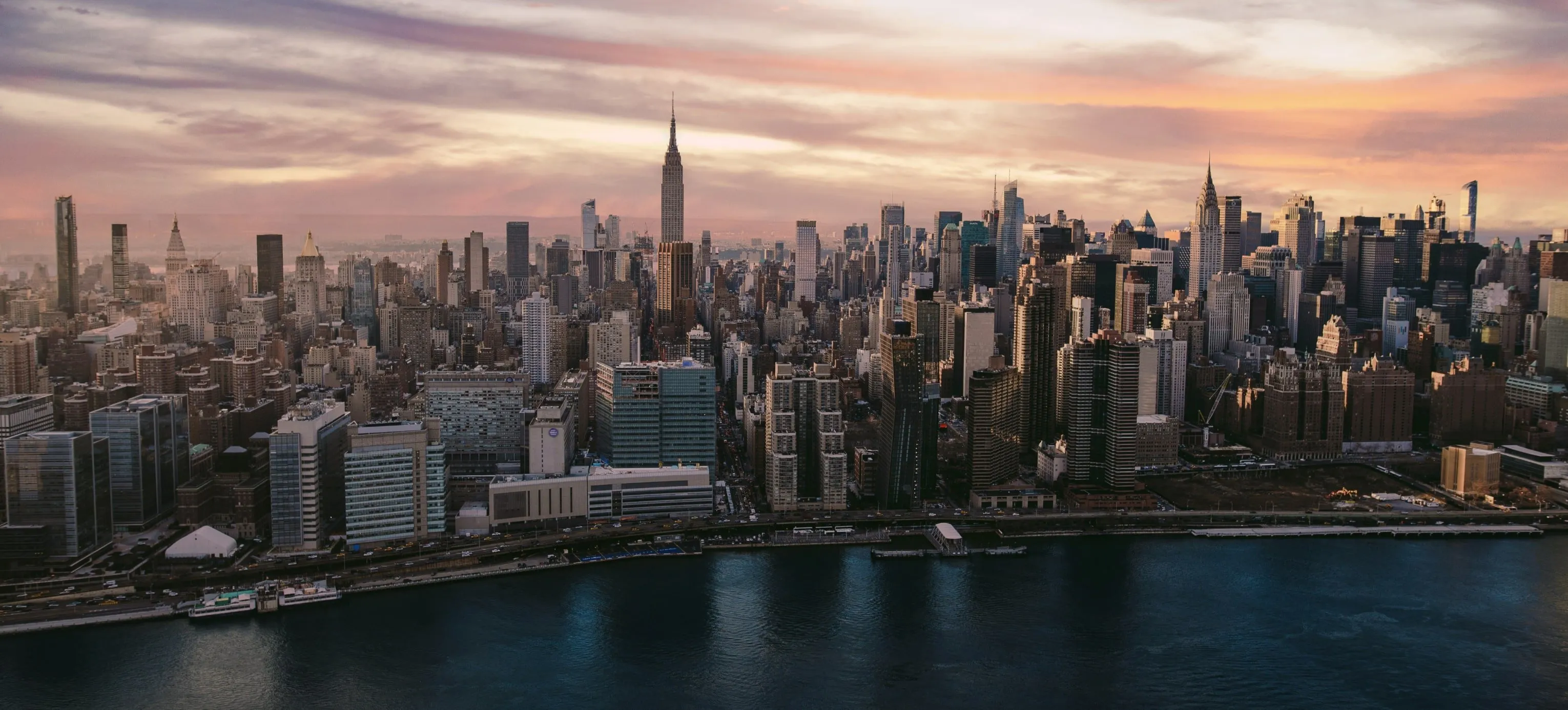
Other use cases

Luminar has plenty of other use cases to help you edit faster and easier
(15)
Landscape photography
(16)
(17)
編集前
After
© Maryna Yurlovska

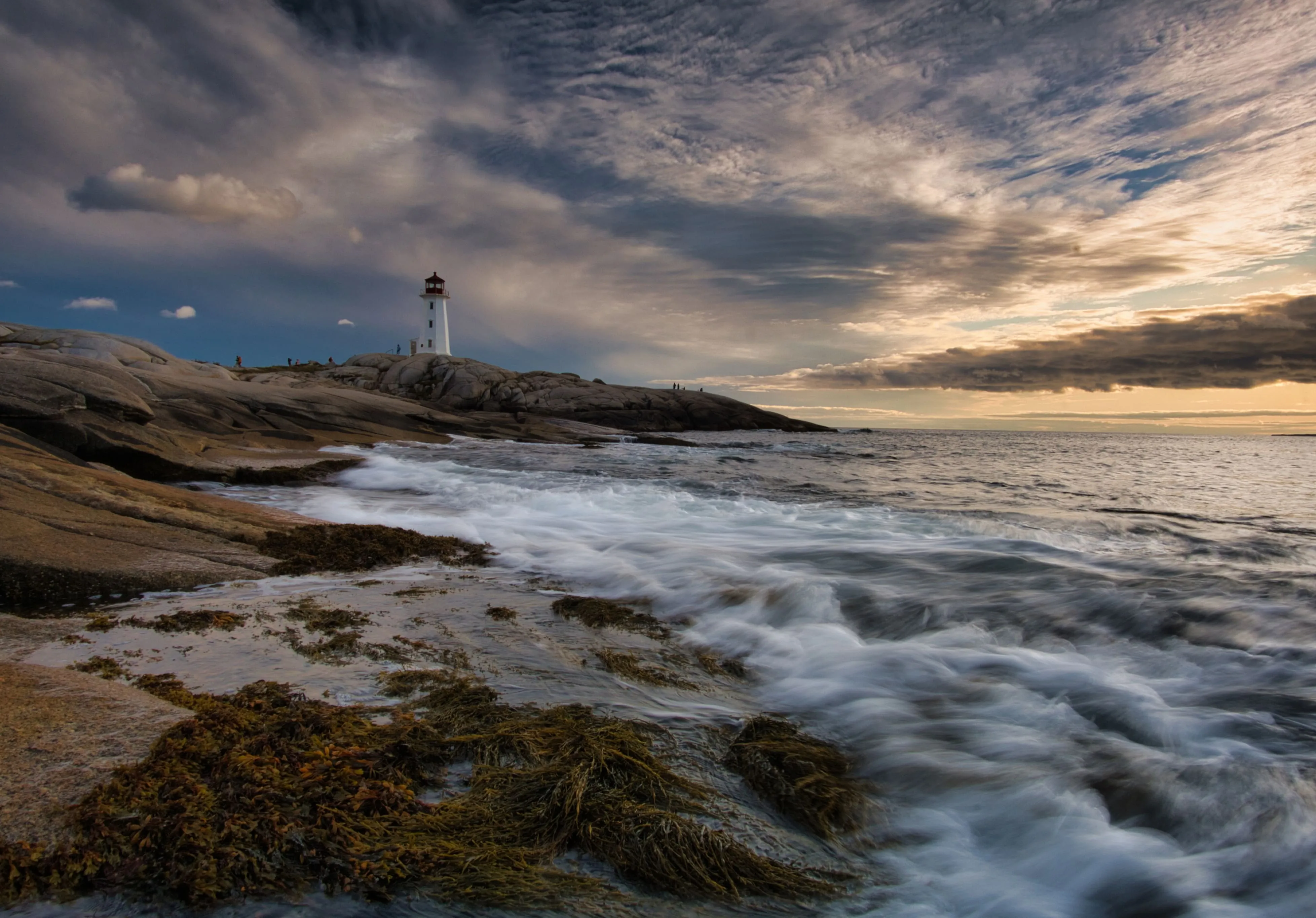
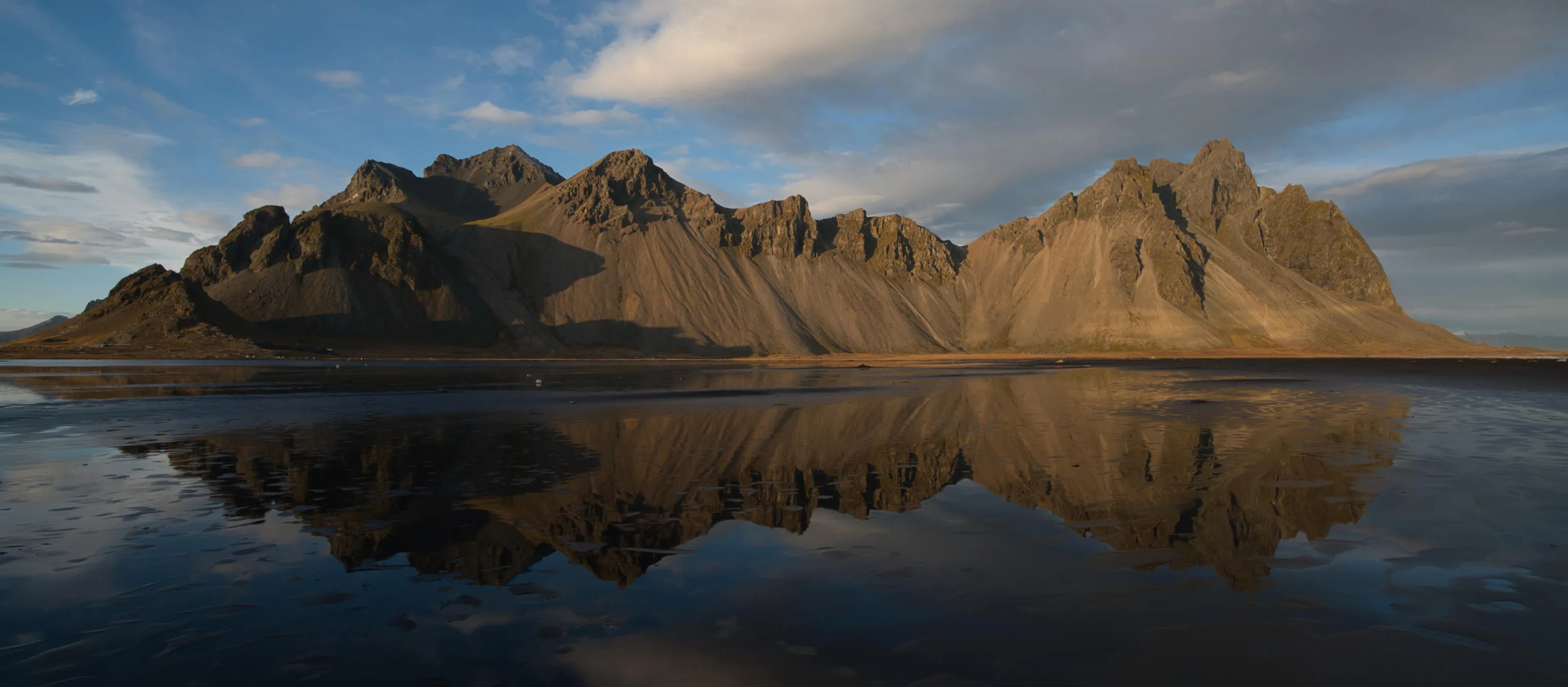
Landscape photography

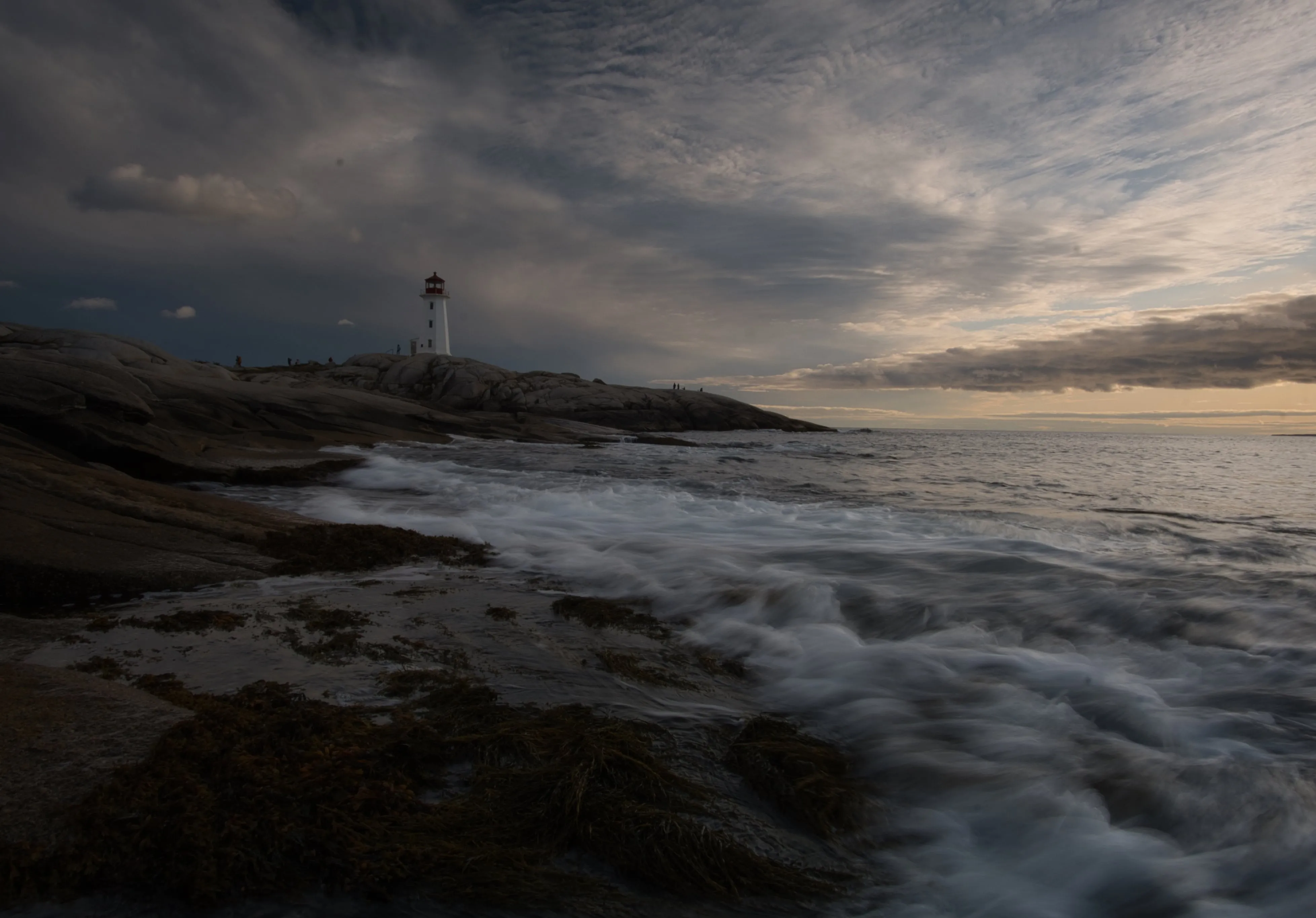
Achieve astonishing results with intuitive, AI-powered landscape photo editing tools of Luminar.
(18)
E-commerce photography
(19)
(20)
編集前
After
© Depositphotos

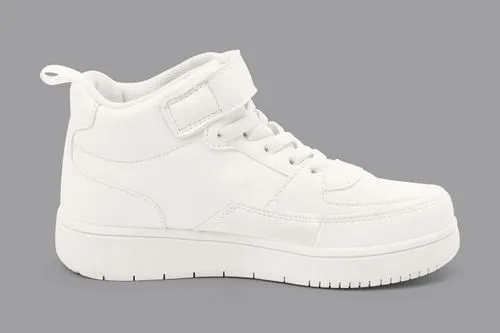
E-commerce photography

Enhance Your Product Images and elevate your e-commerce success with Luminar!
(21)
ファッション写真
(22)
(23)
編集前
After
© Depositphotos

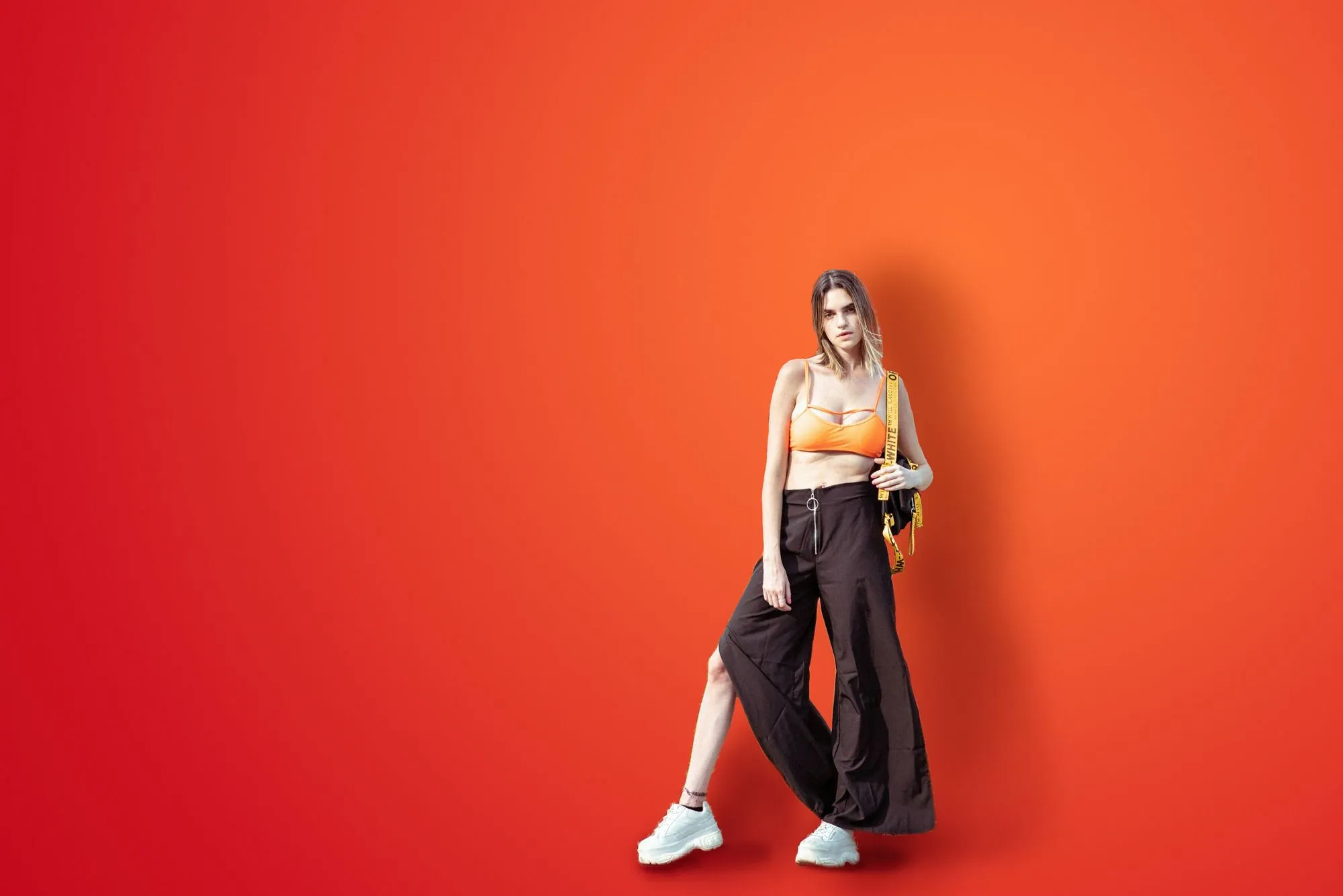
ファッション写真

衣装を引き立て、モデルをレタッチ、プロフェッショナルな写真編集を実現できます!
(24)
AI technology
(25)
(26)
編集前
After
© Rawpixel

AI technology

写真の可能性を最大限に引き出そう — 今すぐAI写真編集ソフトを試して、驚くほど簡単で精密に写真を変身させてください!
(27)
Drone photography
(28)
(29)
編集前
After
© germay10

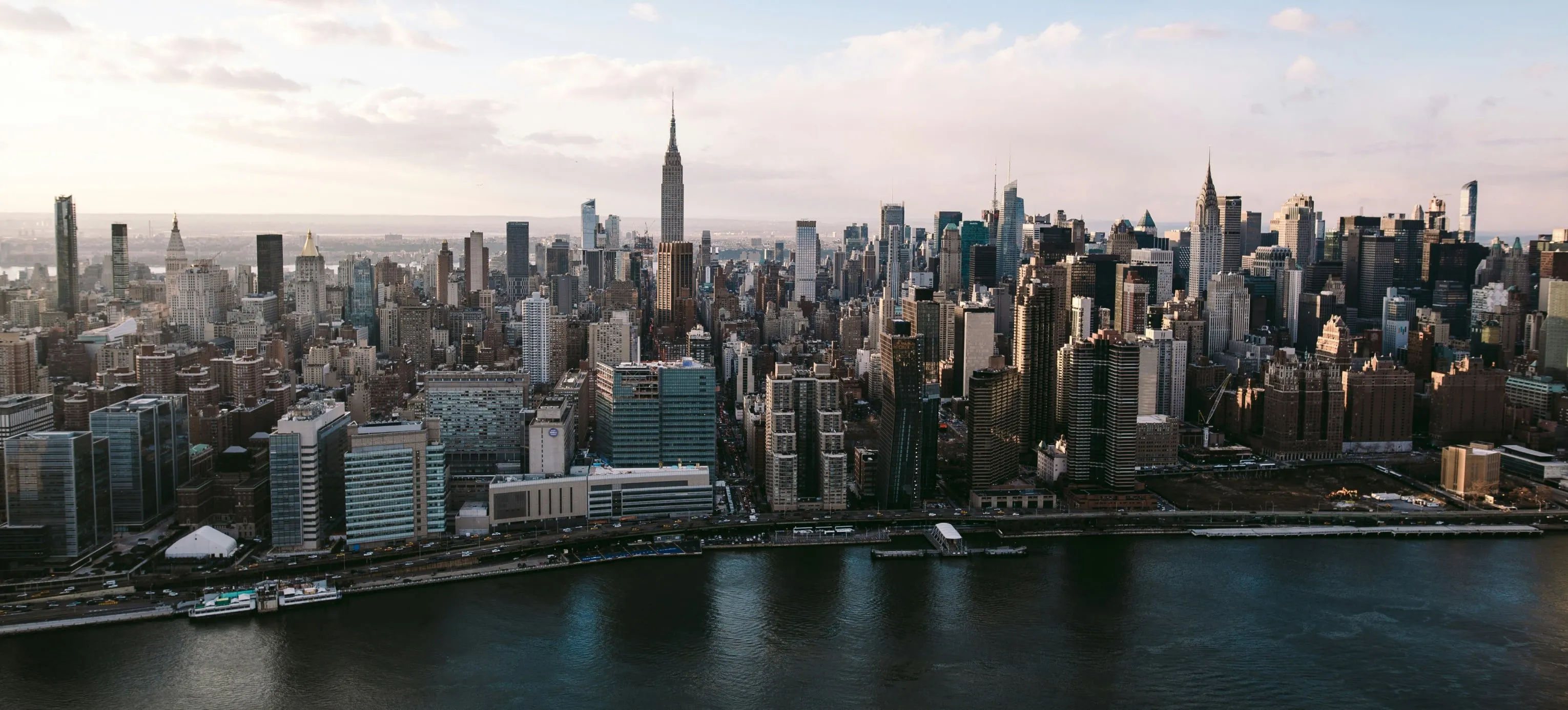
Drone photography

航空写真を次のレベルへ — プロ仕様の編集ツールをお試しください。
(30)
Sport photography
(31)
(32)
編集前
After
© goffkein

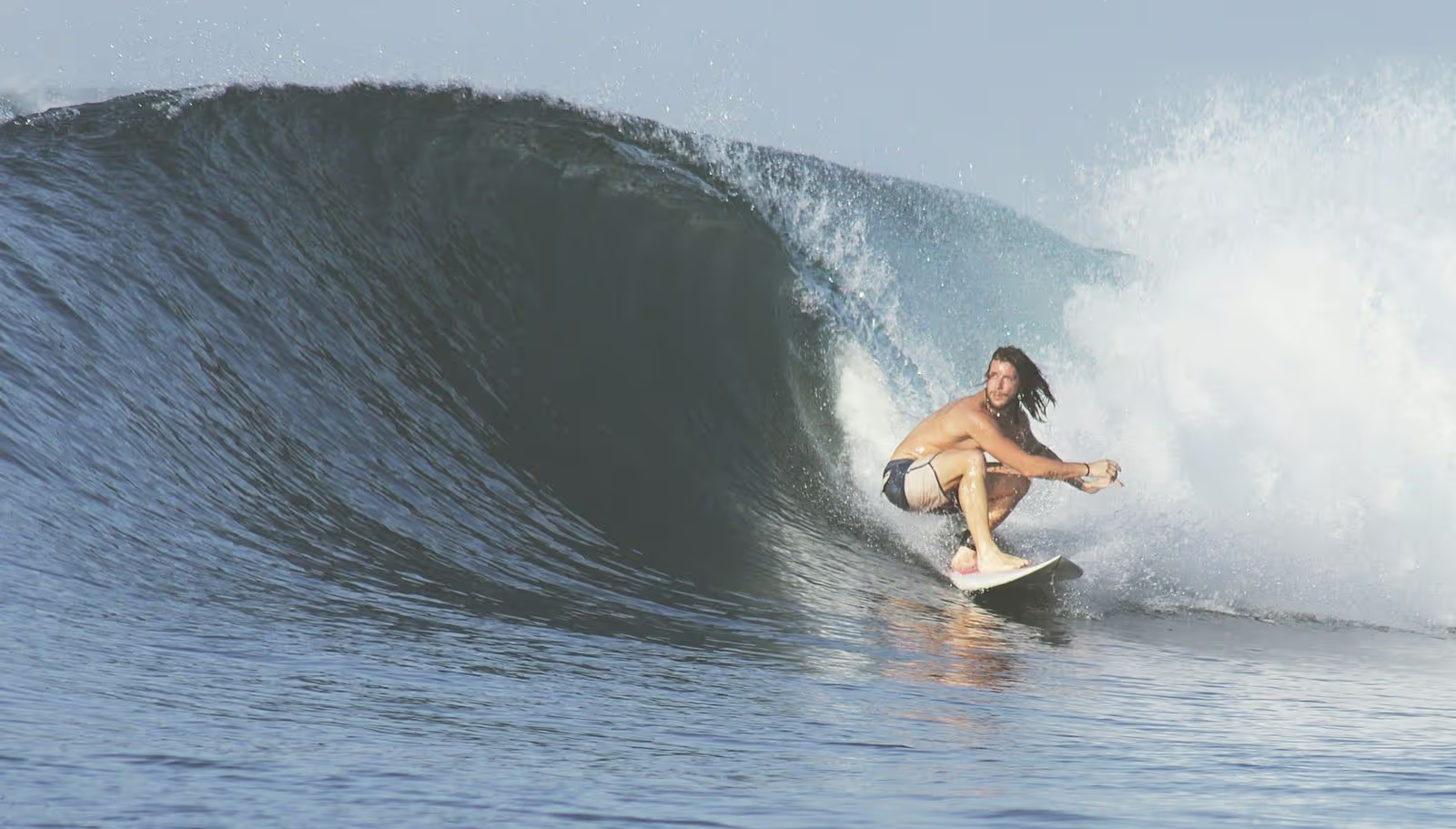
Sport photography

Bring your sports shots to life in Luminar —refine colors, sharpen details, and highlight the energy.

Note on AI-generated and digitally altered images

Businesses using generative AI to edit real estate images should account for applicable transparency and disclosure requirements. Under the EU AI Act, certain AI-generated or manipulated content must be marked or disclosed. California’s AB 723, effective January 1, 2026, requires disclosures for digitally altered images used to advertise property for sale, along with access to the original, unaltered image. Requirements depend on the type of edit and how the image is used.

よくある質問

How to edit car photos with Luminar?

With Luminar, you can handle a wide range of automotive photo edits, including:
‍
- カラー調整:車の色を変更したり、色相、彩度、明るさ、コントラストを細かく調整して、塗装のトーンや全体の印象を向上させます。
- レタッチ:キズやホコリ、へこみ、汚れなどの表面の不具合を取り除きます。
- 背景編集:背景の置き換えや不要な要素の削除で、車をより際立たせます。
- 反射制御:ガラスやボディの反射を軽減または調整して、よりクリーンでプロフェッショナルな仕上がりにします。
- 光と露出の補正:ライティングの問題を修正し、ハイライトとシャドウを復元し、全体の露出バランスを調整します。
- ディテールの強調:明瞭度や質感、シャープネスを高め、デザインや素材感を際立たせます。
- クロップと構図:画像をトリミングして構図を変更し、視線を自然に車へと導きます。
- プリセット:自動車向けのプリセットを適用することで、洗練された外観を素早く実現し、カスタム編集のベースとしても活用できます。

車の写真編集ソフトでは、どのような編集ができますか?

色調整 (車の色、色相、彩度、明るさ、またはコントラストを変更して、車の外観を向上または変更)や、写真のレタッチ (車のボディや表面から傷、へこみ、汚れ、またはその他の欠陥を除去したり) 、背景の置き換え、反射の除去、光と露出の修正などで細部を強調できます。画像をトリミングして車両にさらに視線を集めることもできます。

最適な仕上がりにするために必要な特定のファイル形式や画像解像度はありますか?

通常、高品質のファイル形式と解像度で作業することは編集に有益ですが、ファイル サイズとストレージ要件のバランスを取ることが重要です。ファイルが大きいと、より多くのストレージ容量が使用され、特に複数の画像を一度に編集する場合、編集ソフトウェアの速度が低下する可能性があります。したがって、編集ワークフローの画質と実用性の間の適切なバランスを見つけることが重要です。

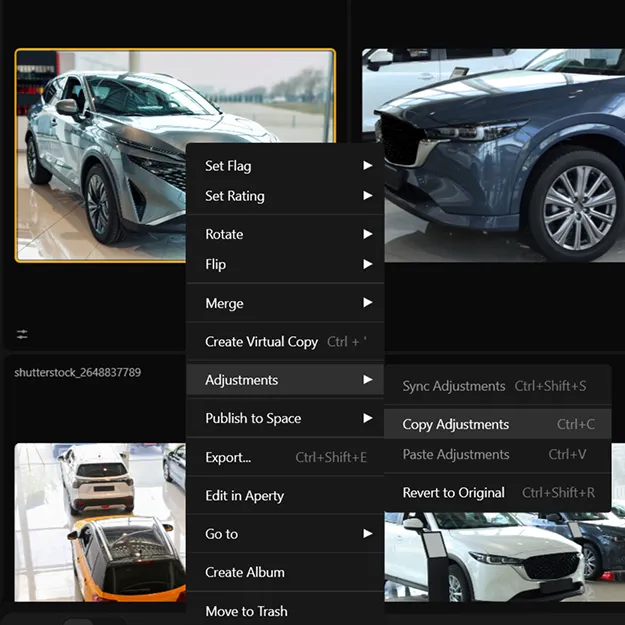
行った変更を元に戻せますか?

もちろんです、元に戻す矢印または編集タブを使って、編集を元に戻せます。ショートカット (macOS:Cmd + Z、Windows:Cntrl + Z) を使用することもできます。

Why Luminar is the best car photo editor?

Luminar combines professional photo editing tools with powerful AI to make car photography faster and more precise. You can enhance lighting and reflections, replace skies, clean backgrounds, remove distractions, and refine details—all while keeping full control over color, contrast, and sharpness. This makes it ideal for creating polished, high-impact automotive images.

Who can benefit from Luminar AI car photo editor?

Luminar is perfect for automotive photographers, car dealerships, marketing teams, and content creators who need clean, eye-catching vehicle images. It’s equally useful for beginners who want fast improvements and professionals who require fine control over every detail.

Why Luminar car photo editing software is trusted by photographers?

Photographers trust Luminar because it delivers consistent, high-quality results across real-world automotive workflows. It combines intelligent automation with professional tools, supports RAW files, and is developed by Skylum, a company recognized worldwide for advanced AI photo editing technology.

Can Luminar process large volumes of car images?

Yes. Luminar Engine helps you process large volumes of vehicle photos efficiently, reduce manual editing, and maintain consistent image quality across your inventory.

Can Luminar be integrated into an automotive image workflow?

Yes. Luminar Engine can be integrated into your existing automotive workflow. Contact us to discuss your needs and find the right solution for your business.
(33)